In this article
A camera photo can give you a useful palette from a leaf, fabric, or painted surface. It does not measure the object’s true physical colour independently of light and camera processing.
I would begin with an evenly lit photo, then choose the pixels deliberately in ColorPicker. That is a clearer workflow than promising an exact paint match.
Photograph the surface in even light
Avoid glare and shadows from your phone. Keep a reference photo so you can see where the sampled colour came from. Changing exposure or white balance can change the resulting values.
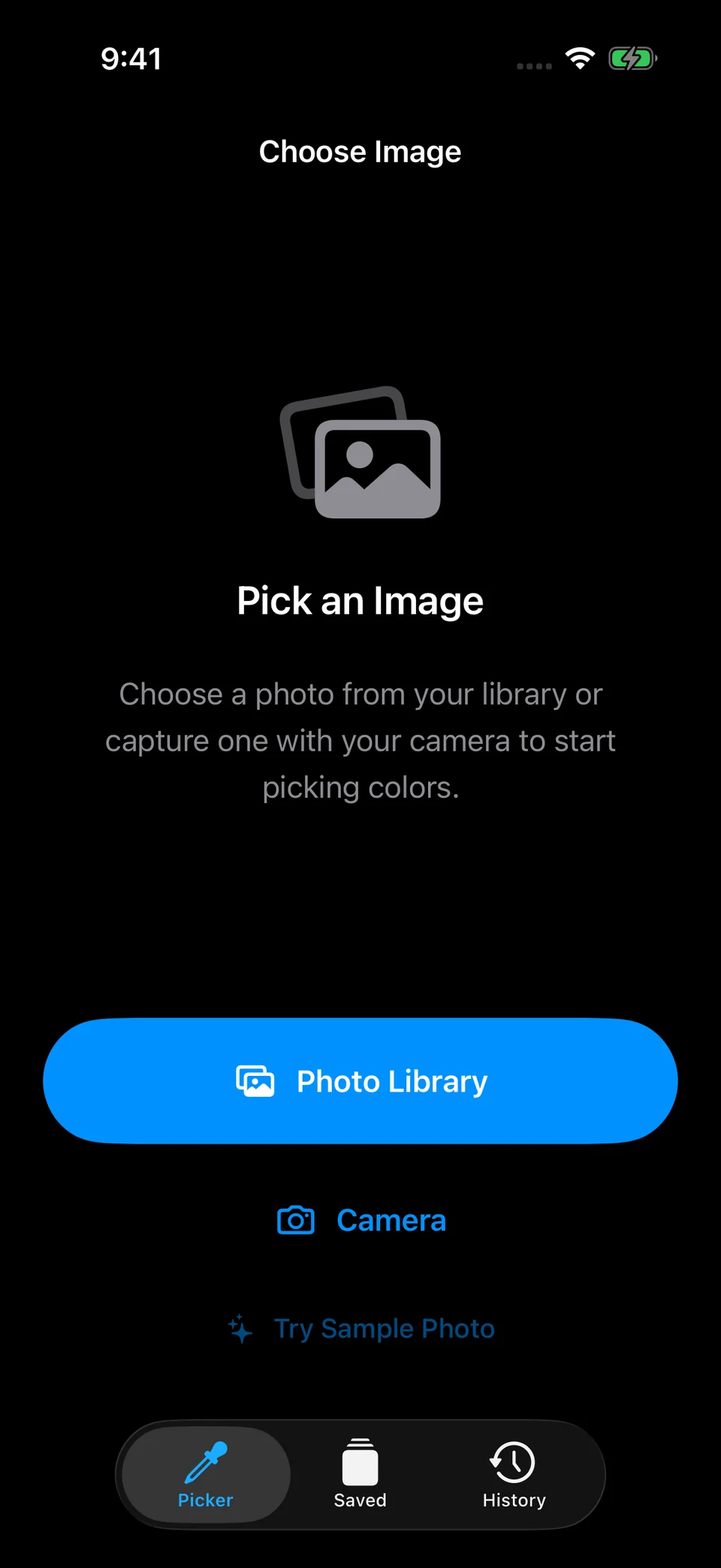
Sample the captured image
Open the photo, double-tap to zoom, and pan to the detail. Touch and drag to preview a colour; lift your finger to add it. Compare nearby pixels before keeping the swatch.
Sampling a highlight on a glossy object can give a very different value from sampling its main surface. Keep the colour that serves your project and retain the source for context.
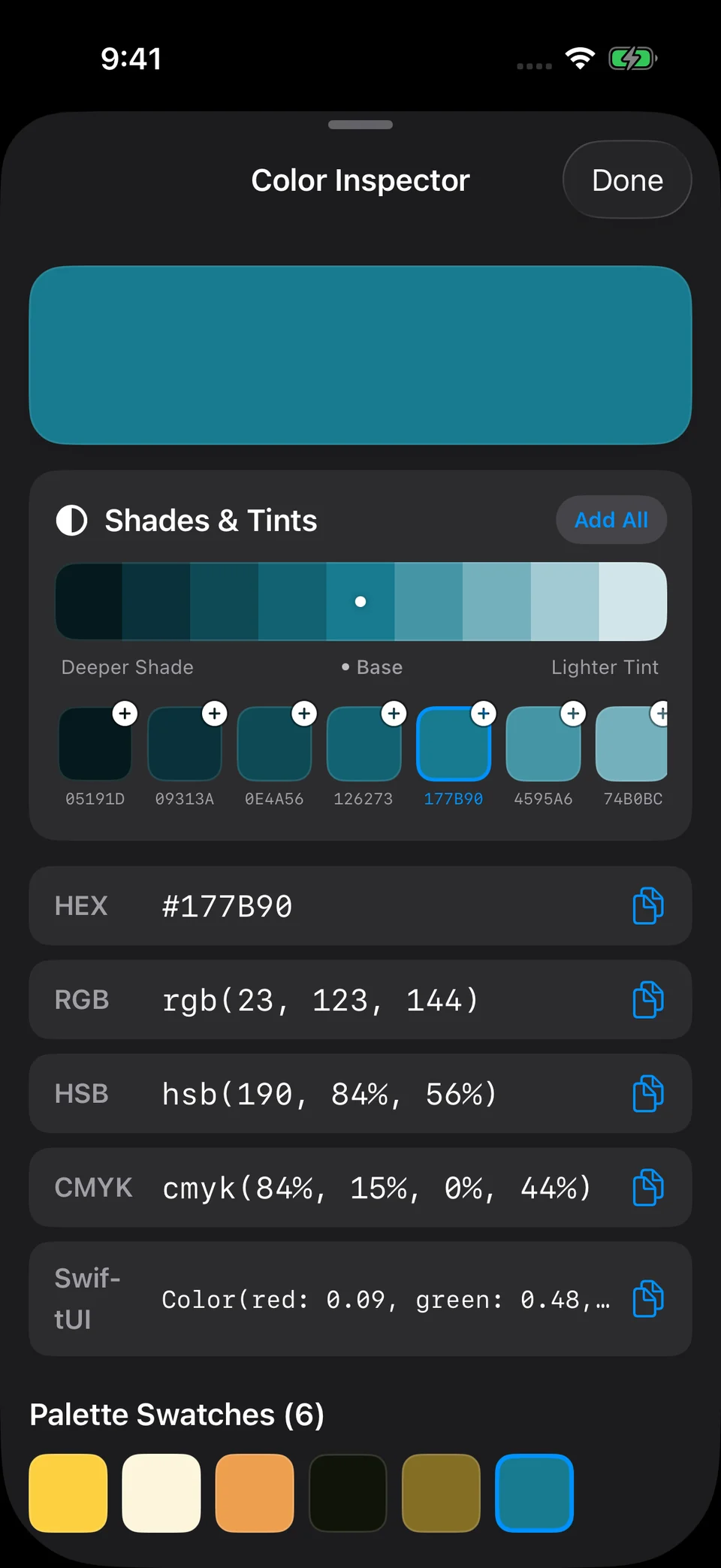
Check the destination
For a screen design, test the swatch in the actual component. For print, ask the printer about their output profile and proofing process. The CMYK readout is a basic colour conversion, not a promise about paper and ink.
Save or export the useful selection
Five saved palettes are free. HEX copying and palette-image sharing are free too. Pro removes ads and adds unlimited saved palettes and developer exports; a rewarded credit can also cover a code or JSON export.
Continue with print reference limitations or photo palette extraction.