In this article
A shadow across the paper can become part of an imported drawing. I would improve the photograph before expecting the colouring tools to rescue faint or obscured lines.
The aim is a clear copy of the child’s work, with the original kept intact. There is no need to trace over an original drawing just to satisfy an app.
Use even light and a straight view
Put the page near indirect light, flatten it gently, and hold the camera parallel enough to keep the picture’s proportions. Move the light or phone if your hand casts a shadow.
Compare two captures before importing. A brighter, straighter source is often more useful than adding another layer of digital processing to a poor photo.
Check the smallest important detail
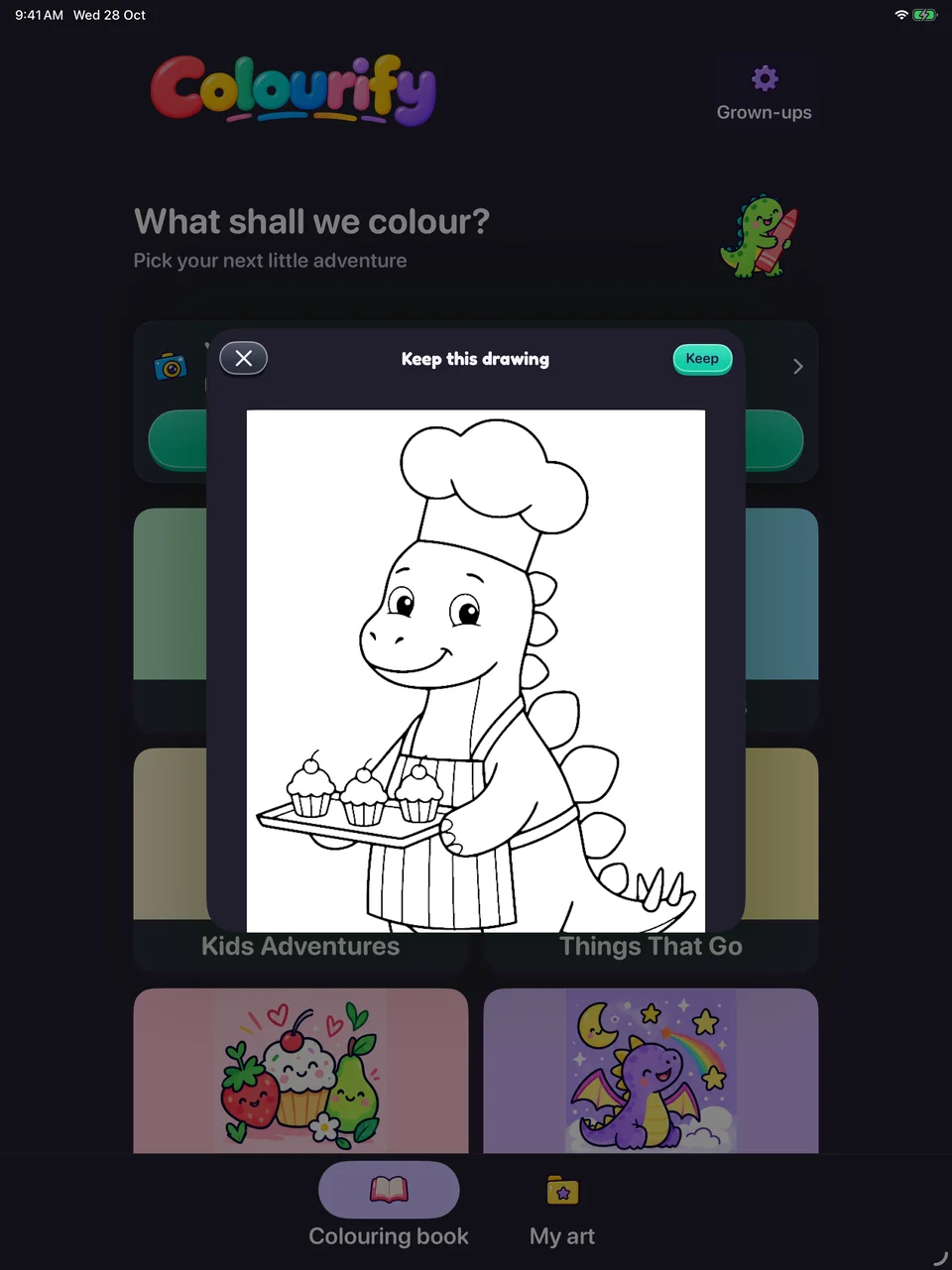
Open the result, zoom in, and inspect a faint line or small face. Try a small mark and undo it if the behaviour is unexpected. Keep the original photo for another attempt.
An imported drawing is different from a prepared numbered illustration with an authored palette. Let the child choose colours rather than assuming the source will acquire a fixed numbered reference.
Use Subject only for book presentation
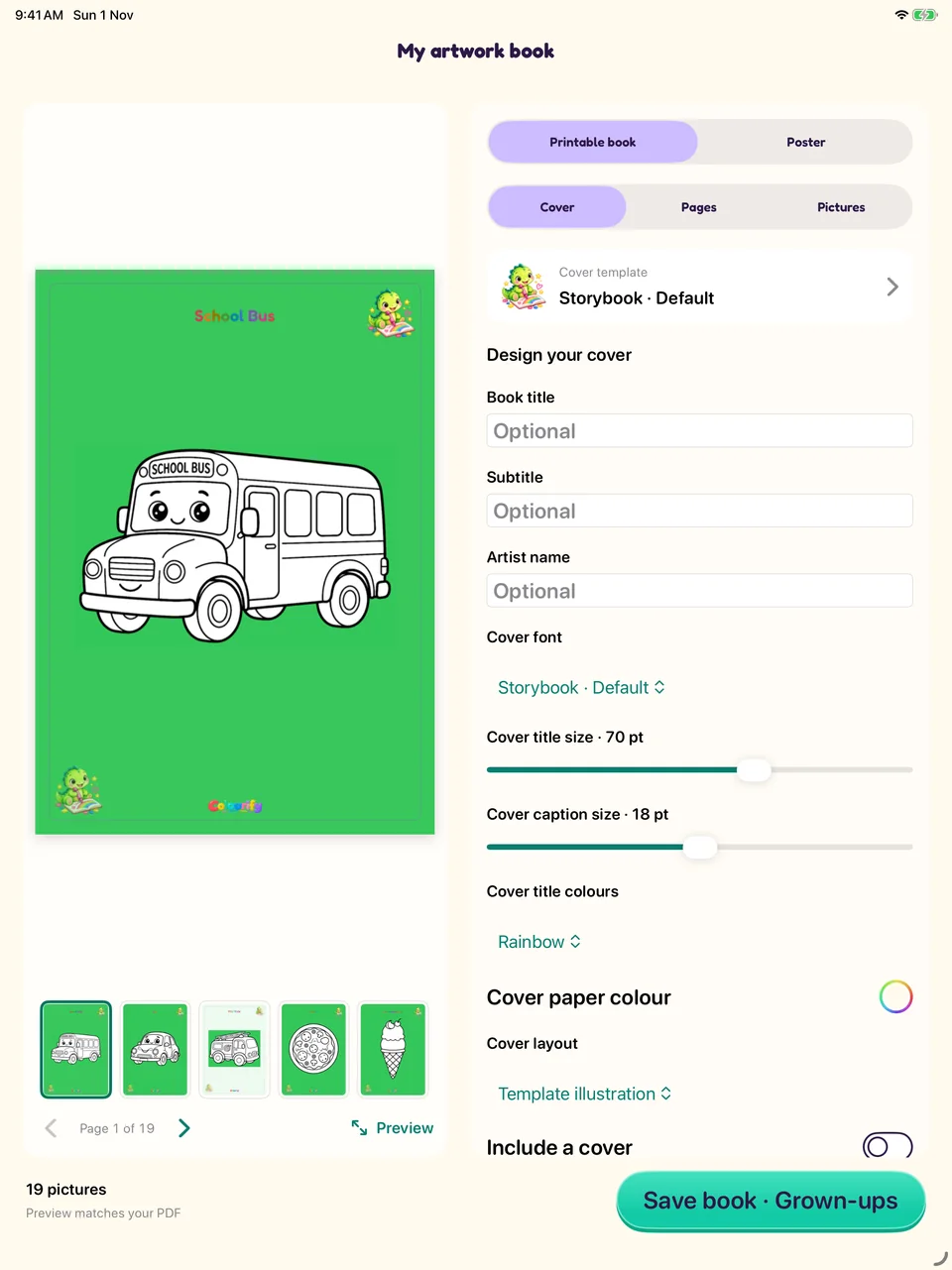
For a plain-background drawing, try Subject only against the chosen book paper. Inspect the preview for lost pale details or unwanted remnants. The original artwork and photos remain unchanged.
Check the optional unlock
Colourify has no ads. Starter pictures are free; Unlock Everything adds Pro pictures, tools, premium sounds, unlimited drawing imports, and personalised PDF book export through one optional lifetime purchase.
Use the installed import prompt for available free access. For the final keepsake, continue with the printable-book guide.

