In this article
Use the kept-drawing workflow in My Art to preserve a photograph, add an optional caption/date and save it locally. This keeps the paper artwork as a photograph rather than turning it into a fillable colouring page.
A crayon drawing may already be complete. It does not need its colours replaced or its marks converted into numbered areas to be worth keeping. I use the kept-drawing workflow when the paper texture and original choices are the result I want to preserve.
Prepare a useful photograph
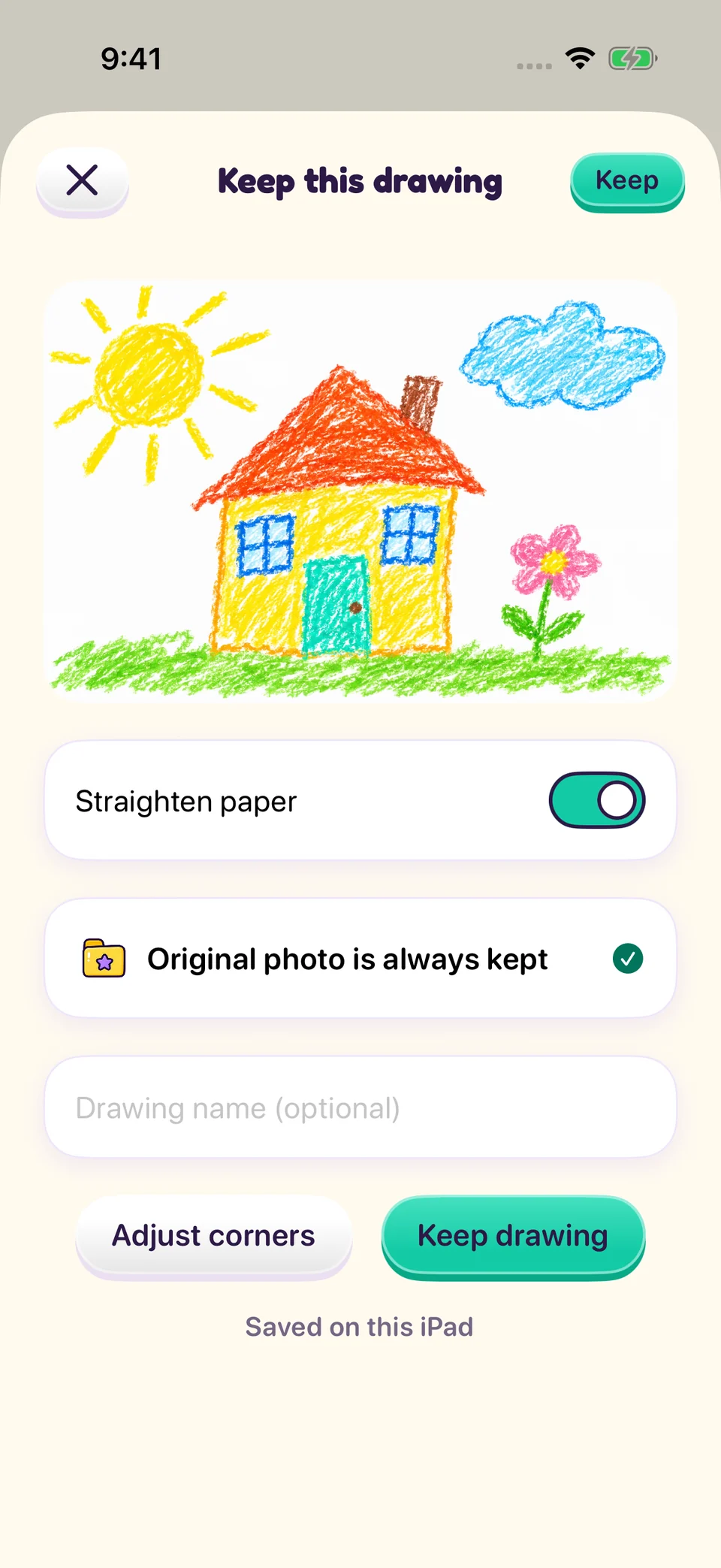
Place the sheet in even light and include its whole boundary. Avoid a shadow over the subject and check that the image is sharp before saving. The house shown here is an AI-generated childlike demonstration drawing, not a real child’s private artwork. It was added to the simulator’s Photos library for the demonstration.
Choose the kept-drawing route
Open the paper-drawing collection in My Art and choose an existing photo, or use the document scanner where the device supports it. Review the image in Keep this drawing. This route preserves the appearance of the source, unlike Add a drawing’s line preparation for subsequent colouring.
Review and save the keepsake
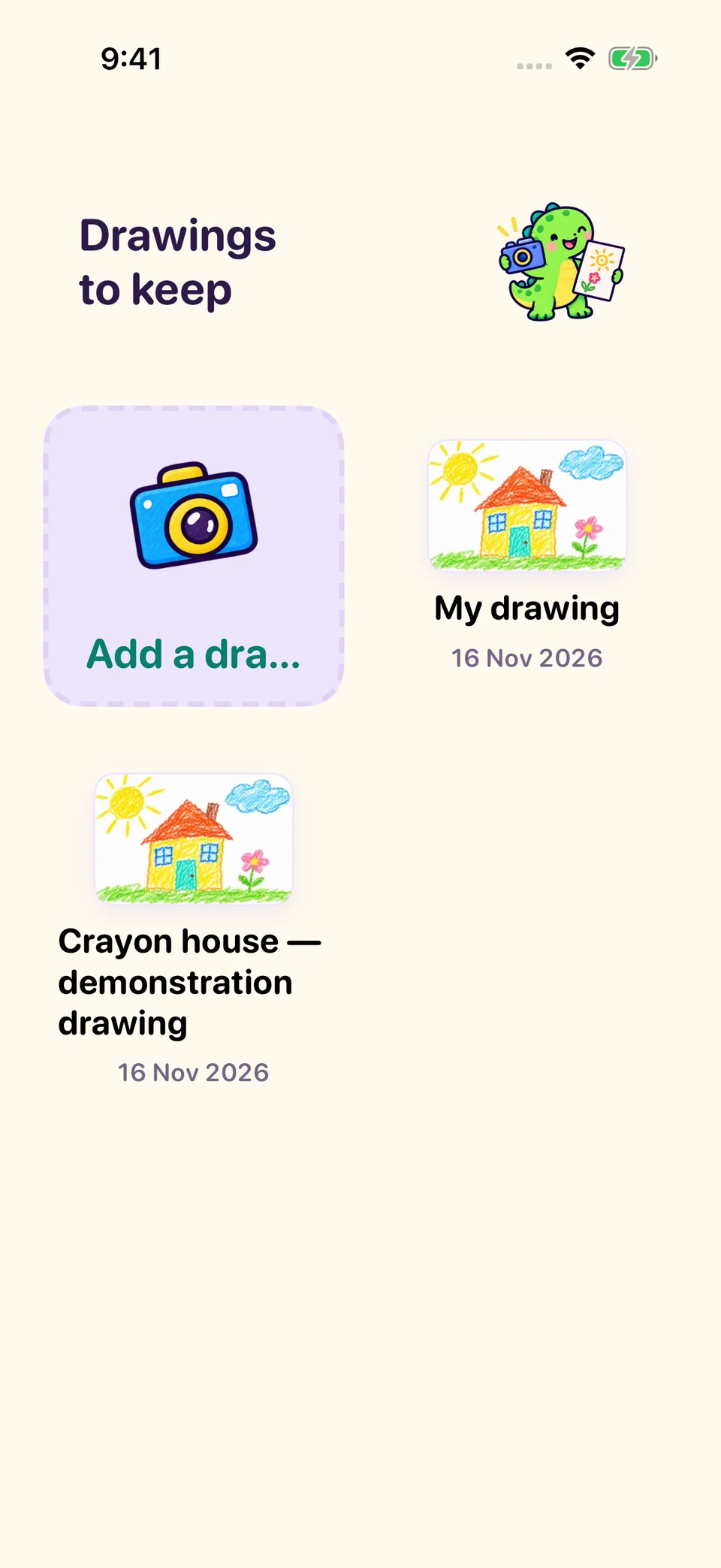
Check straightening and the paper edges before saving. Add a short caption and an appropriate date if useful; a full child’s name is unnecessary. The original is retained even when a straightened copy is displayed. After saving, open the kept drawing and compare the main colours and the outer edges with the source.
Check the result
- Confirm that the entire paper artwork is visible.
- Check the caption and date before sharing.
- Reopen the saved photograph from the kept-drawing collection.
Know the access limits
Kept drawings are stored locally and are distinct from the four retained free fillable-import slots. Creating a kept photograph does not itself purchase PDF export or synchronise the photo to another device.
Explore Colourify, or continue with the related guide.

