In this article
You can finish a useful colour handoff without buying a code-export feature. I would choose ColorPicker’s access option after deciding whether the recipient needs a picture, a HEX list, or code they can paste into a project.
Choose the handoff before opening the purchase screen
A designer discussing a direction may only need a palette image. A developer implementing a theme may prefer CSS variables or SwiftUI declarations. A tool importer needs the real JSON structure rather than a screenshot of coloured rectangles.
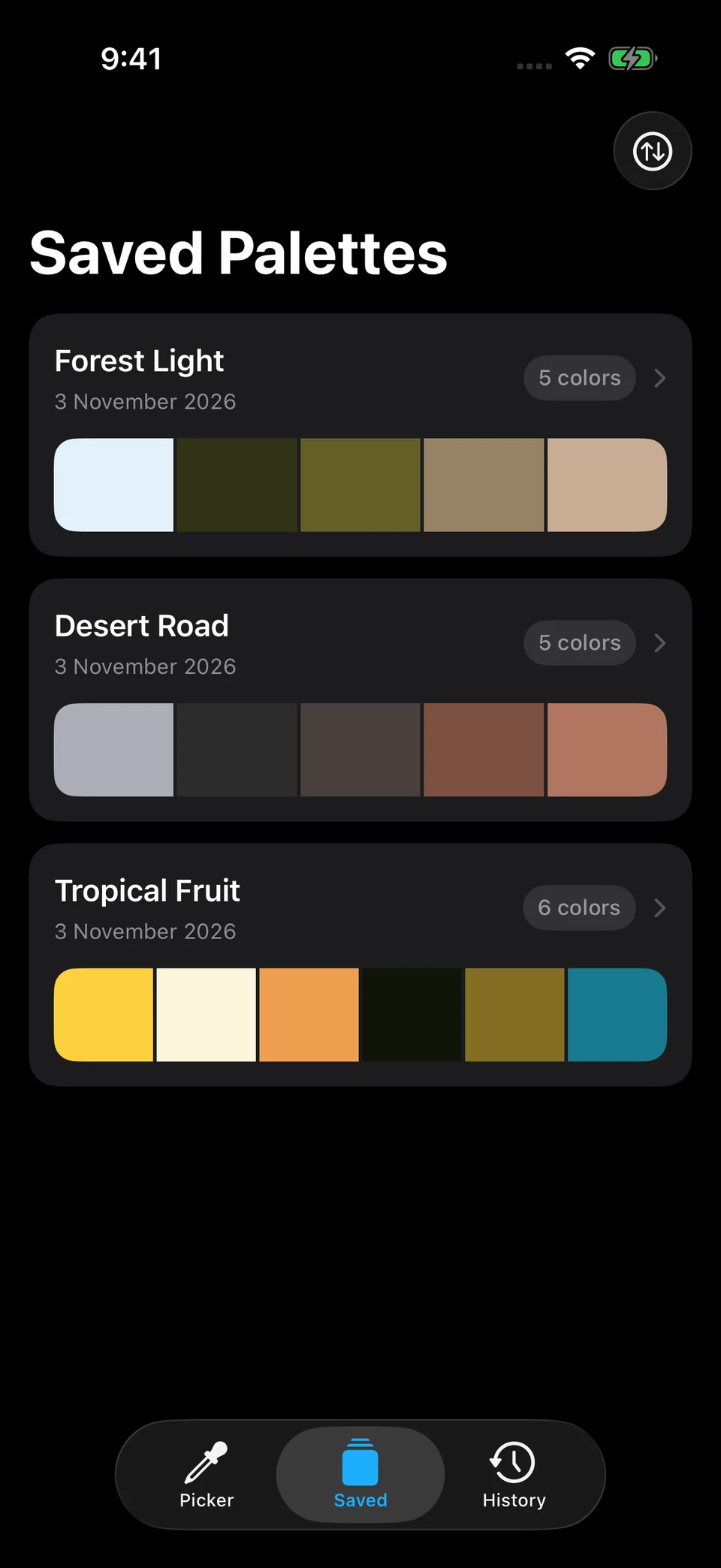
Write down the number of palettes you want to retain and how often you export. Five carefully named project palettes and fifty experimental variations are different storage needs. Deleting an older palette to fit the free allowance should be a deliberate choice, not a surprise during delivery.
Use the free outputs when they fit
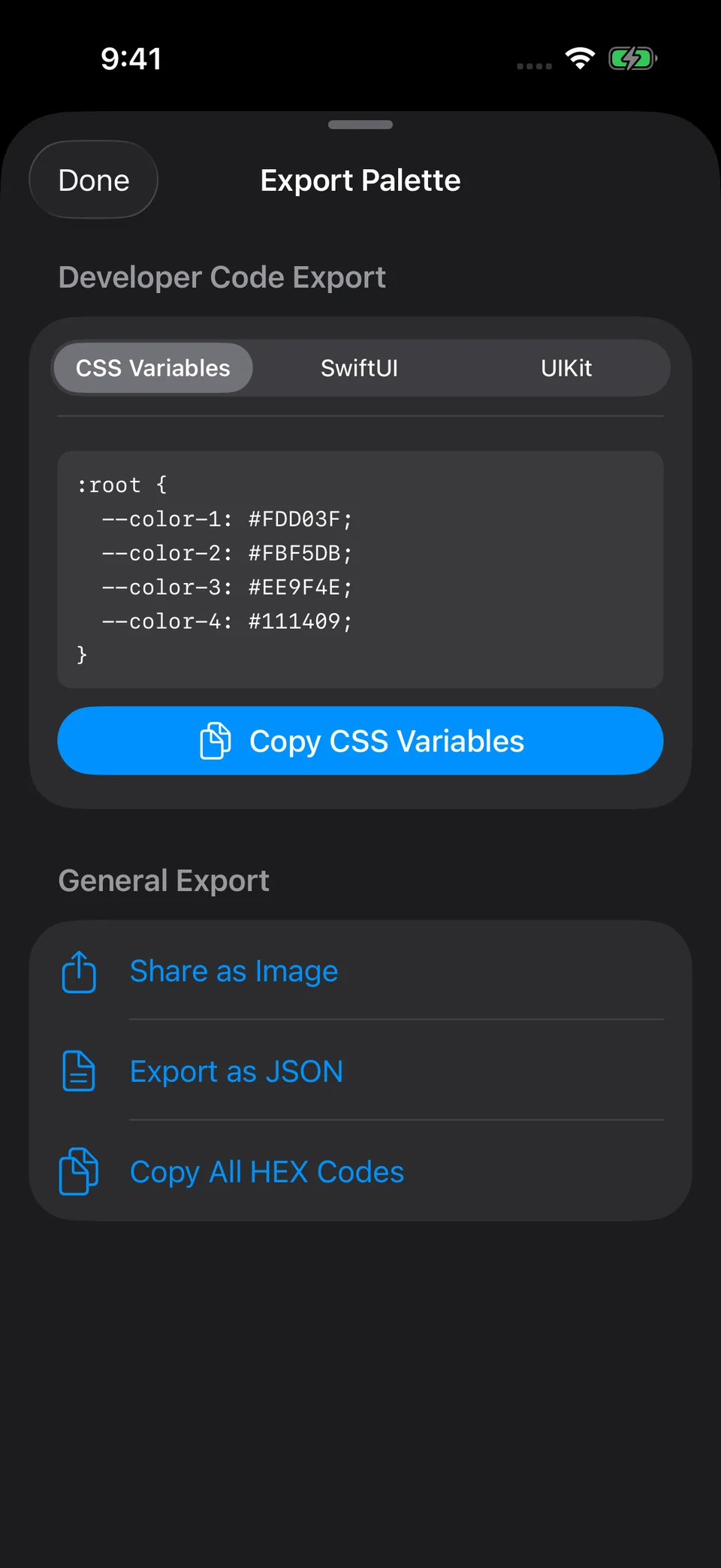
Copy All HEX Codes and Share as Image are free export paths. A HEX list can be pasted into a message, design brief, or your own code. You do not need the app’s code generator simply because the destination is a website.
Generated code saves formatting work; it does not decide the roles of the colours or establish readable contrast. The three-colour design example explains that next decision.
Understand what one rewarded credit buys
A completed optional rewarded ad can provide one export credit. Each developer code copy or JSON export uses a credit. If you need both CSS and JSON, do not assume one reward covers every action in that sheet.
Check the actual available-credit message before copying. Ads can be unavailable, and dismissing a video is not the same as earning its reward. I would keep a free HEX-list handoff available when sending something on a deadline.
Choose Pro for repeated use rather than one imagined project
Lifetime Pro removes ads, lifts the five-palette storage boundary, and includes the developer exports. For a repeated workflow, that is a clearer proposition than earning a separate reward whenever you copy code.
Start with the five-palette organisation guide to judge your actual storage need. If code delivery is the reason to upgrade, build the small website example and check the complete result first. Use the current purchase screen for your storefront price; a price in an older screenshot can be stale.
Know the access limits
ColorPicker lets you save five palettes free, copy HEX lists, and share palette images. Lifetime Pro removes ads and adds unlimited saved palettes and CSS, SwiftUI, UIKit, and JSON exports. One optional rewarded-ad credit covers one developer export; check availability in the app before depending on it.
Questions before you start
Can I use the colours in a website without Pro?
Yes. You can copy free HEX values and write your own CSS. Pro or a credit covers the app’s developer export convenience.
Does one credit unlock the whole app?
No. It covers one developer code copy or JSON export, not unlimited palettes or every paid feature.
See the app details and current access information before choosing your next step.