In this article
A JSON file is useful only if the next tool understands its structure. I would inspect one real ColorPicker export before writing code around an assumed palette schema.
CSS and SwiftUI exports produce code for particular destinations. JSON gives you a small data handoff that you can adapt, provided you keep its raw swatches separate from the design roles you add later.
Export a small, named palette first
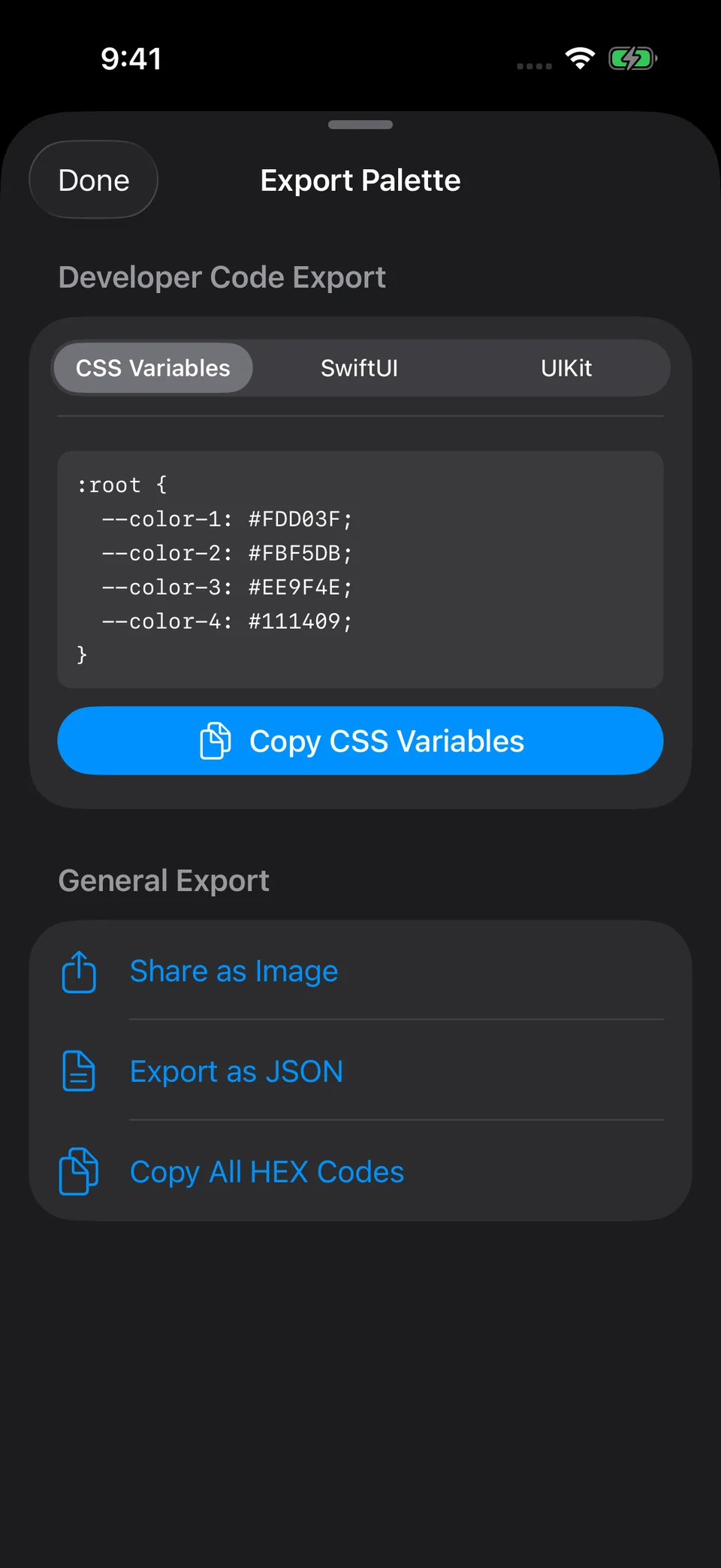
Choose a palette with a few recognisable colours and open Export. Use Export as JSON and save the file somewhere you can inspect in a text editor.
JSON export requires lifetime Pro or an export credit. A completed optional rewarded ad earns one credit; the JSON file export uses one. The free palette-image and HEX-list options remain available when you only need a visual or text reference.
Understand the two fields
The current payload is an array of colour records, each with an id and an uppercase hex string. This illustrative record shows the structure; its identifier is an example:
[{"id":"00000000-0000-4000-8000-000000000001","hex":"#F7E8CC"}]The export does not turn “the third swatch” into a semantic role such as warning or page background. It also does not carry a complete component theme, contrast assessment, or printer profile. Those decisions belong to your destination project.
Validate before using the values
const swatches = JSON.parse(fileText);
if (!Array.isArray(swatches) || !swatches.every(item =>
  typeof item?.hex === "string" &&
  /^#[0-9A-F]{6}$/.test(item.hex)
)) throw new Error("Expected six-digit palette colors");
const colors = swatches.map(item => item.hex);
This small JavaScript example checks the fields it consumes. Handle file-reading and parse errors in your own application. Do not assume identifiers will match between separately created exports: treat the HEX value as the colour data.
Keep the exported file with the project
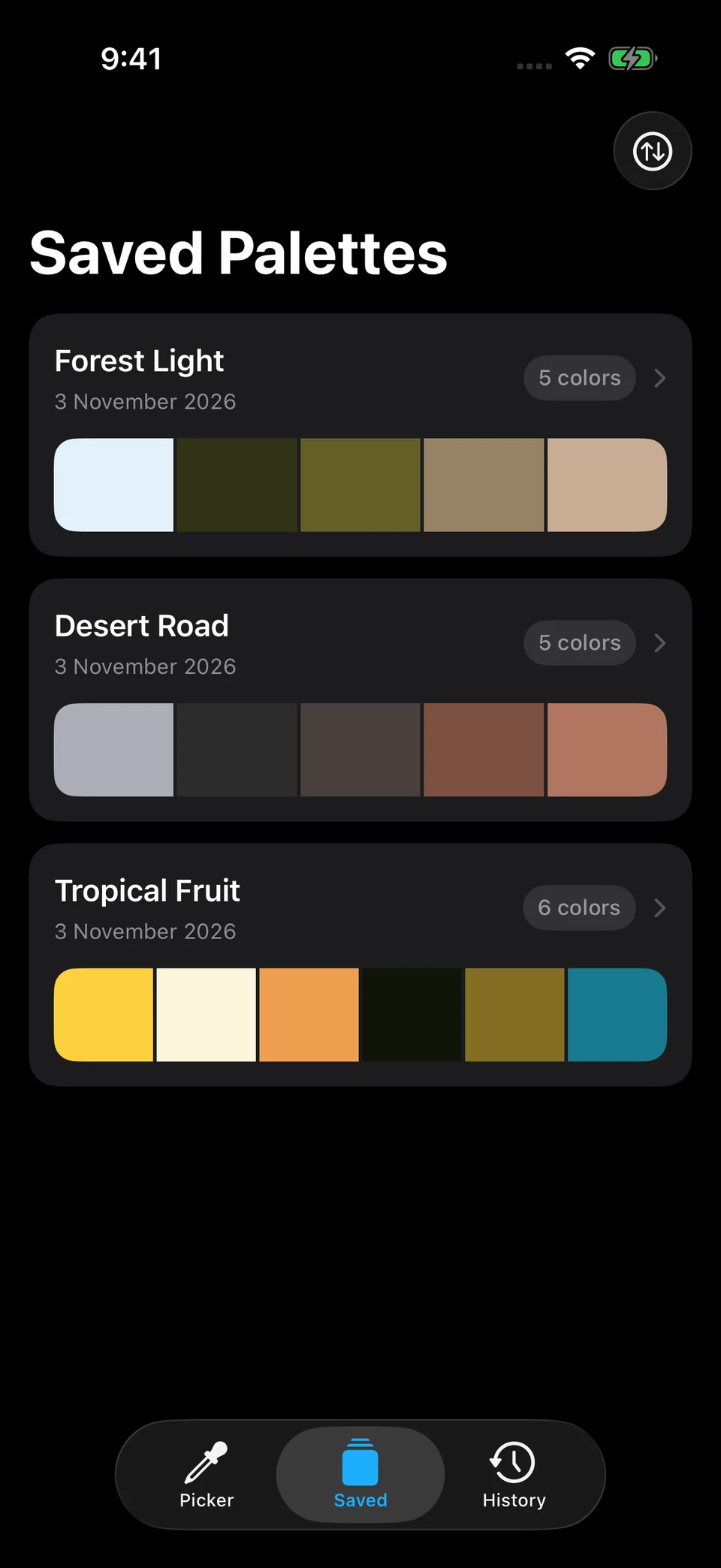
Compare the imported swatches with the original palette and confirm their order. Add a separate mapping from swatches to roles, then test actual foreground and background combinations in the destination.
I would keep the original export as a reference and commit project-specific transformations separately. That makes a later palette update easier to review than a silent replacement of values throughout a stylesheet.
For ready-to-paste code, use CSS or SwiftUI export. For keeping the source collections recognisable, see my saved-palette workflow.