In this article
Five thoughtfully named palettes are easier to use than five collections called “Photo.” Before extracting more colours, I would make the library tell you what each set belongs to.
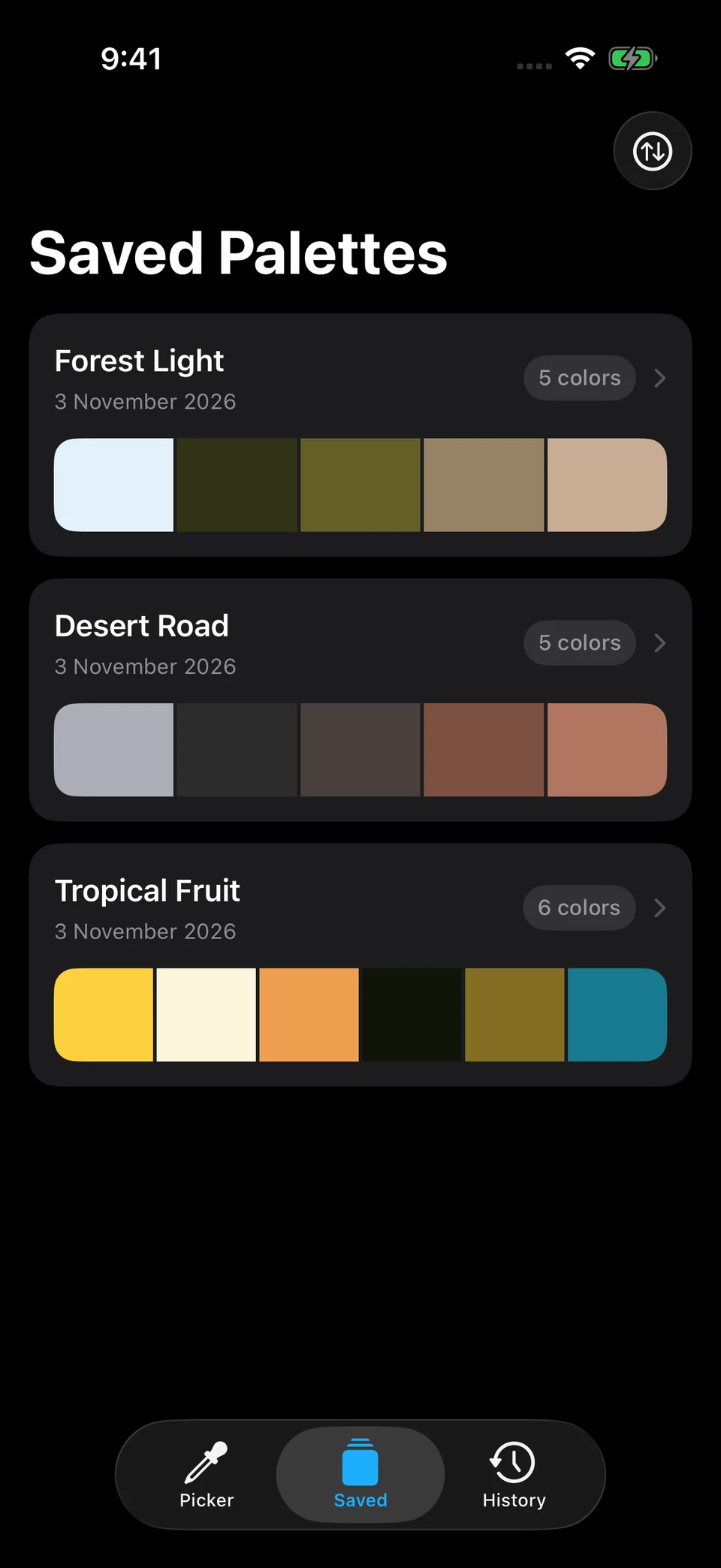
ColorPicker allows five saved palettes for free. This is how I would organise that space for a few active projects, without pretending the library has folders or team synchronisation.
Give each palette a job
Use a name that connects the swatches to their destination: “Portfolio — warm,” “Workshop poster,” or “Garden reference.” A project name helps more than a description such as “nice green” when several palettes contain green.
Before saving, remove experimental colours you no longer need from the current working selection. A palette you intend to hand off should contain deliberate candidates, even if the source photo yielded many more.
Use the sort that answers your question
The library offers Recent, Name A-Z, and Most Colors. Recent is useful immediately after saving. Name A-Z becomes more helpful when you use consistent project prefixes. Most Colors helps locate a larger reference set.
A different sort changes how you find a palette, not its colours. Open the result and check the swatches before using it in a project, especially when two names describe different versions of the same idea.
Save before you clear your workspace
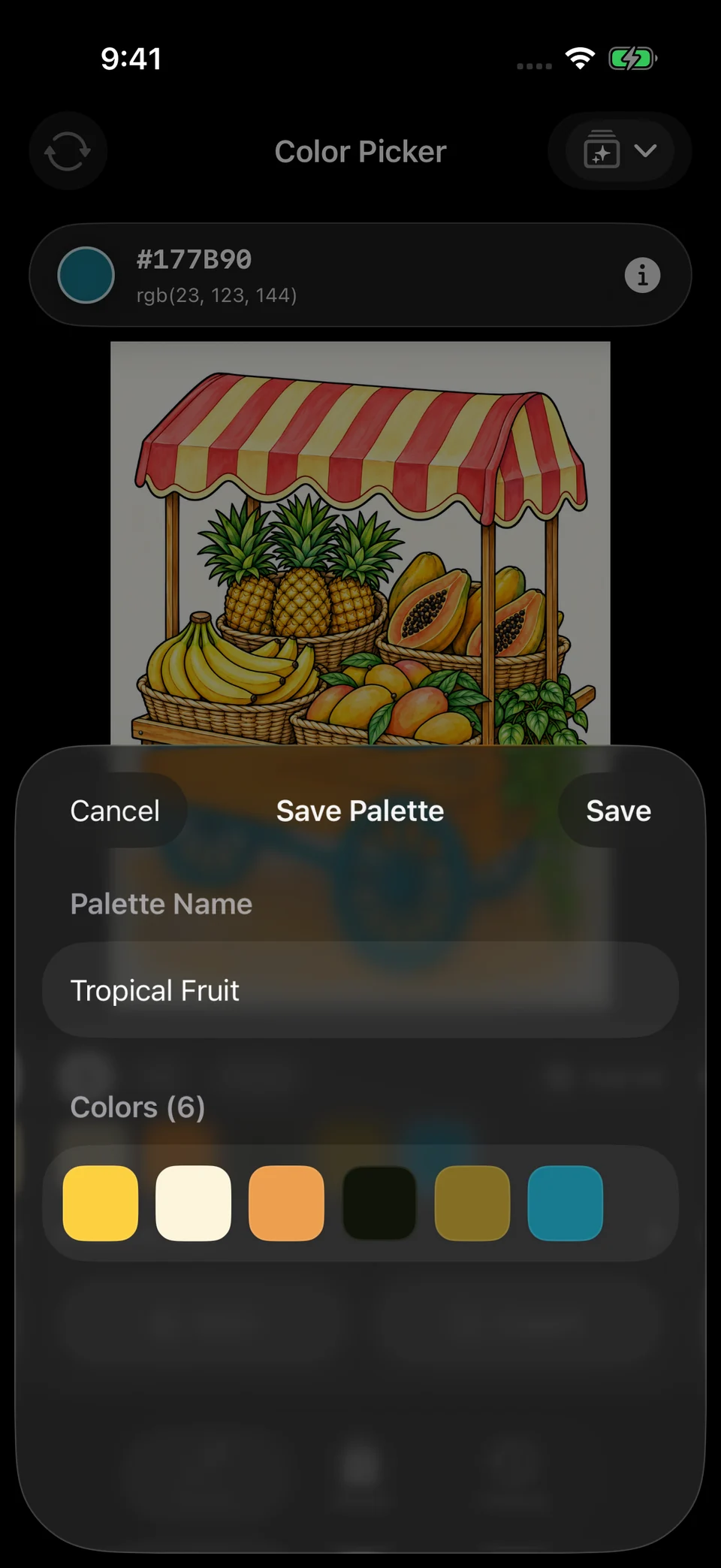
Use Save for a palette you want to keep. Image History records another part of the workflow: the photo you explored. I would not rely on remembering which source image contained the final selected swatches.
For a handoff, export a palette image or copy the HEX list and keep it with the project. Those options are free. A local saved palette is convenient, but it is not a shared project backup.
Make room deliberately
When your five free slots are full, check which collection you actually need to retain before deleting anything. Save an external copy of project colours first. Deleting a palette to make room should be a considered cleanup step.
Lifetime Pro removes ads, unlocks unlimited saved palettes, and includes CSS, SwiftUI, UIKit, and JSON exports. A rewarded ad can also earn one code-export credit; it does not expand the five-palette storage limit.
See how Image History differs, or use the code handoff guide once the collection is ready.