In this article
In the grown-up area, open Artwork backup, choose Create artwork backup and save the archive outside the app. Keep the archive intact: a collection of exported pictures is useful, but it is not the same as a recoverable working library.
An image export keeps the finished appearance of a drawing. It does not preserve every original photo, colouring history or book design. I would create a library backup before clearing a device or making a substantial library change, then confirm the saved file is somewhere I can actually find again.
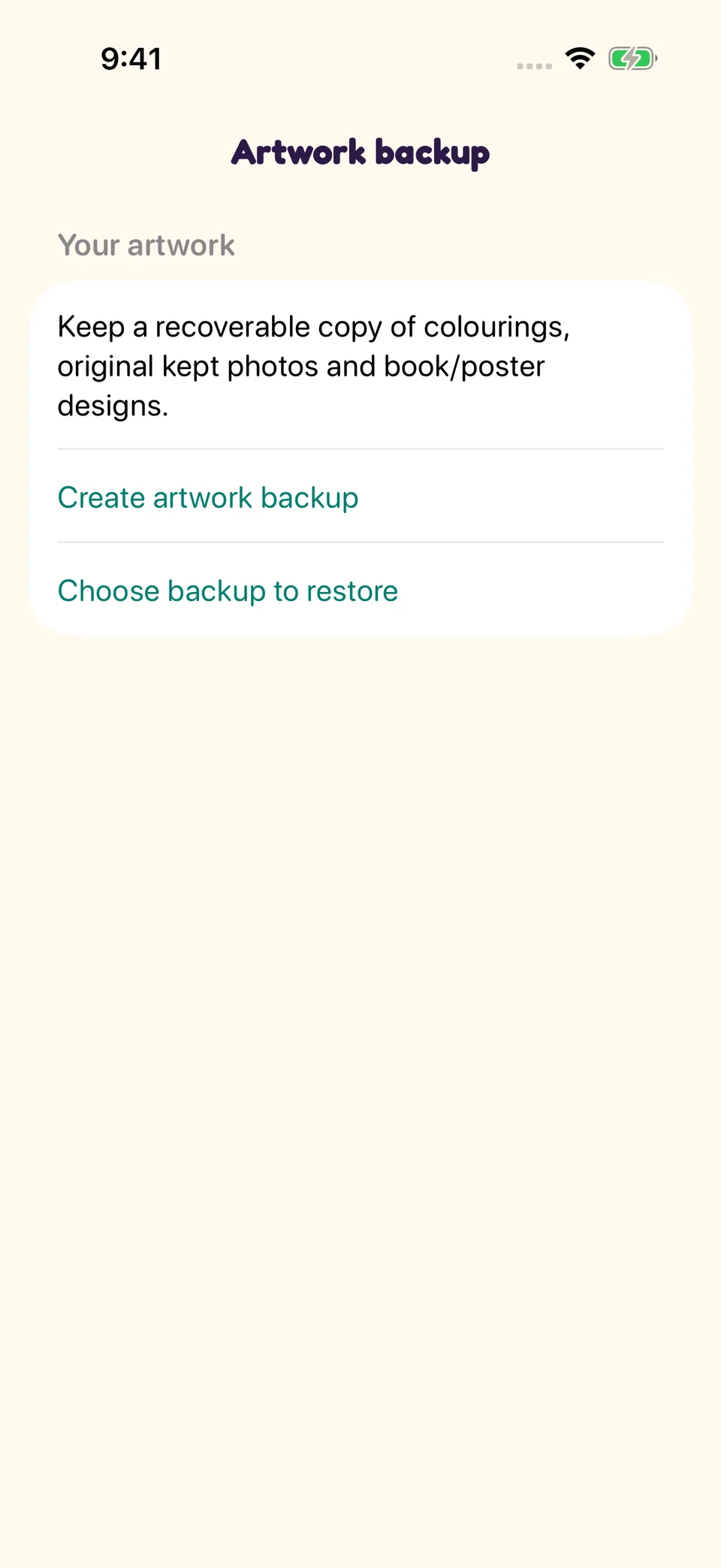
Check that the backup control is available
Open the grown-up area and look for Artwork backup. This guide documents the current local Colourify 5.4 backup interface; if the control is absent from your installed build, do not assume ordinary sharing supplies the same archive. Keep important source photos and exported artwork separately until the supported backup workflow is available.
Create and save the archive
Choose Create artwork backup and wait for preparation to finish. Use the system save/share interface to place the archive in a deliberate location outside Colourify. Select a filename or folder that helps identify the date. The archive contains personal artwork and original photos, so choose a storage destination suitable for that material.
Verify the saved file
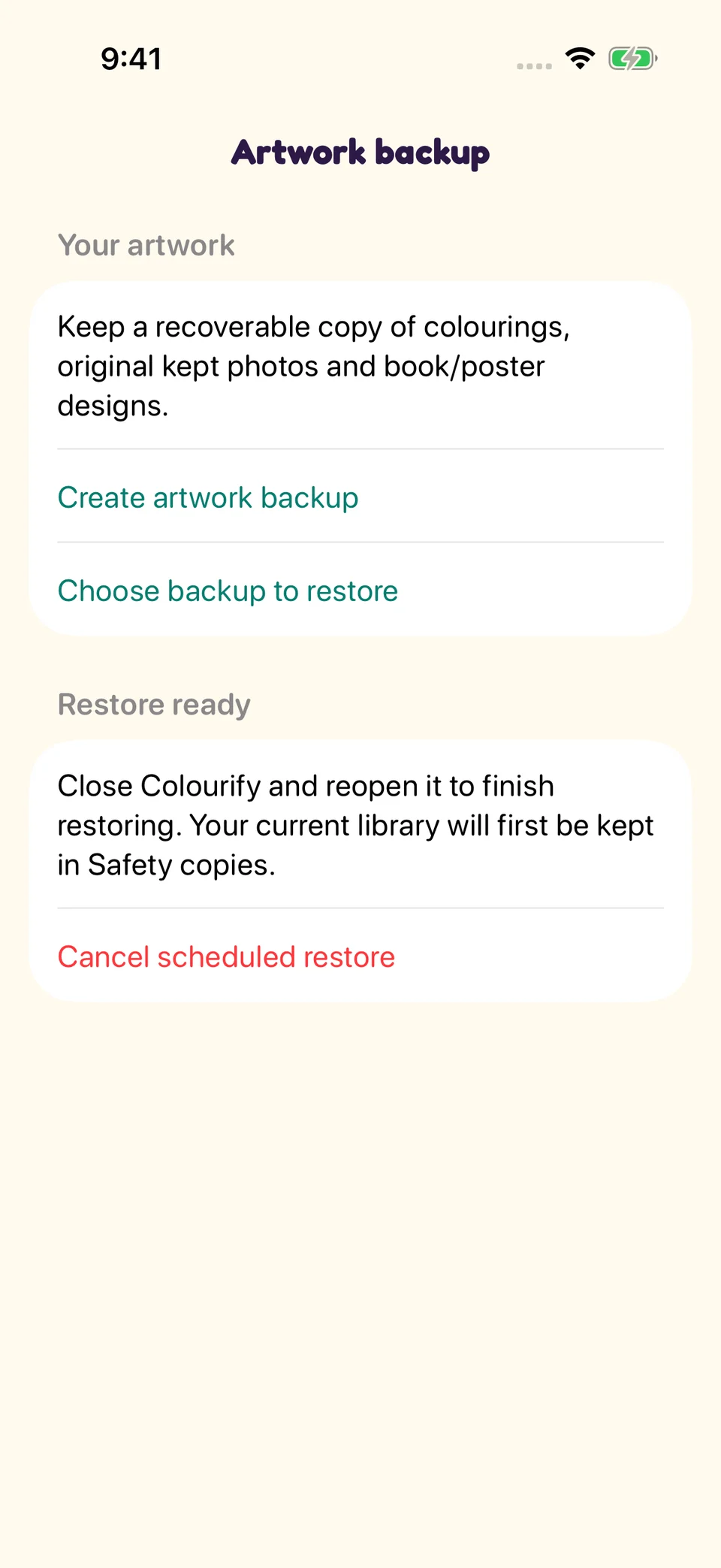
Find the saved .colourifybackup file in the chosen location and check that it is a non-empty file, not merely a screenshot of the sharing screen. Keep it intact rather than renaming its internal contents or converting it. Restoration replaces the visible library, so do not test an archive on your only important library without preserving the current state first.
Check the result
- Locate the saved archive outside Colourify.
- Record when it was created and which device/library it represents.
- Keep a separate current backup before any restoration or device cleanup.
Know the access limits
The inspected backup interface has a parental gate but no separate Pro gate. Archives exclude purchase entitlements: Restore purchases is a different operation, handled through Apple.
Explore Colourify, or continue with the related guide.

