In this article
Use the own-drawings collection to identify, rename and remove imported fillable pictures. Keep original photos and a library backup before deleting artwork you may want later.
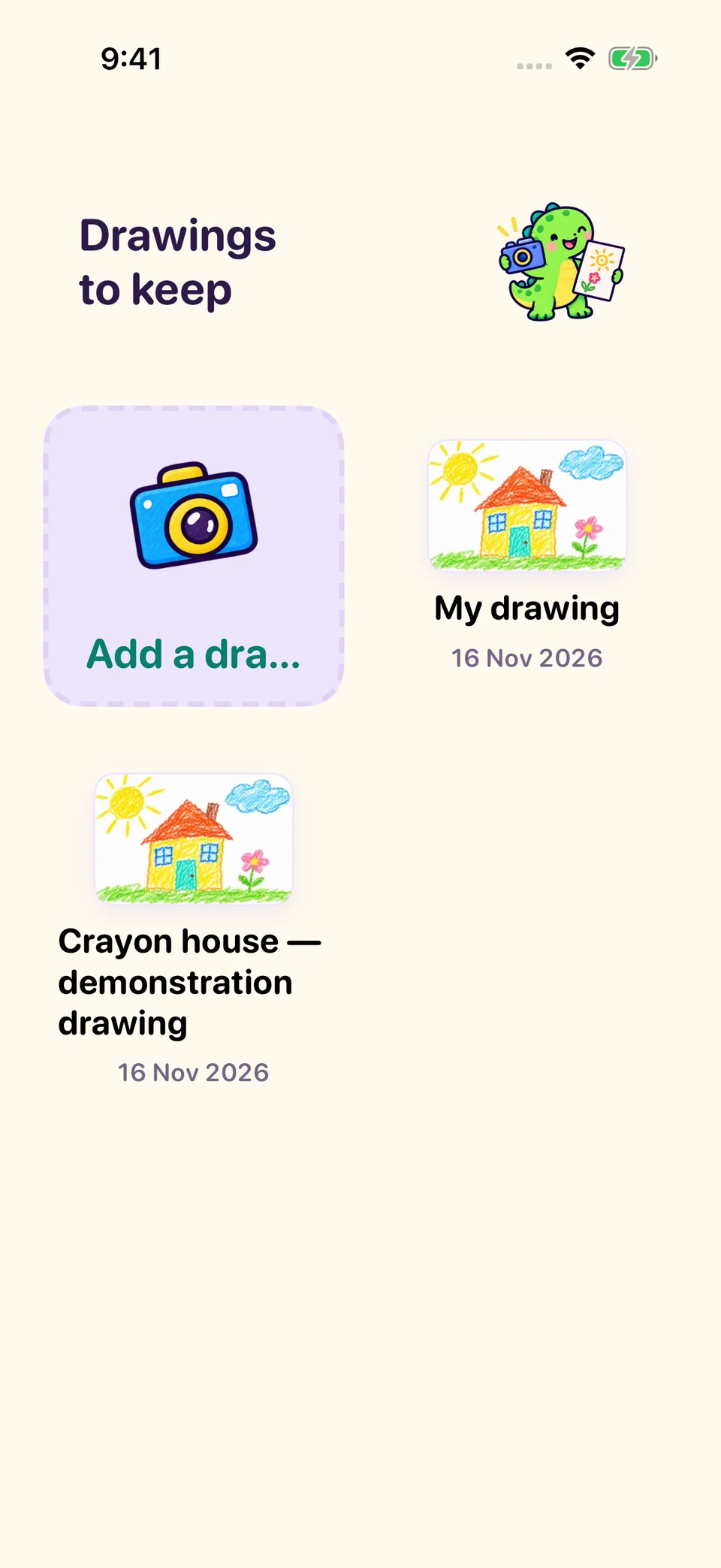
Names such as My Drawing 1 become less helpful once several pictures share a similar subject. I would organise the library before removing anything: identify the source, open the saved colouring and give important pieces a name that makes sense to the family.
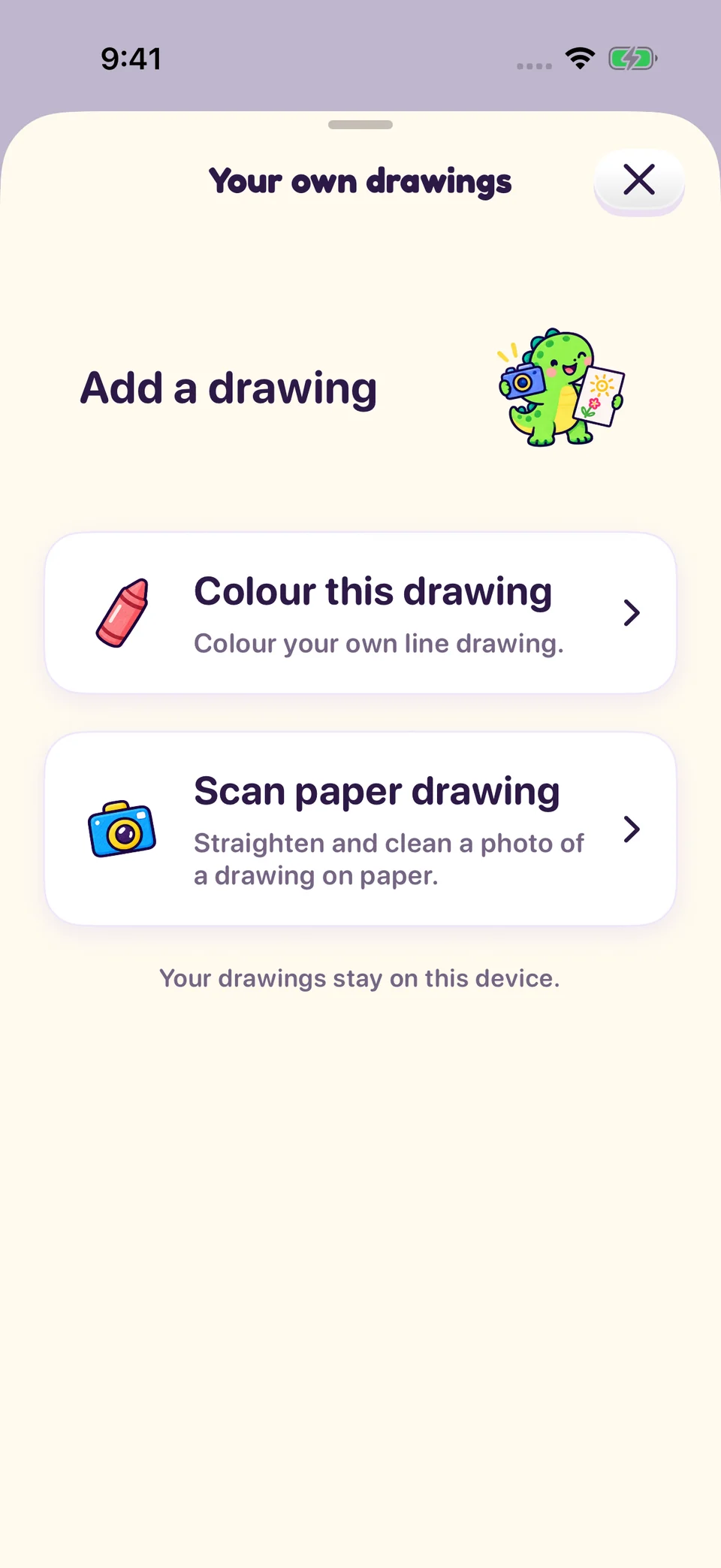
Distinguish the two kinds of personal artwork
Your imported fillable drawings are not the same collection as kept photographs of paper art. Open the own-drawings area and inspect a thumbnail before editing it. A photograph preserved as a keepsake belongs to its own workflow, even if the same paper drawing also supplied a fillable import.
Rename for recognition
Use Rename drawing where offered and choose a short descriptive name, such as Garden butterfly. Avoid full personal names when the title may later appear in a share or book. Reopen the renamed drawing and check that it is the intended saved colouring. Renaming should make the library clearer, not become a reason to replace the source image.
Delete only after preserving what matters
Review the drawing, original photo and any finished image before choosing deletion. A rendered image preserves a visual result; a library backup preserves more of the working library. Removing an imported drawing also removes associated progress/history, so do not use deletion as a troubleshooting step when you only wanted a different display name.
Check the result
- Open the item before renaming or deleting it.
- Check the renamed thumbnail and saved colouring.
- Keep a verified backup outside the app before clearing important work.
Know the access limits
The local free allowance is four retained imported drawings at a time; deleting one makes room, while Unlock Everything removes the capacity limit. Verify the installed prompt and never delete a valued picture solely to test that boundary.
Explore Colourify, or continue with the related guide.

