In this article
Choose backup to restore in Artwork backup, inspect the archive and confirm Restore on next launch only when you intend to replace the visible library. Colourify stages the restore and retains the previous library as a safety copy.
Restoration is a replacement decision, not another way to add a few pictures to the gallery. I would first preserve the current library and identify the archive I want. A date in a filename is useful context, but it is not enough on its own to establish that a backup contains the intended work.
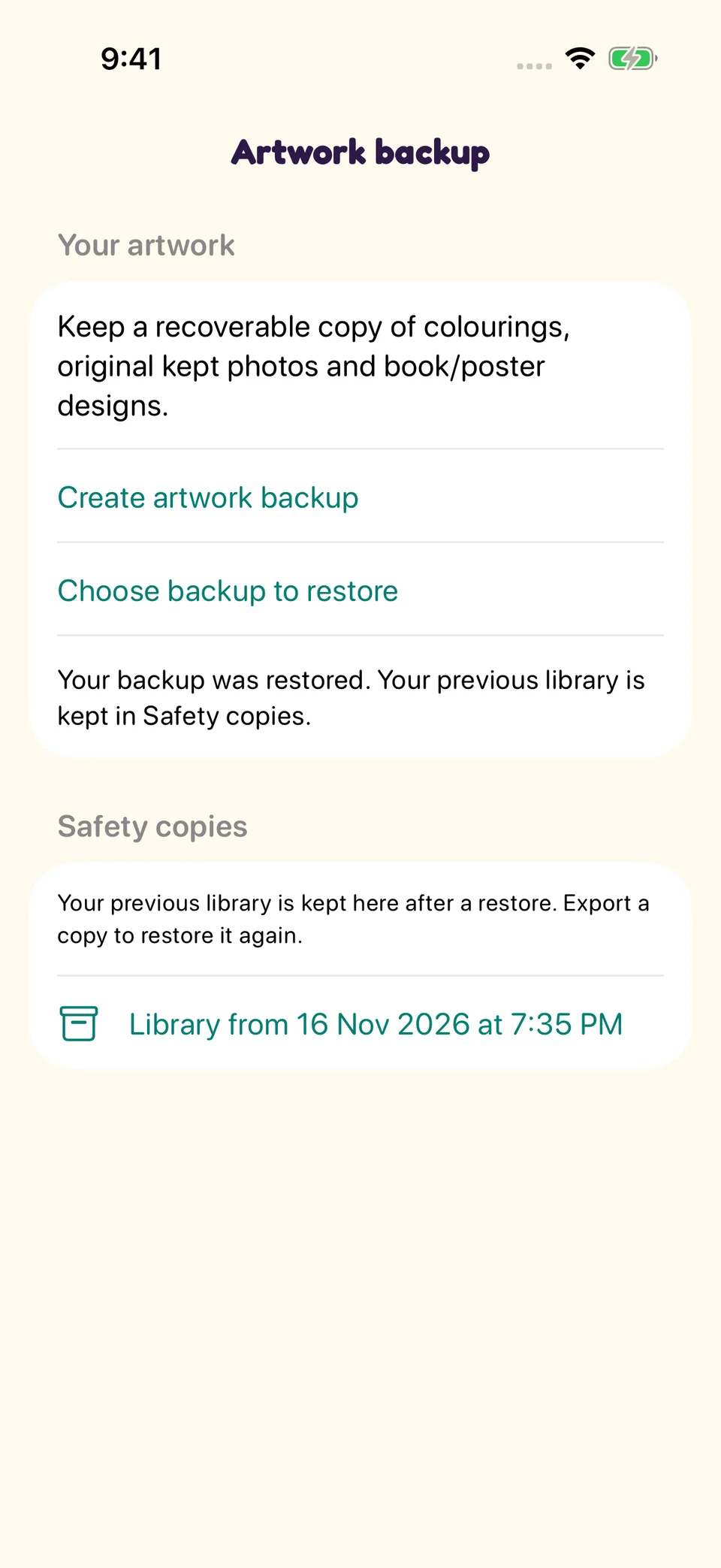
Preserve and inspect before confirming
Create a current backup outside the app, then open Artwork backup and Choose backup to restore. This guide follows the current local Colourify 5.4 implementation; if that interface is absent from the installed build, do not substitute a different file-import action. Review the offered file count and creation information before proceeding.
Understand the next-launch replacement
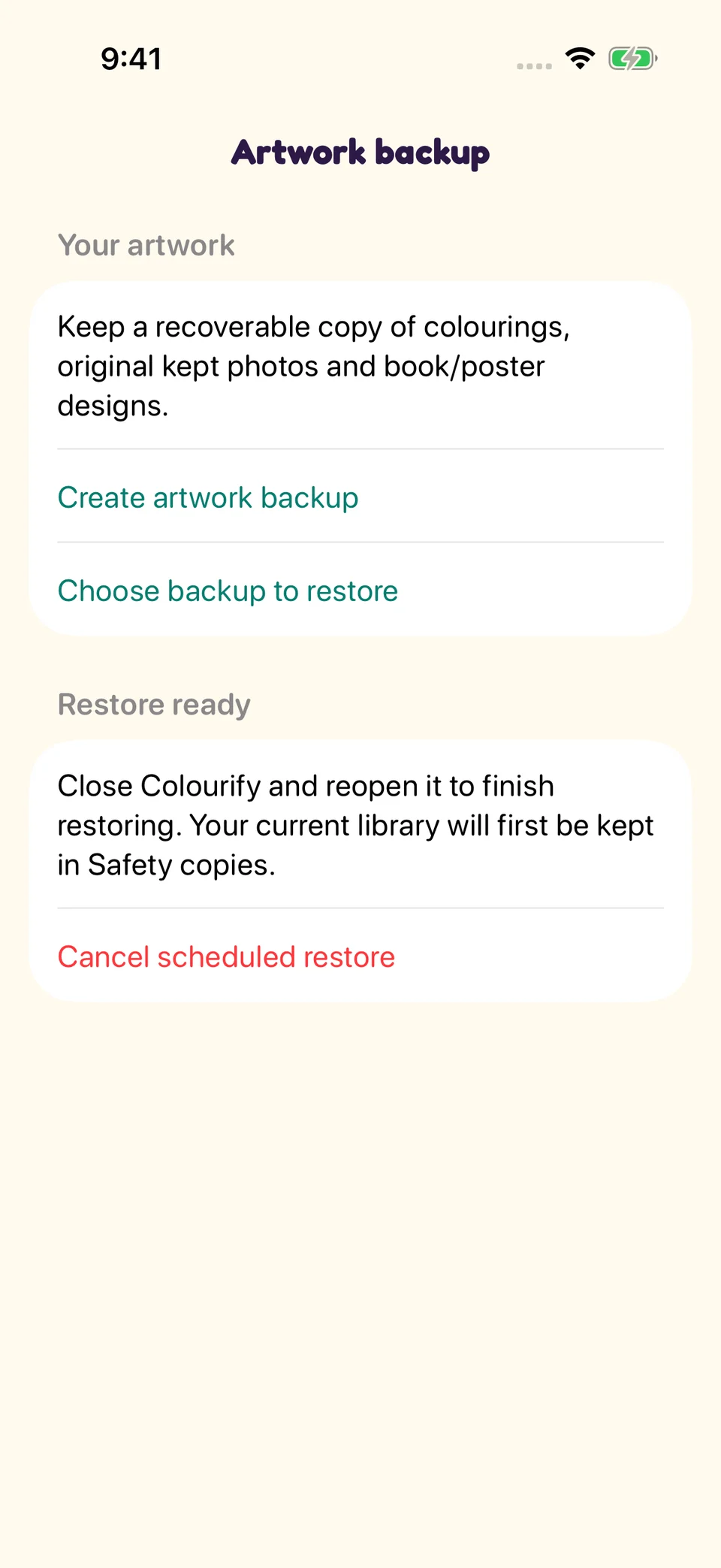
The confirmation explains that the archive replaces the visible library on the next launch. Choose Restore on next launch only when that is what you want, then follow the displayed close-and-reopen instruction. If you change your mind before it runs, use Cancel pending restore. Repeatedly selecting the same file is not a way to merge libraries.
Verify and retain recovery options
After reopening, inspect important colourings, original kept photographs and book/poster designs. Safety copies retain the previous library after a restore and can be exported for recovery through the same supported backup process. Keep a known good archive outside the app as well; a safety copy on the same device is not protection against losing that device.
Check the result
- Compare several restored items with the intended archive.
- Review the restore status and available safety copy.
- Keep both current and previous archives until the restored library is verified.
Know the access limits
Backup restoration does not restore purchase entitlements. Use Apple’s separate Restore purchases action when needed. No restoration of a real user library was performed for these demonstration screenshots.
Explore Colourify, or continue with the related guide.

