In this article
Review drawing names, artist text and the book’s branding before export. Unlock Everything provides controls to hide drawing names and remove or replace Colourify’s logo; these changes affect the book presentation, not the original artwork.
A family book may be intended for a grandparent, a class display or a private archive. The right amount of visible identification can differ between those destinations. I would check every source of text, because hiding a caption does not remove handwriting already photographed on the paper.
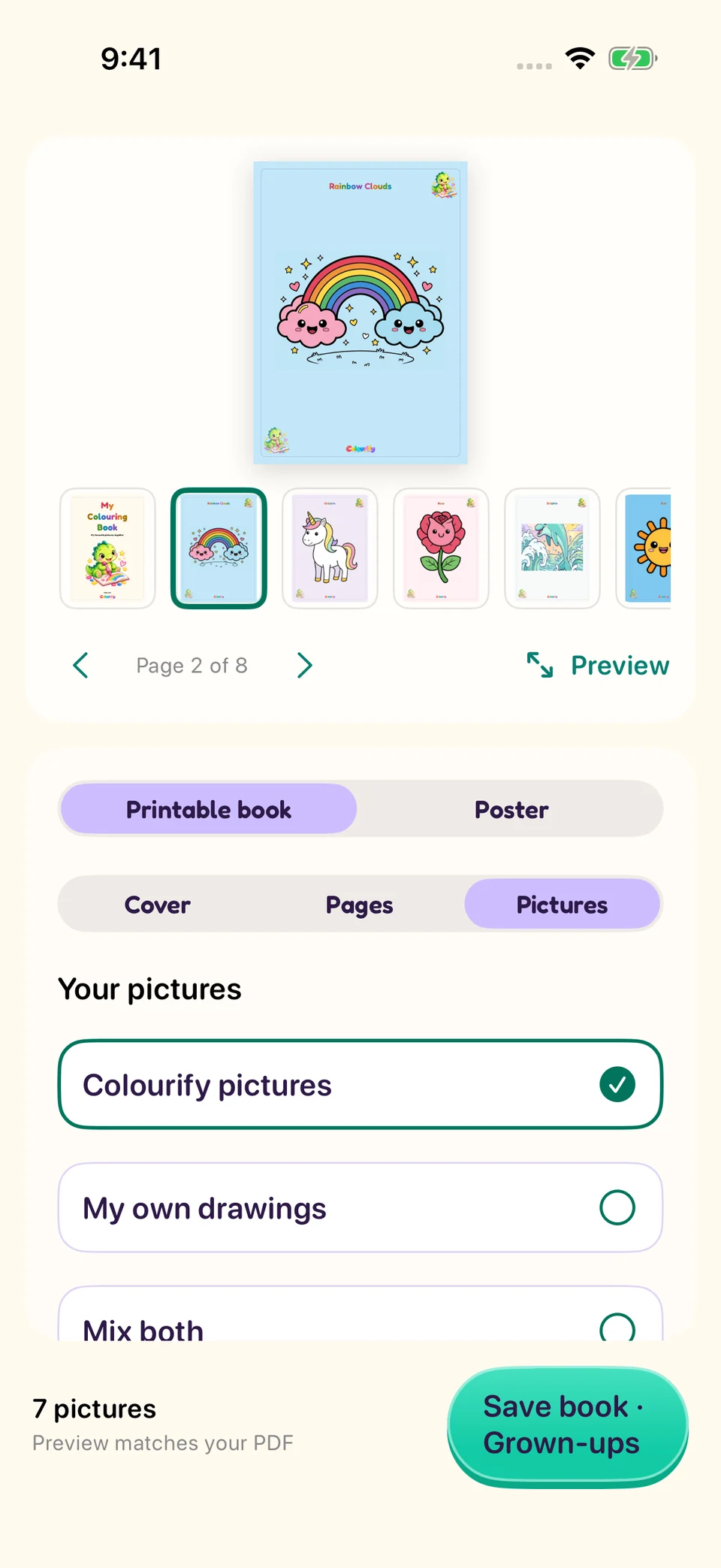
Review names before changing the logo
Inspect the book title, subtitle, artist credit and drawing names. Remove unnecessary personal information from the presentation. A child’s full name is not required to make a meaningful keepsake. Review photographs separately for handwriting, school details or an address that is part of the image itself.
Choose the branding treatment
Compare the default Colourify logo with the paid no-logo or custom-logo options. For your own logo, use a suitable image from Photos or Files and check its shape, size and alignment. Preserve its proportions rather than stretching it to fill a convenient space. A decorative mark should not compete with the childlike artwork.
Inspect cover and inside pages
Check the cover and several inside pages after changing names or branding. Paid controls are rechecked during export, so a visual preview does not establish purchase entitlement. Open the final PDF and look for unwanted text or an oversized logo before sharing. Keep source artwork and original photos unchanged for future versions.
Check the result
- Inspect every visible name and credit.
- Check the logo against both cover and inside-page backgrounds.
- Reopen the PDF and verify the chosen treatment.
Know the access limits
Hiding drawing names and removing/replacing branding require the relevant lifetime unlock. Personalised PDF export is also paid. These controls do not edit text that is physically part of a drawing photograph.
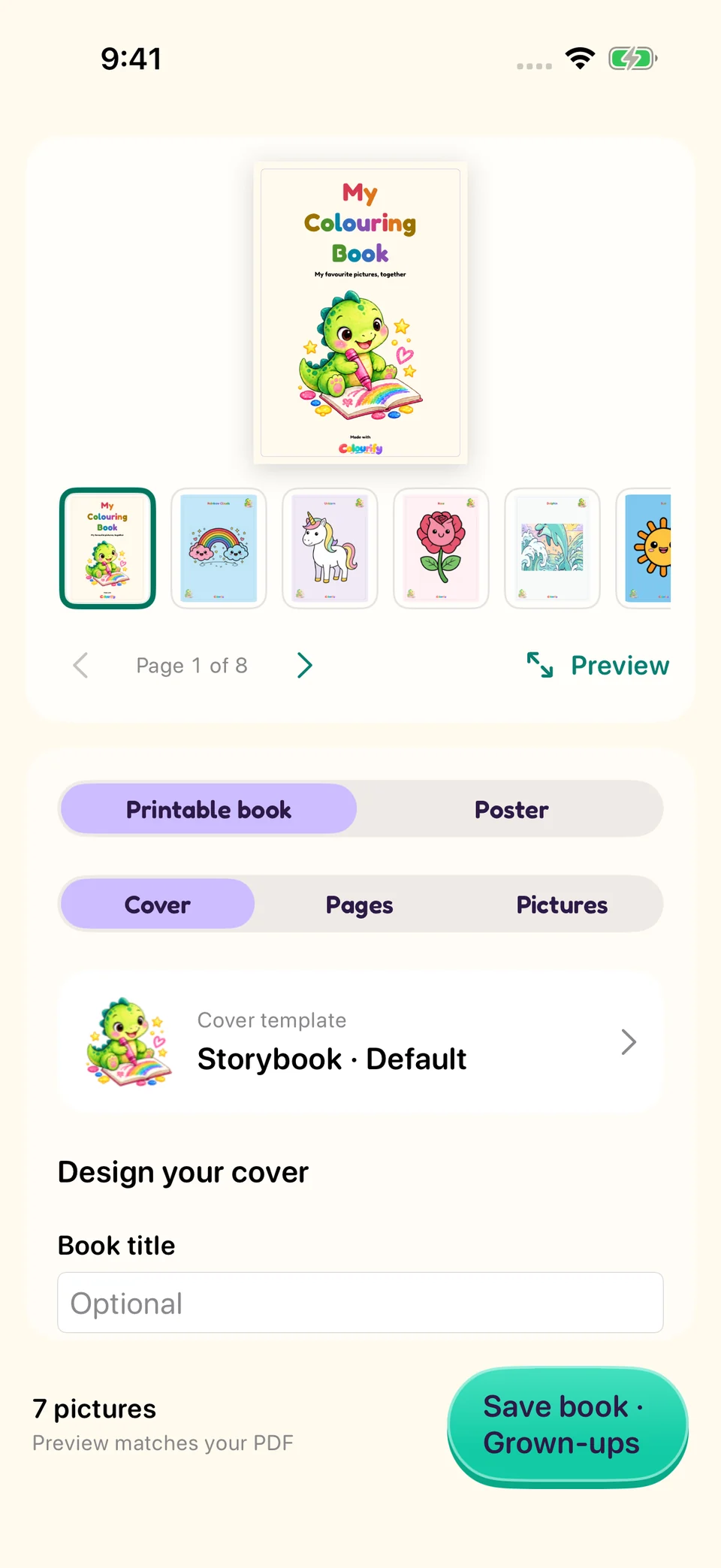
Explore Colourify, or continue with the related guide.

