In this article
Before handing a new colouring setup to a child, I would explore the edges of the activity together. That includes what happens when someone taps sharing, a purchase, or an external link.
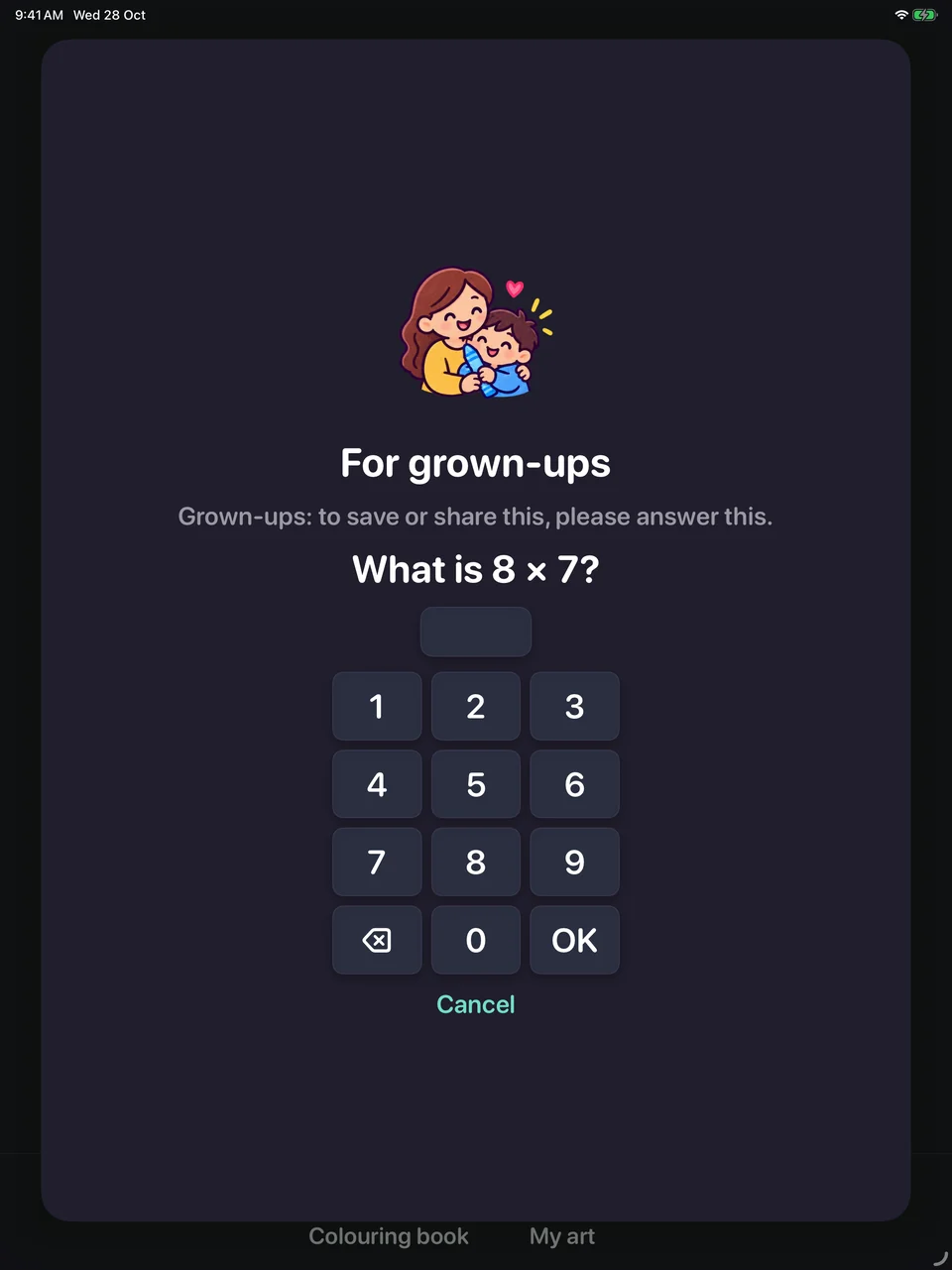
Colourify uses a grown-up question for those actions. It adds a deliberate step, but it does not replace a parent’s choices about the device or make a promise that every child will use the screen in the same way.
Try one protected action together
With a grown-up present, open the app and try the route to a protected action. Observe the question, then cancel and return to colouring. There is no need to make a purchase or send anything during this check.
Explain which part is the colouring activity and which part asks for adult help. A short demonstration is easier to understand than waiting until a child unexpectedly reaches the boundary alone.
Review the actual thing you are sharing
If you choose to share artwork, inspect the saved image or book first. Check a drawing name, a cover credit, and any personal photo. A grown-up gate cannot decide which family details you want visible to a recipient.
For a book, review each page rather than only its cover. The original artwork and the exported presentation are separate things; changing a label in the export does not mean editing the source photo.
Use Grown-up corner for setup decisions
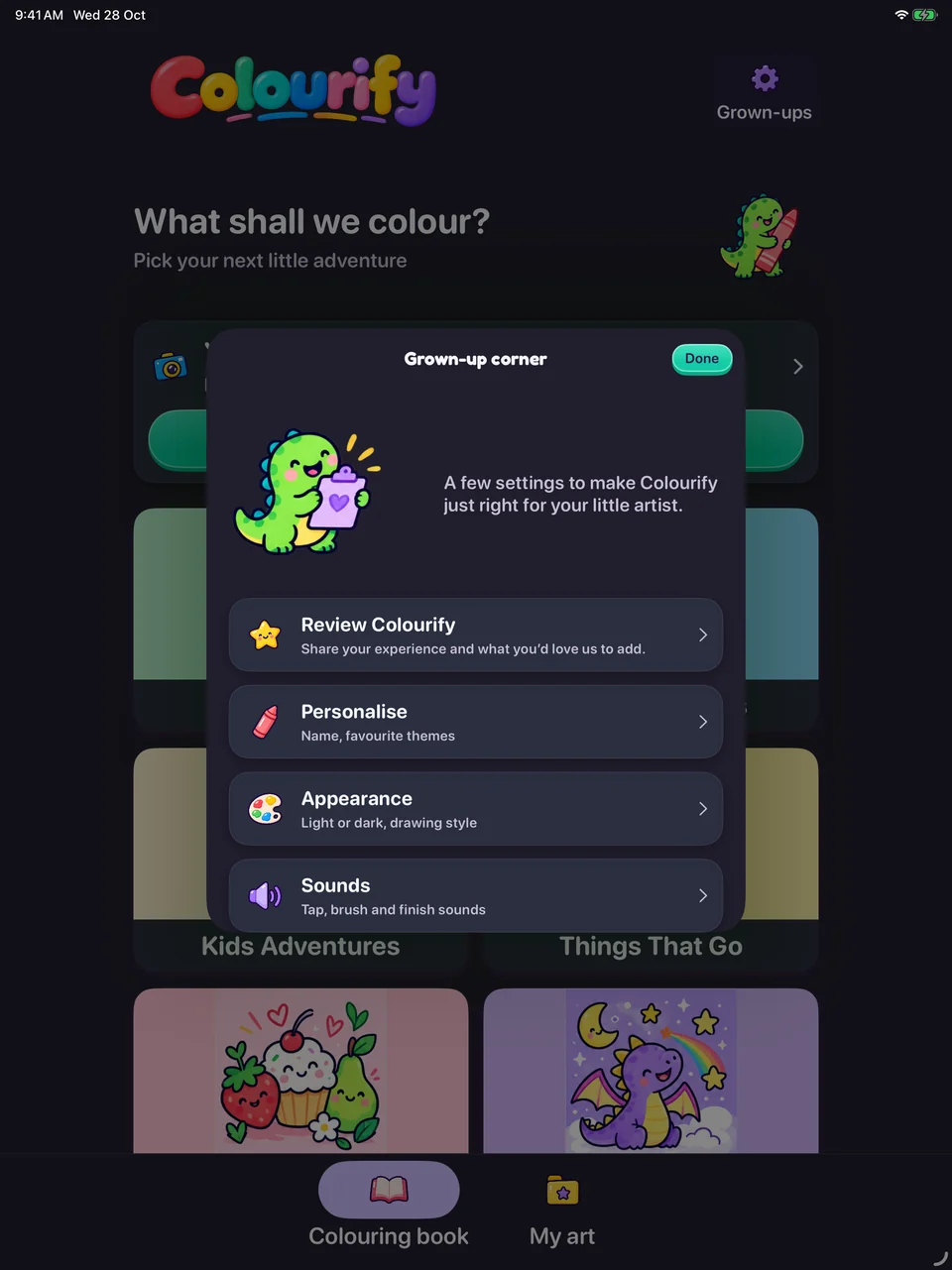
Decide the sounds and starting experience before the first independent session. Keep the initial setup small: a free picture, one crayon or tool, and an easy route back to the gallery.
Colourify has no ads in either the free or paid experience. The optional Unlock Everything purchase adds Pro pictures, extra tools, premium sounds, unlimited drawing imports, and personalised PDF books. You do not need to purchase it to remove advertising.
Set device rules separately
The app’s question does not prevent leaving the app, change system notifications, or configure Apple’s purchase restrictions. Review those device settings separately if your family needs them.
If you use a system feature to keep the device in one app, learn how to end that session before handing it over. I would rehearse that at home, especially before travel.
Bundled pictures work offline. Purchases, restoring purchases, and feedback need a connection; a cloud-only photo may need downloading too. Test the setup you plan to use instead of relying on the word “offline” alone.
For the purchase boundary, see free versus Unlock Everything. For travel, use my preparation checklist.

