In this article
Open the appearance/sound preferences in the grown-up area and review Tap sounds, Brush sounds and Happy finish separately. These controls govern drawing feedback, while Cosy sounds controls the ambient mix.
Someone may enjoy rain in the background but dislike a sound after every tap. Another person may want immediate drawing feedback and no recording at all. I keep those decisions separate rather than treating the app as having one universally suitable sound setting.
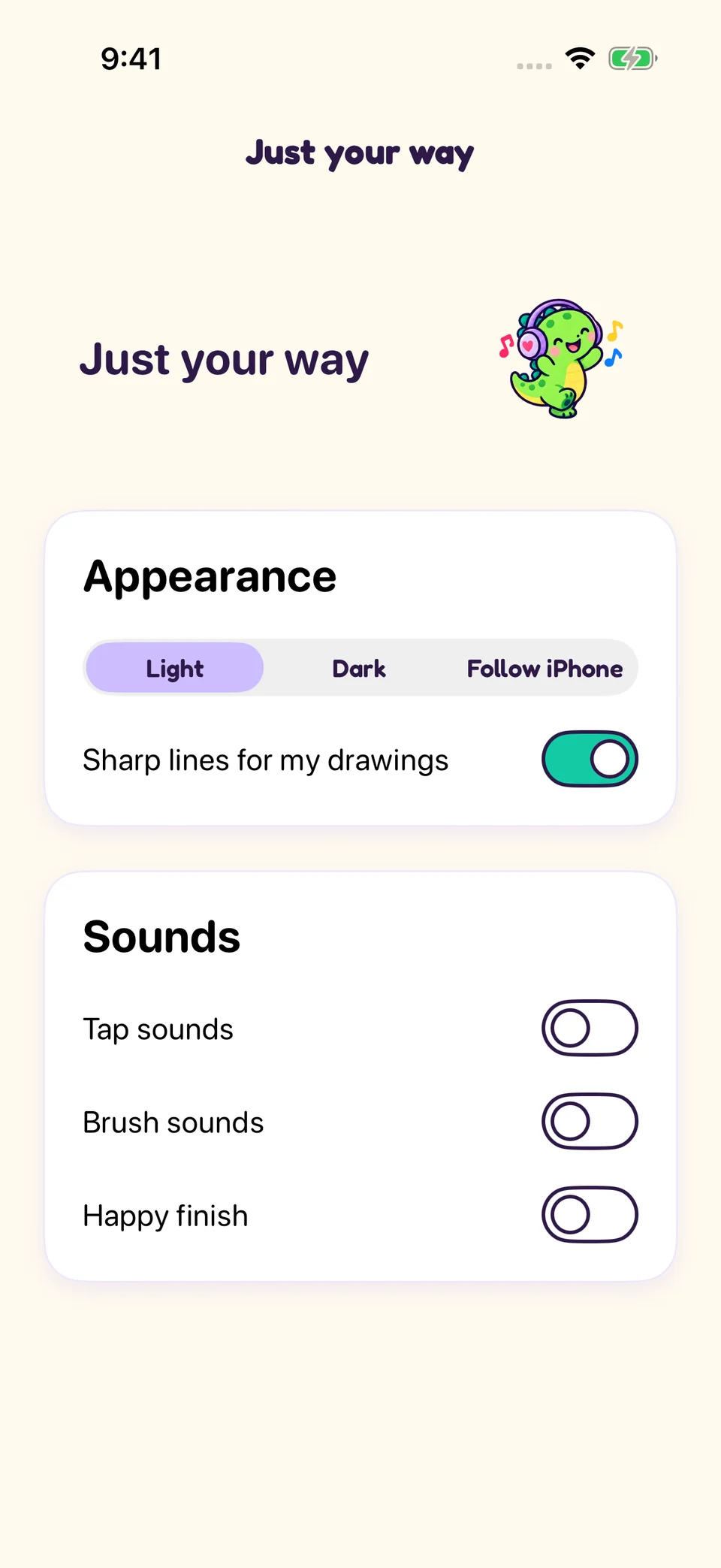
Identify the sound you want to change
Try one fill, a short brush stroke and the relevant completion flow with a grown-up. Notice which feedback is unwanted before opening settings. Ambient recordings such as Forest are not the same as a brush sound, so stopping the mix will not necessarily address a sound made by a drawing action.
Review the three feedback switches
Open the preferences showing Tap sounds, Brush sounds and Happy finish. Change one switch and return to the activity to compare it. If an older overall effects preference was disabled, enabling a category can restore the appropriate master state; judge the audible result rather than relying only on a remembered setting from an earlier version.
Keep device controls in mind
Check device volume and the actual output route as well. The app includes haptic feedback on supported interactions, but these three sound switches should not be described as a dedicated haptics-control panel. If a particular response remains uncomfortable, simplify the setup or stop the activity rather than assuming any setting guarantees a particular mood.
Check the result
- Test a tap after changing Tap sounds.
- Test a short stroke after changing Brush sounds.
- Review ambient playback independently of the feedback switches.
Know the access limits
These preferences are separate from premium sound recordings and paid brushes. Colourify has no ads, and adjusting feedback does not require a promise about medical or developmental outcomes.
Explore Colourify, or continue with the related guide.

