In this article
A background recording is useful only if the person colouring wants it there. I would start Colourify quietly, ask whether sound is wanted, and try one option at a time.
The sound choice is separate from the drawing and its colours. Changing it should be a small setup decision, rather than the main activity.
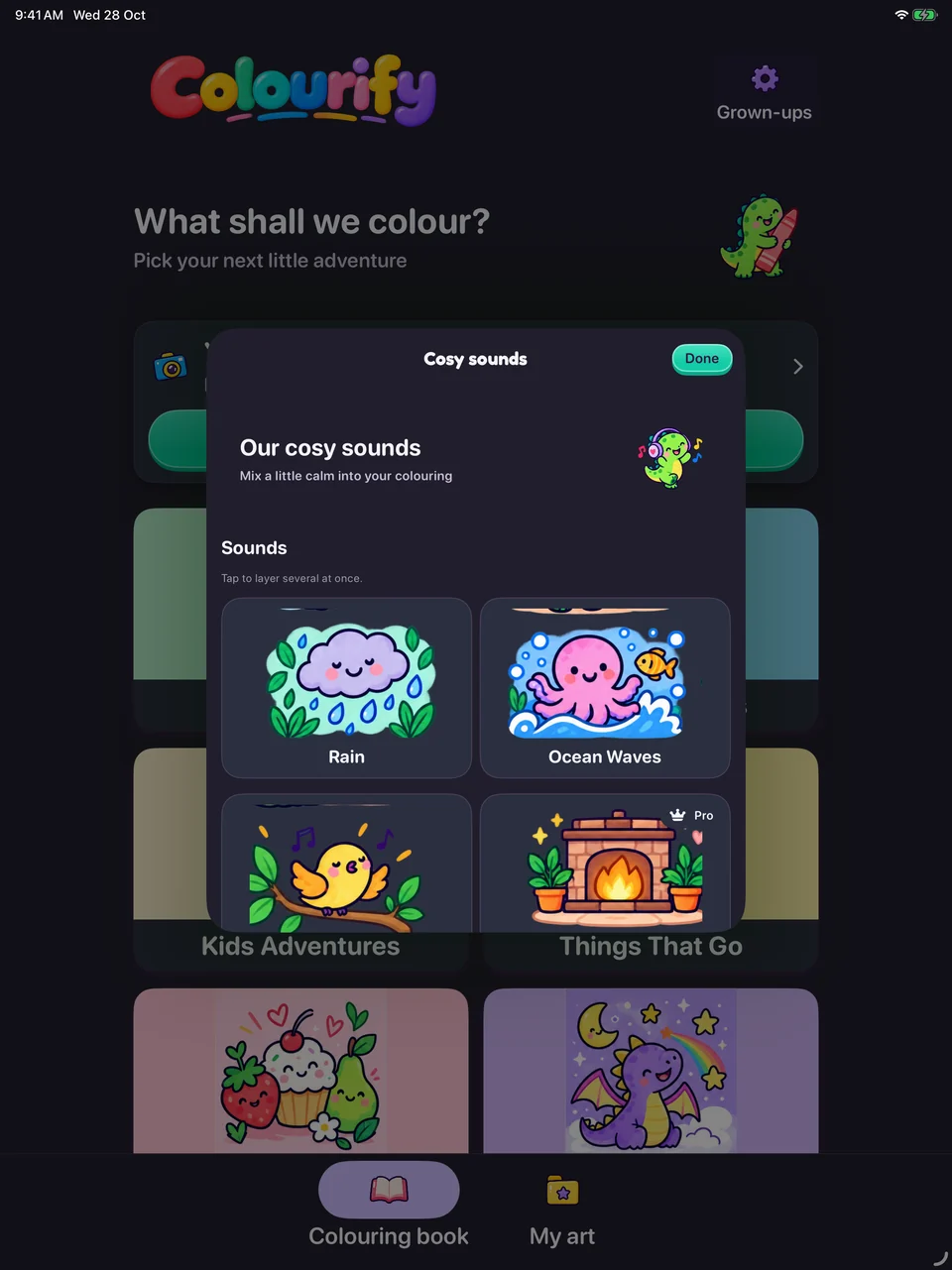
Try one of the free sounds
Open the sound choices and begin with Rain, Forest, or Ocean Waves. Those three are available without purchasing Unlock Everything. Start at a low, comfortable device volume.
Let the sound play while someone actually colours. A recording that is pleasant during setup may be distracting while choosing colours or talking together. Leave it off when quiet suits the activity better.
Check device volume and the room
The app’s selected sound and the device’s listening level are separate controls. Check the result where the device will sit, especially in a shared room or while using headphones.
On iPad, the volume-button direction can depend on the model and orientation. Apple’s button guide explains that behaviour. Make a small adjustment and listen rather than assuming a button will feel the same after rotating the tablet.
Keep the colouring choice simple
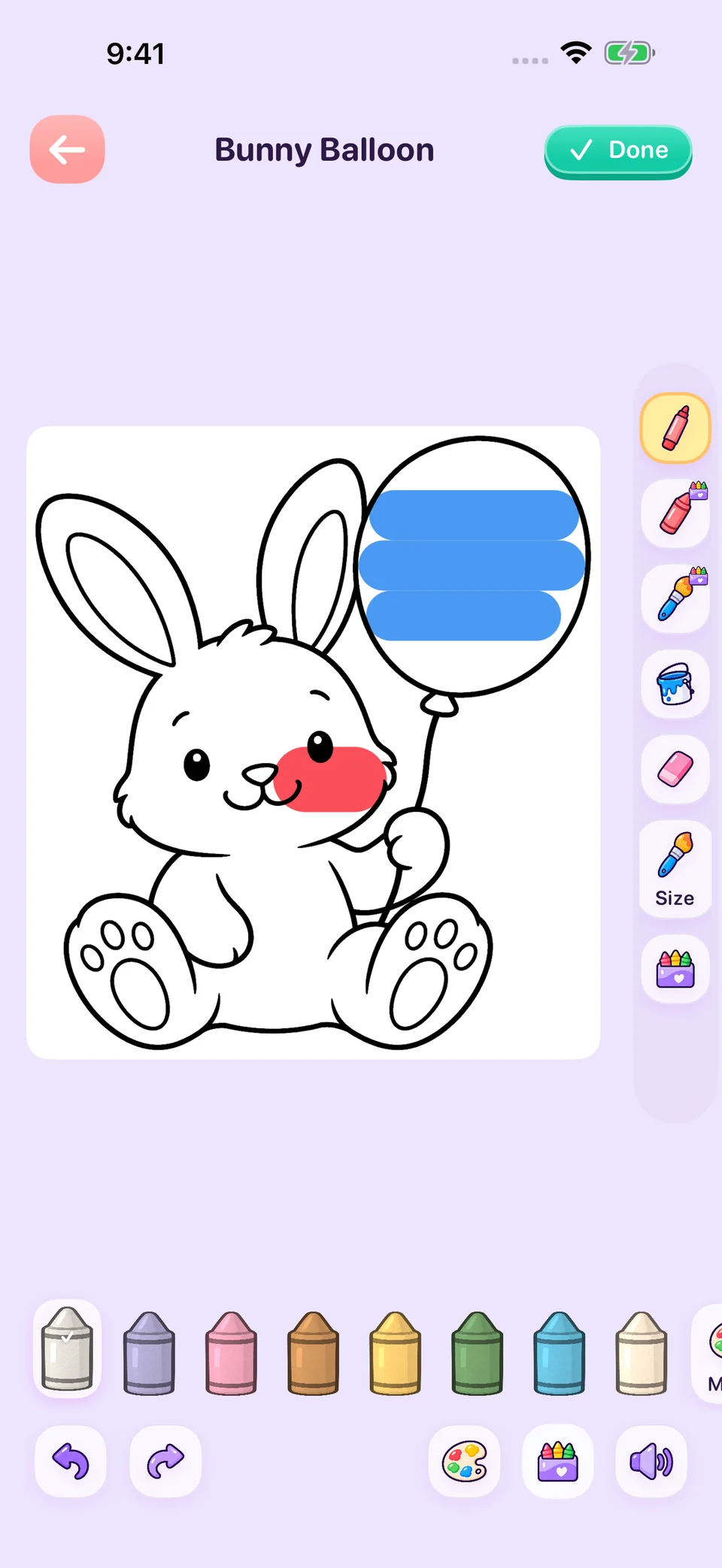
Choose a picture and introduce one tool. You can still talk about the colours, use undo, or stop halfway. The background audio does not need to dictate a particular mood or turn the session into a concentration exercise.
If the child keeps returning to the sound chooser, decide together whether exploring sounds is the activity for now. There is no requirement to finish the drawing while a particular recording plays.
Understand the optional unlock
Premium background sounds are included in the one-time Unlock Everything purchase, alongside Pro pictures, extra brushes and fill styles, unlimited drawing imports, and personalised PDF book export.
The free app remains ad-free, with starter numbered pictures and ten brushing pictures. I would try those and the three included sounds before deciding whether the wider collection is useful.
Bundled colouring works offline. Complete purchases and restores while connected, and test the intended setup in flight mode before relying on it on a journey. Sound preferences are not a medical or developmental treatment.
For introducing the tools, see numbered versus brushing pictures. For a quieter overall setup, read my adjustable colouring checklist.

