In this article
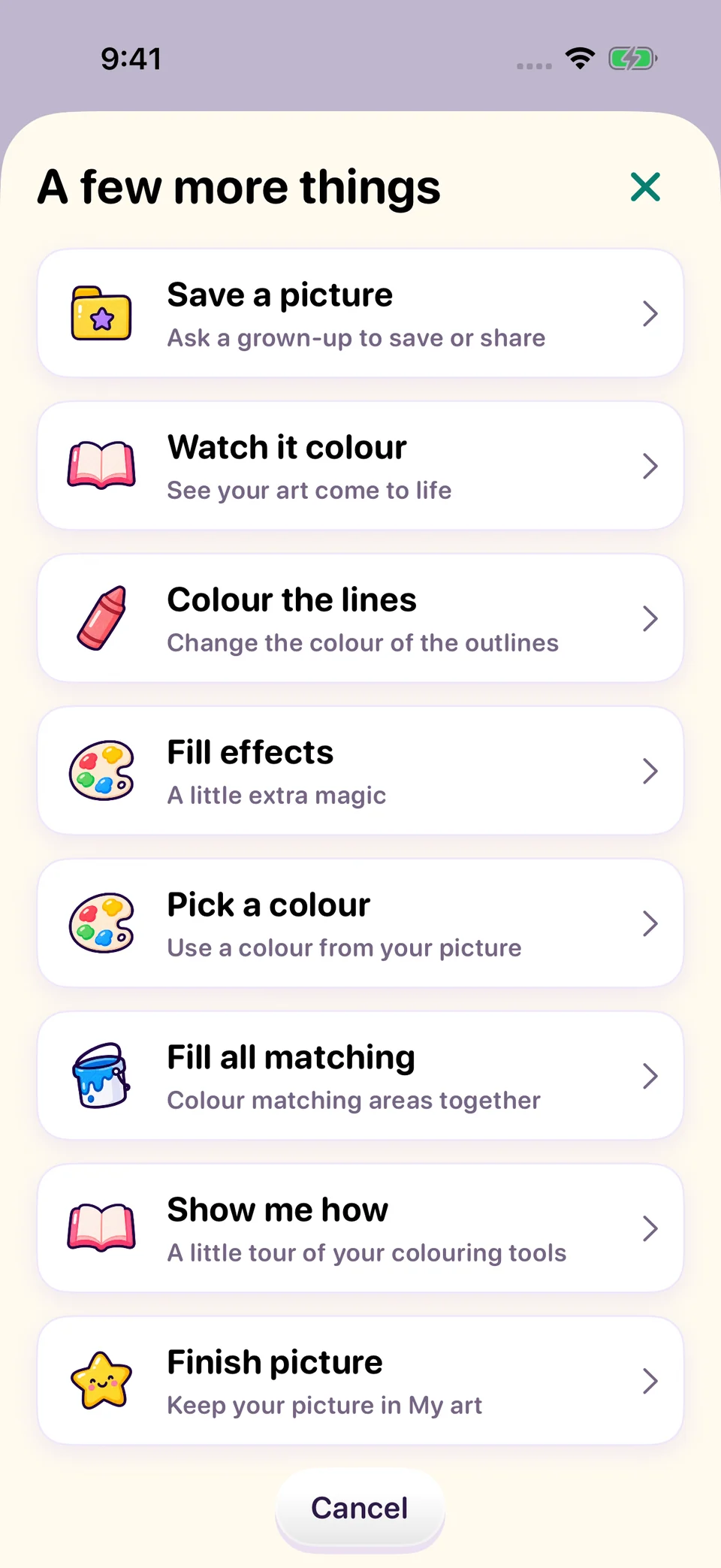
In supported free colouring, choose a replacement colour, open Tools and select Fill all matching. Tap the colour you want to replace, then inspect the other matching areas before continuing.
Changing six matching petals one at a time makes it easy to miss one. Fill all matching is useful when the repeated colour is the thing you want to change. I would first establish which areas really share that colour, because the action follows the colour rather than the meaning of a flower or wing.
Prepare a recognisable colour group
Open a saved free-colouring picture with several areas using one colour. Choose a new colour that is clearly different while still fitting the page. For example, compare coral petals against green leaves and golden flower centres. Keep an area in a contrasting colour so it is easy to notice if the change reaches somewhere unexpected.
Apply the matching-colour action
Open Tools and select Fill all matching where offered. Tap an area painted with the colour you intend to replace. This is a one-shot interaction: do not assume every later tap will keep replacing groups. It differs from choosing the next numbered crayon, and it is not offered as a general replacement tool in numbered colouring.
Check every repeated part
Zoom out and look beyond the tapped subject. Two separate objects can legitimately share a colour, so a useful replacement on one object may change another. If the group is broader than intended, undo and colour the desired areas individually. I prefer that deliberate check to making several corrective changes on top of an unwanted replacement.
Check the result
- Compare a repeated area near the tap with one elsewhere on the page.
- Check that contrasting areas and outlines still look intentional.
- Undo once if needed and verify the original group returns.
Know the access limits
Use an available free picture to practise. Gradient, Metallic, Glitter and Pattern require Unlock Everything even when several matching areas are being changed together.
Explore Colourify, or continue with the related guide.

