In this article
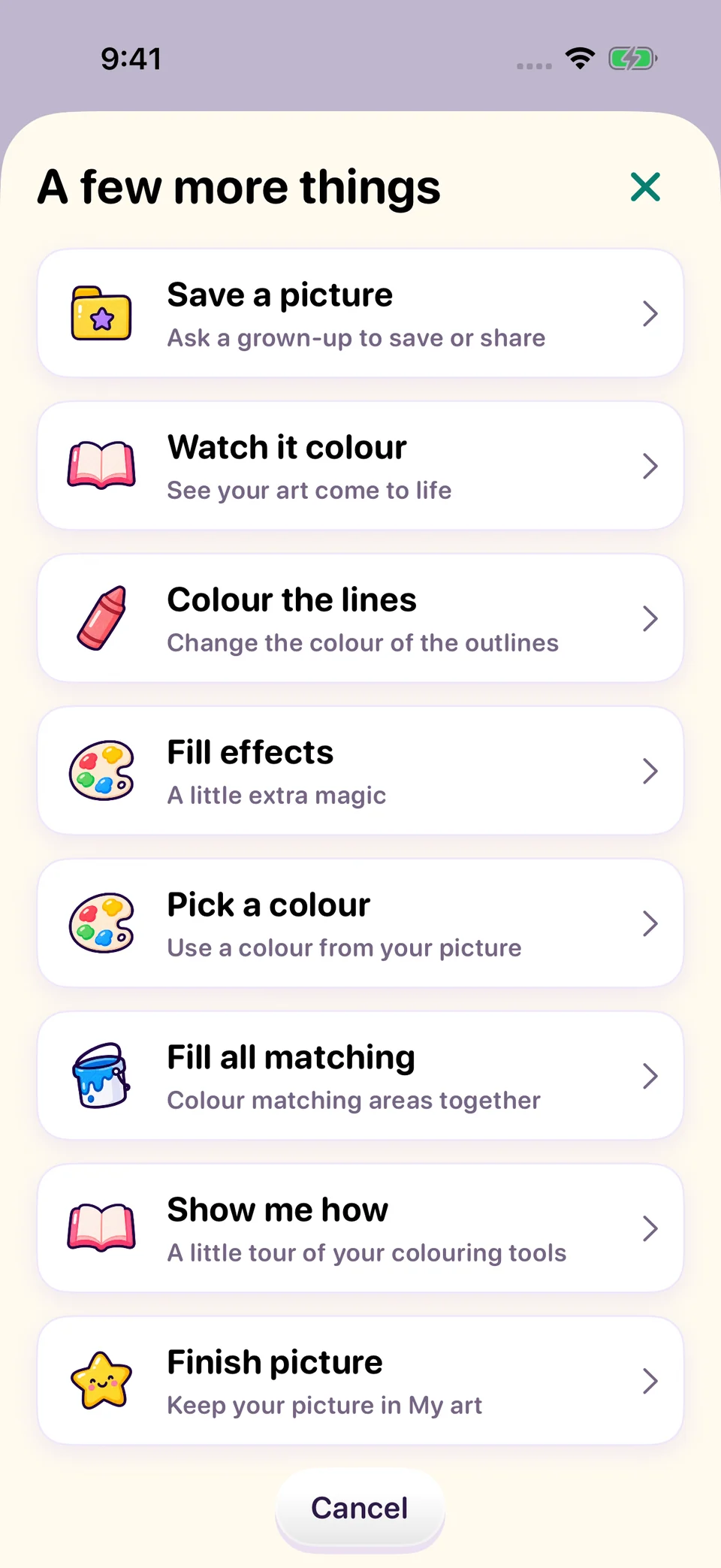
Use Tools → Colour the lines to change the drawing’s outline colour. Compare the complete picture afterwards: a softer outline can suit the palette, but it still needs enough contrast to preserve small features.
Black outlines can feel heavy beside a soft palette. A dark plum, navy or warm brown can produce a different relationship between the lines and the painted areas. I treat that as a separate choice from colouring the subject, rather than making every part of the drawing one colour.
Choose a picture with readable details
Start with a saved drawing containing both broad shapes and small details. Keep its original version available through undo while experimenting. A warm butterfly palette may suit plum lines; green foliage may need a different contrast. Look at faces, antennae and leaf edges, because those are often the first details to disappear.
Use Colour the lines
Open the canvas Tools panel and choose Colour the lines. Use the presented colour control for the outline change. This changes line presentation; it does not repair an open shape or remove an unwanted mark. For damaged imported lines, the separate Fix lines workflow is the relevant tool.
Judge the whole drawing
Inspect the page at its normal viewing size, then zoom into a small feature. A line that is visible against white may become hard to see against a yellow wing or pale pink petal. Try a darker shade before increasing the number of colours. If the change weakens the drawing, undo and compare the original outline.
Check the result
- Check a small enclosed shape and the outer edge of the subject.
- Inspect the result against both light and dark painted areas.
- Save or share a copy and check its line contrast outside the canvas.
Know the access limits
Colourify is ad-free. Extra brushes and fill effects are separate from this outline decision; access prompts in the installed app determine any protected action.
Explore Colourify, or continue with the related guide.

