In this article
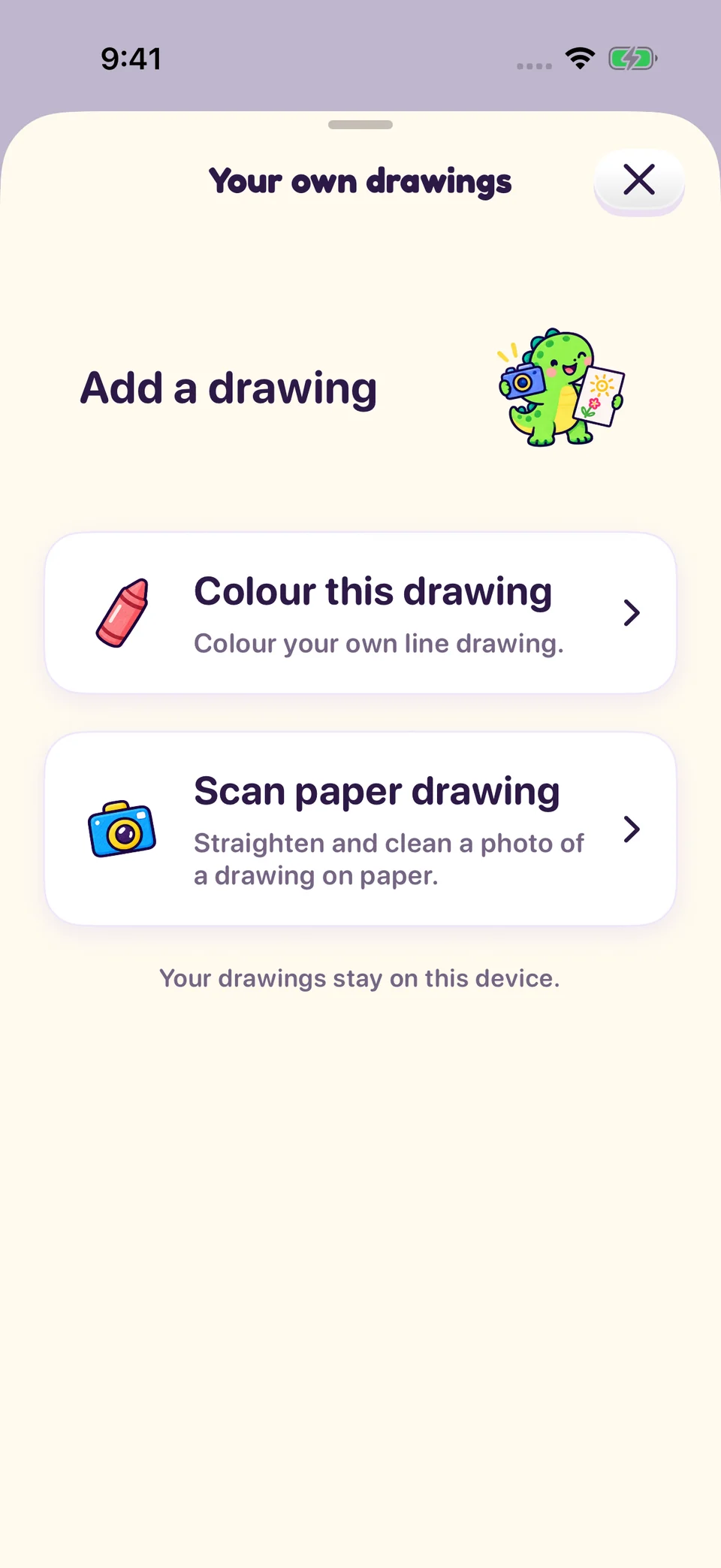
Open Fix lines for an eligible imported line drawing, bridge the gap with a straight or freehand repair, then save and check the rebuilt areas. Saving changes the drawing’s geometry and clears its existing colouring.
Colour can spread into the background when a shape has an open outline. Choosing a different fill colour will not close that gap. I would inspect the line itself, make the smallest useful repair and test the area again before colouring the whole page.
Preserve the source and inspect the gap
Open an imported line drawing and zoom into the place where the fill escaped. Keep the original photo. If the artwork already contains colouring you want to preserve, save an image of that result before editing the lines. Fix lines is a structural edit, so undoing an ordinary fill is not a substitute for preserving important work.
Draw a short closure
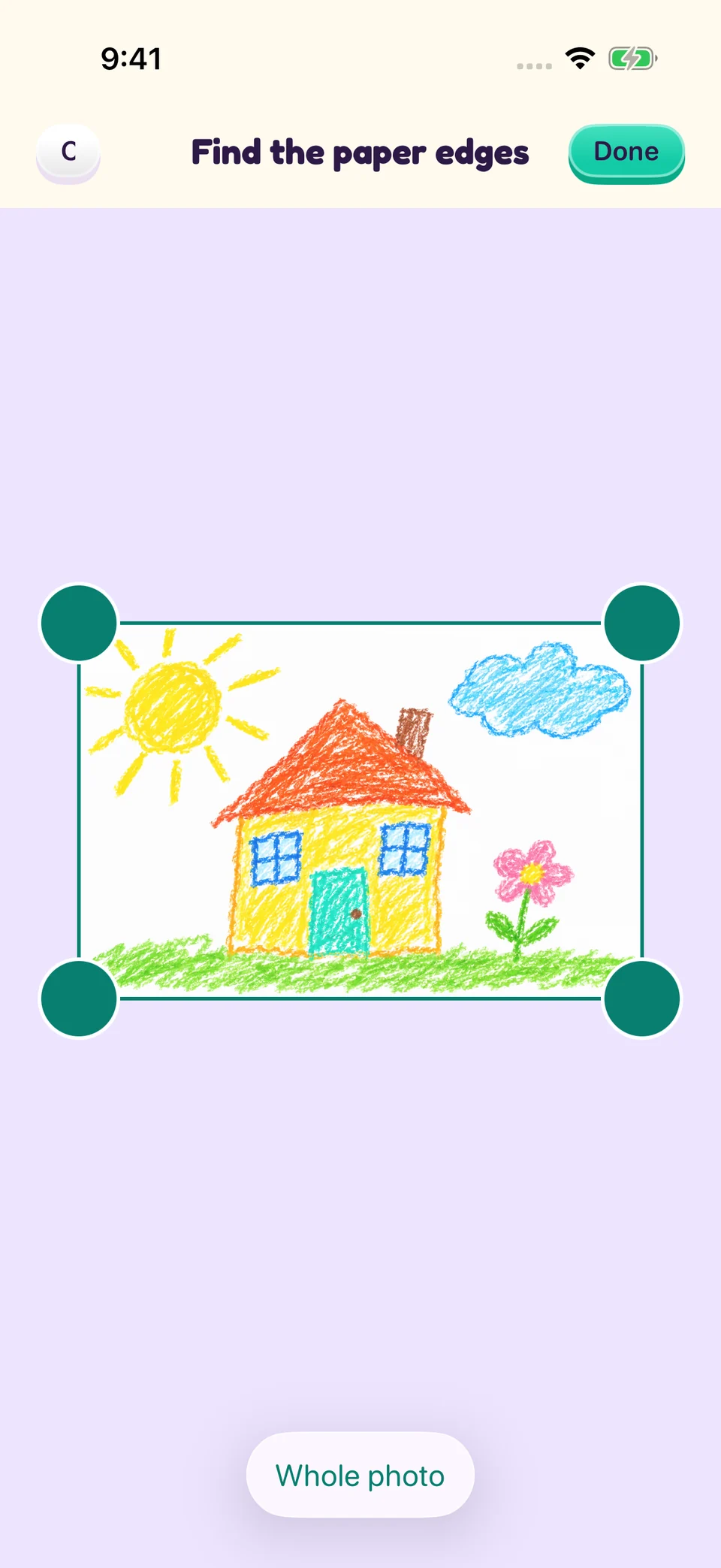
Open Fix lines from the drawing’s available actions. Use a straight repair for a short gap; use freehand when the missing contour needs a curve. Choose a size that meets both existing edges without covering nearby detail. Our garden is a demonstration drawing, so a repair should preserve its intentionally uneven hand-drawn character.
Save and test the rebuilt areas
Review the repair and undo an accidental mark before saving. Read the warning: the app recalculates the colourable areas and clears previous colouring because area identities can change. Wait for preparation to finish, then tap the repaired shape with a contrasting colour. Check that the colour stays inside while the adjacent area remains separate.
Check the result
- Inspect the closure while enlarged and at normal size.
- Test both sides of the repaired line.
- Check small nearby shapes before committing to a full colouring session.
Know the access limits
Fix lines applies to eligible line-art imports, not every colourful imported source. Import capacity and premium tools retain their normal access rules. The repair example documents the local app workflow.
Explore Colourify, or continue with the related guide.

