In this article
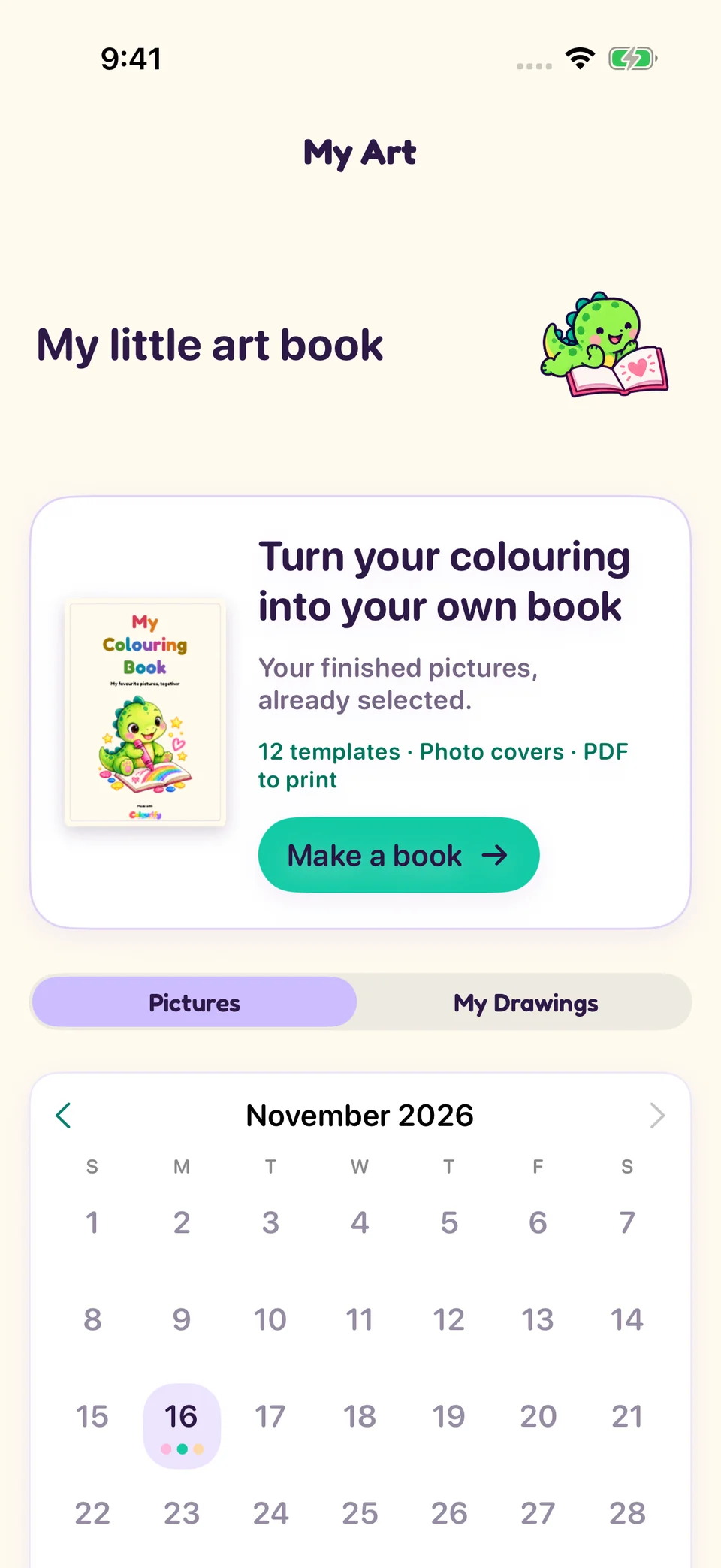
Open My Art, move to the relevant month and select a day to find saved activity. Check Pictures and My Drawings separately when the artwork came from an imported drawing rather than the bundled collection.
A remembered drawing is often easier to locate by when it was made than by its title. My Art gives that activity a calendar context. I use the date as a starting point, then inspect the thumbnail and artwork details before deciding whether it is the right picture.
Begin with the likely collection
Open My Art and check the collection choice. Pictures and My Drawings separate bundled colouring from the user’s imported work. Kept paper drawings are another source of artwork, so an item photographed for preservation should not automatically be expected among fillable imported templates.
Move through the calendar
Use month navigation to reach the period you remember, then select the relevant day. Browse its saved artwork and open a promising thumbnail. A date tells you where to look, but several sessions or drawings can share it. Compare the subject and colours before continuing a picture that happens to have a familiar date.
Use details to choose the next action
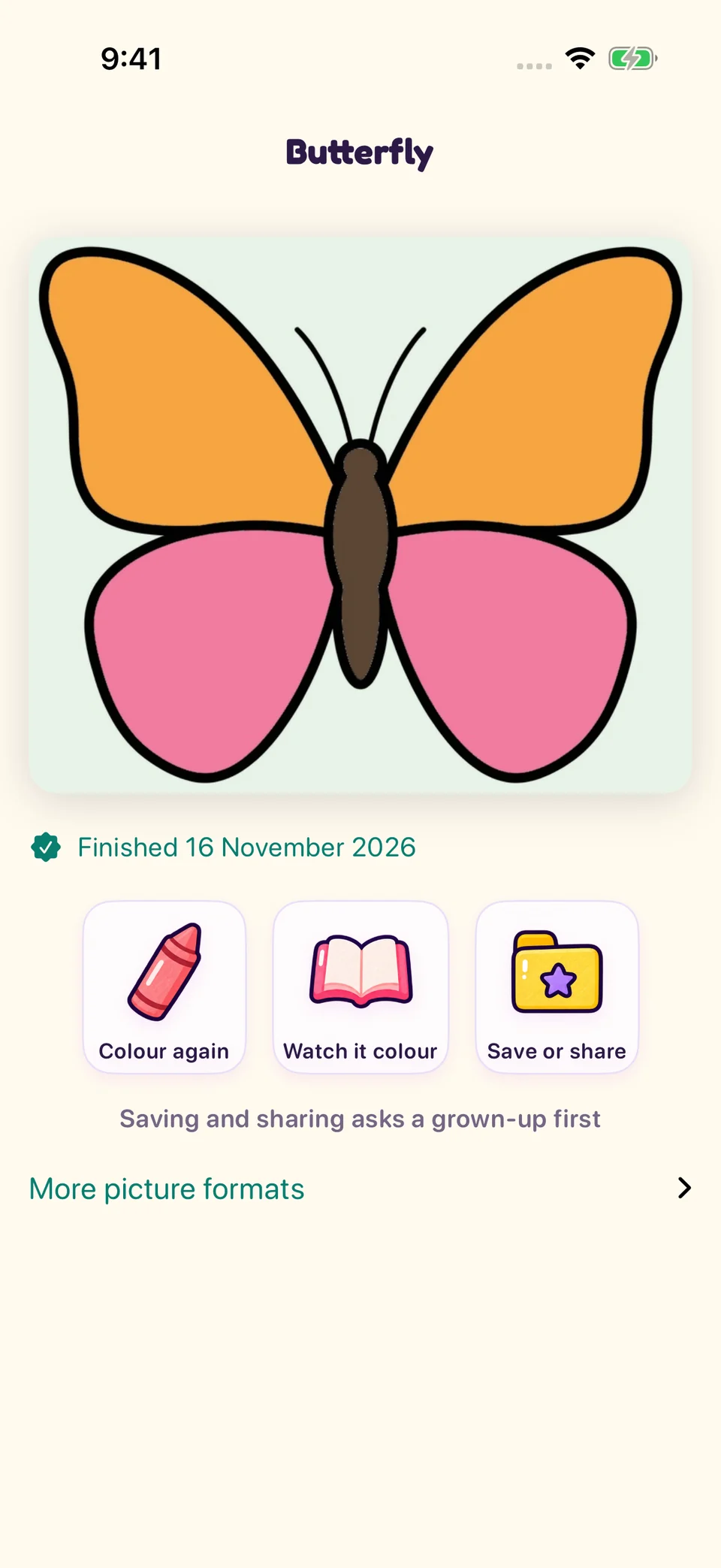
From the artwork detail, decide whether to continue colouring, review a finished result, share or use the picture in a book. A saved item does not have to be finished to be worth keeping. The calendar is a browsing tool here; Colourify does not turn the shared project’s hidden streak and achievement rows into a visible child-facing goal.
Check the result
- Find one known picture using its date and collection.
- Open it and compare its colours with the thumbnail.
- Return to My Art without deleting or replacing the saved work.
Know the access limits
My Art is local to the device. Running Colourify on another device does not by itself synchronise this calendar or library; preserve important artwork with a separate backup.
Explore Colourify, or continue with the related guide.

