In this article
Use an eligible imported drawing’s re-read action to prepare it again from the retained original photograph. Read the confirmation first: changing the areas clears the existing colouring.
A drawing may need another interpretation when its first preparation loses a line or treats the source differently from what you expected. Re-reading is useful only when the original contains enough information. It cannot restore a face that was hidden by a shadow in the photograph.
Inspect the original before re-reading
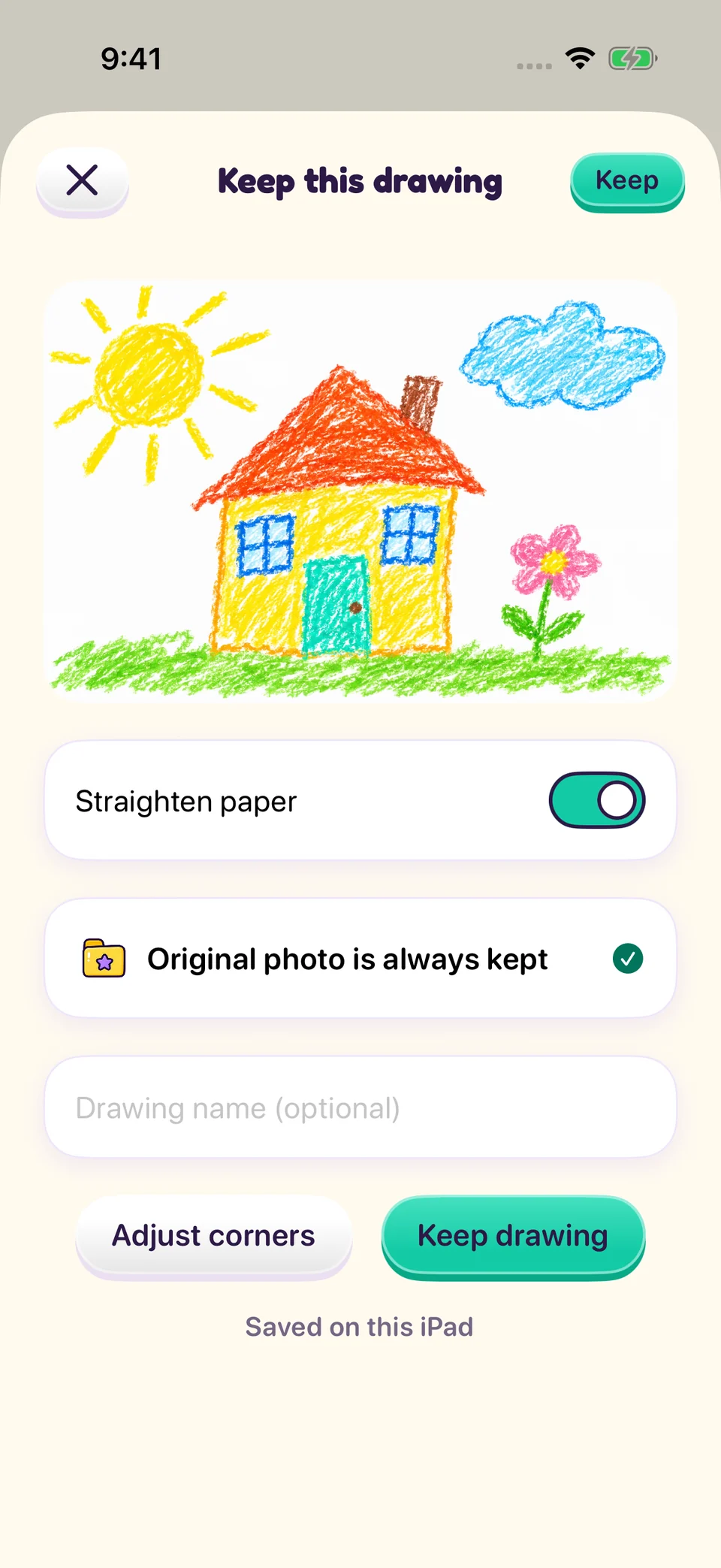
Keep a separate source photo and inspect it at full size. Check whether the missing detail is actually present. If the source itself is blurred, take a clearer photograph before trying another import. For a clean digital page, the quick line-art route and the paper-photo route have different purposes.
Read the replacement warning
Find the imported drawing’s available re-read action. The confirmation explains that its colouring will be erased because the rebuilt areas may have different identities. Save an ordinary image first if the current coloured result matters. Cancel when you are unsure; re-reading is not a way to create another independent coloured edition.
Compare the new preparation deliberately
Let the app finish and inspect the detail that prompted the change. Test a small fill and its neighbouring area. If the line is present but has a local gap, Fix lines may be a more focused next step. If the source is unsuitable, keep the original and use a better capture rather than repeatedly replacing the same template.
Check the result
- Identify one specific detail to compare before and after.
- Check that the source and orientation are correct.
- Try colouring only after confirming the new area boundaries.
Know the access limits
Re-reading is limited to eligible drawings with the required source information. It does not unlock more retained imports, and the current colouring is not preserved across a change of geometry.
Explore Colourify, or continue with the related guide.

