In this article
Open Watch colouring where offered for saved artwork with recorded actions. The replay rebuilds the colouring from its history; it is not a recording of every screen, pause or notification during the session.
Watching a drawing develop can be more interesting than seeing only its final image. I want the replay to show meaningful colour choices and brush work, so the demonstration uses several coordinated colours rather than a single flat fill just to make something move.
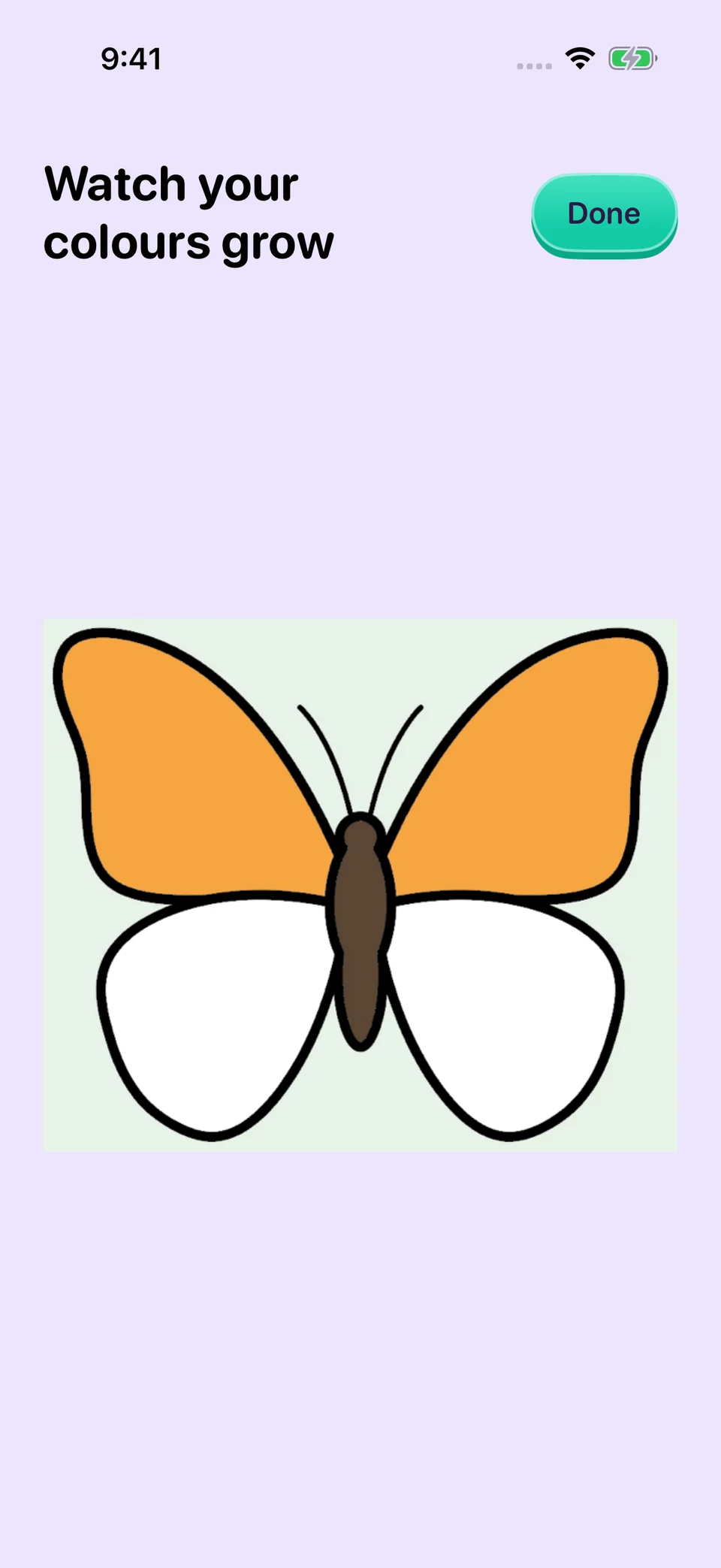
Choose artwork with a history
Open an artwork you have genuinely coloured and review its saved result. A blank template has no useful colouring journey to replay. A history of several fills or strokes gives the feature something to show. Saved imported artwork can participate too when it has recorded colouring actions.
Open the replay from the artwork
Use the available Watch colouring action in the artwork detail. Let it play and compare the sequence with the final picture. It reconstructs recorded painting, so do not expect screen navigation, messages or the full time spent thinking between actions. The in-app replay is a different step from saving a shareable MP4.
Decide whether a video is useful
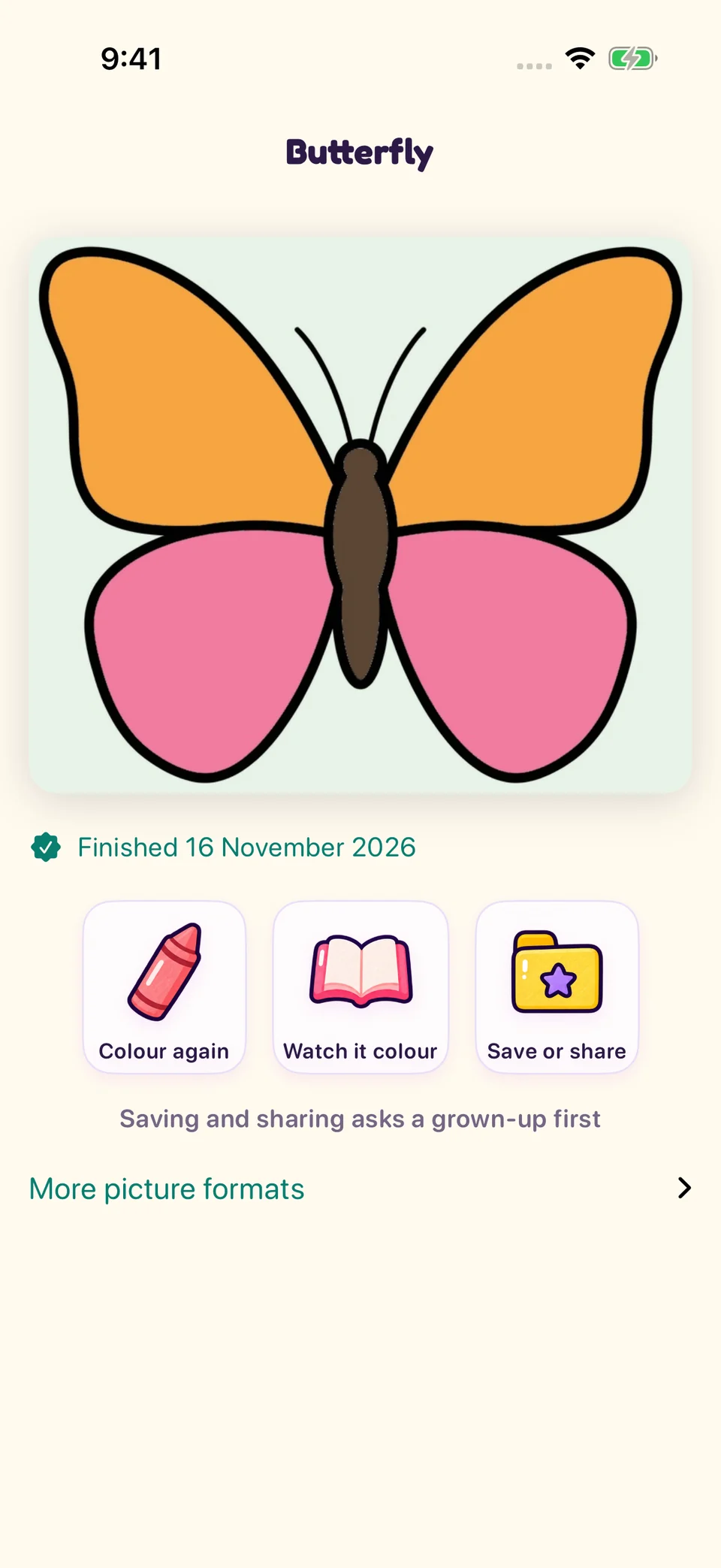
If you want to send the sequence, use the separate time-lapse export flow and review the finished file. Before sharing, inspect both the artwork and any visible names. The original drawing and its recorded history remain the source; an exported video is a fixed result, not a replacement for a library backup.
Check the result
- Choose a picture with several recorded actions.
- Watch enough of the sequence to compare it with the saved artwork.
- Check a separately exported video before sending it.
Know the access limits
Replay needs suitable recorded history. HD versus higher-resolution video access applies to export; do not describe a static preview or local demonstration as proof of a purchase.
Explore Colourify, or continue with the related guide.

