In this article
In the grown-up settings, enable the optional Daily reminder and choose its time. Notification permission is separate from the time setting, and reminders can be turned off again.
A reminder should be an invitation to a convenient activity, not another demand on a child’s day. I would choose a time with a grown-up and leave the feature off when there is no useful place for it. Opening the app does not need a notification schedule.
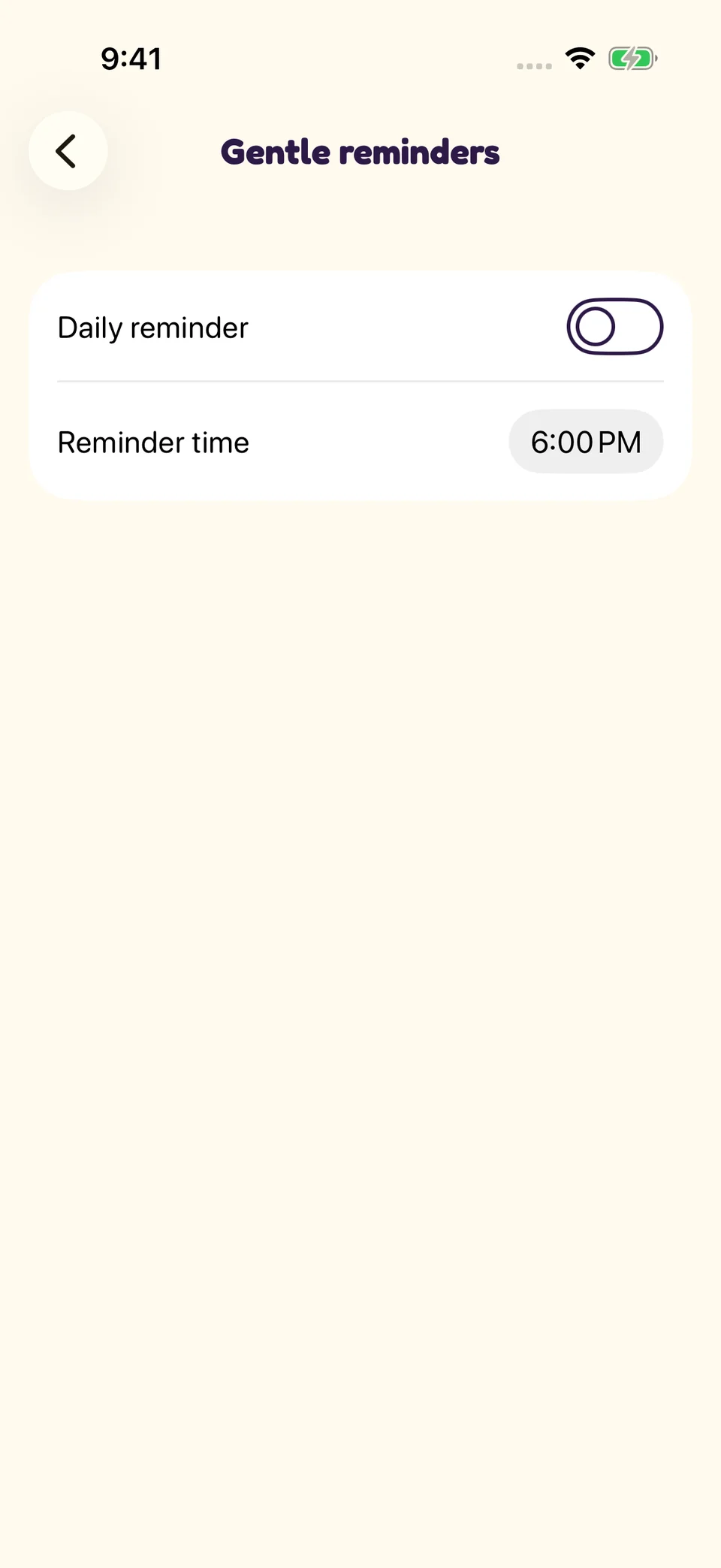
Choose a time before requesting permission
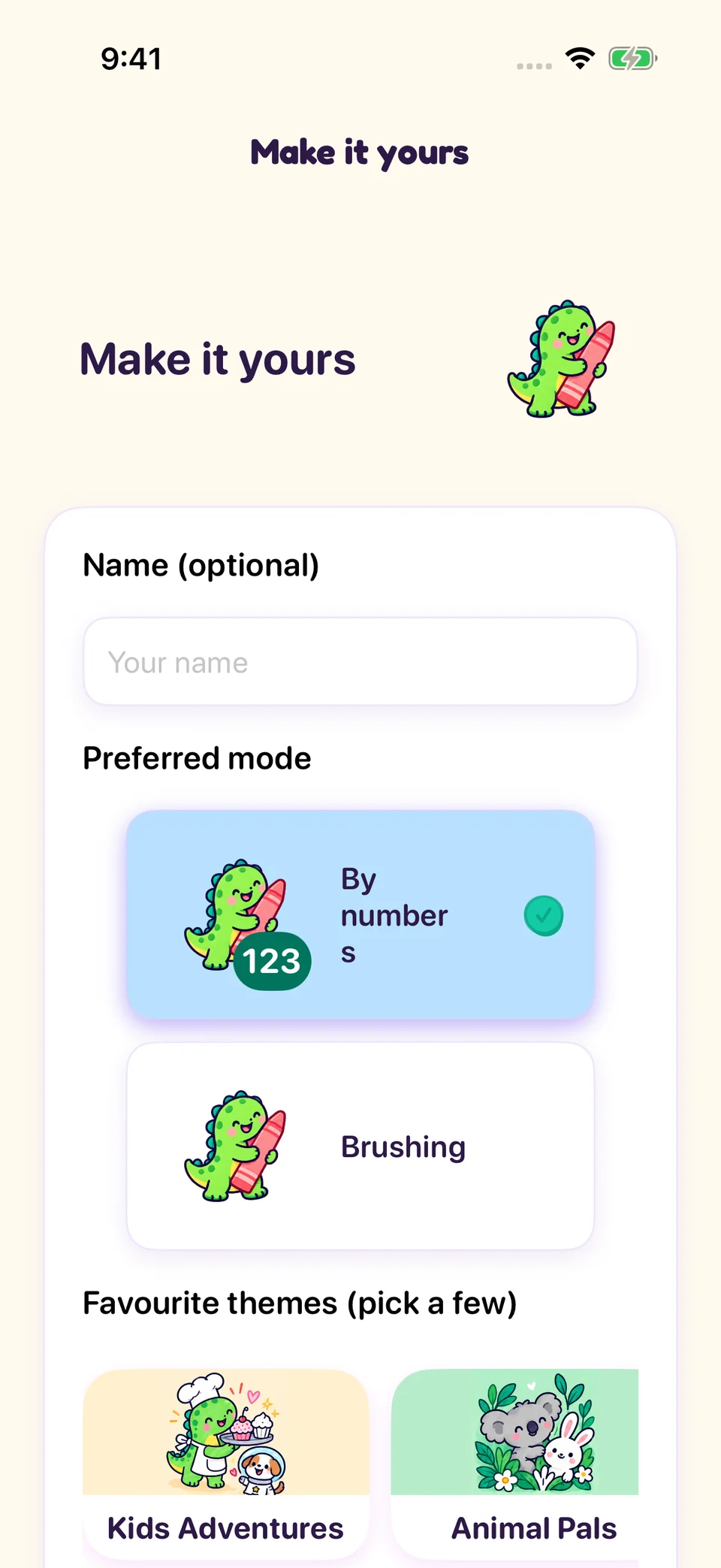
Open the grown-up settings and locate Daily reminder. Decide when the device is usually available and whether an alert would interrupt something else. The preferred colouring time in Personalise is related context, but it should not be mistaken for an enabled daily notification.
Enable and review the reminder
Turn on the reminder through the protected flow and choose the time shown by the picker. Respond to the system’s notification permission request deliberately. A selected time alone does not prove that the device will display an alert: permission and device-level notification settings still apply.
Adjust or switch it off
Return to the same settings to change the time or disable the reminder. If an alert does not appear, first check Colourify’s notification permission in device Settings and whether the device is using a mode that changes notification delivery. Do not repeatedly toggle the control or invent a streak target to make the activity feel compulsory.
Check the result
- Reopen the settings and confirm the selected time.
- Check the app’s system notification permission.
- Turn the reminder off if it no longer serves a useful purpose.
Know the access limits
Reminder activation is a grown-up-controlled setting. This guide does not promise delivery at an exact second or imply that reminders are required for free colouring.
Explore Colourify, or continue with the related guide.

