In this article
An app can be useful without its paid unlock being necessary for every person. I would decide on Image Converter Pro by the work that repeats: how many images, which outputs, and whether advertising interrupts a task you do often.
Count an ordinary week of work
Write down your typical daily image count, not the largest batch you can imagine. If you convert a couple of photos once a week, the free allowance may already be enough. If you regularly prepare a folder for a client, the daily limit becomes a practical part of planning.
The allowance is about images, not a promise that a five-page document and five separate photographs are equivalent in every workflow. Review the visible remaining allowance before importing a large batch, and keep a copy of each original.
Separate convenience from required outputs
| Requirement | Free or Pro? |
|---|---|
| Five images per day, with ads | Free |
| Original-quality PDF | Free within the image allowance |
| Balanced or Small file PDF compression | Pro |
| Unlimited images and no ads | Pro |
| ZIP export from the app | Pro |
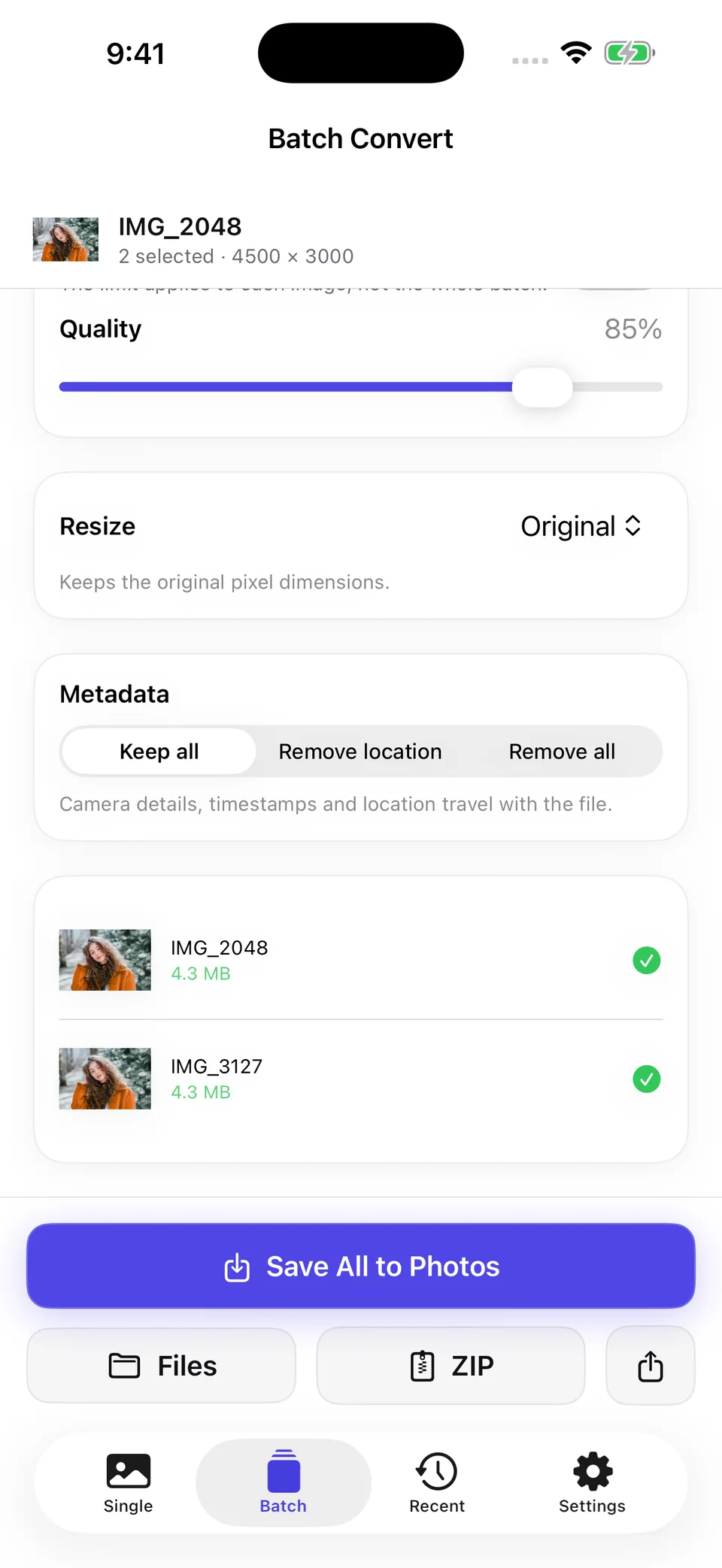
Batch preview and removing an unwanted item do not become paid just because you opened Batch. Do not confuse a free way to inspect a selection with unlimited conversion capacity.
Try the task that would justify the unlock
For frequent conversions, prepare a representative small set and inspect the naming and export path. For PDFs, compare readable output at the destination’s size limit. For ZIP delivery, decide whether you need the in-app shortcut or are comfortable packaging already exported files elsewhere.
Optional rewarded ads can add conversions when available. They depend on ad availability and are not the same as an unlimited entitlement. For a deadline, I would not plan a large job around an assumed stream of available rewards.
Read the current purchase screen
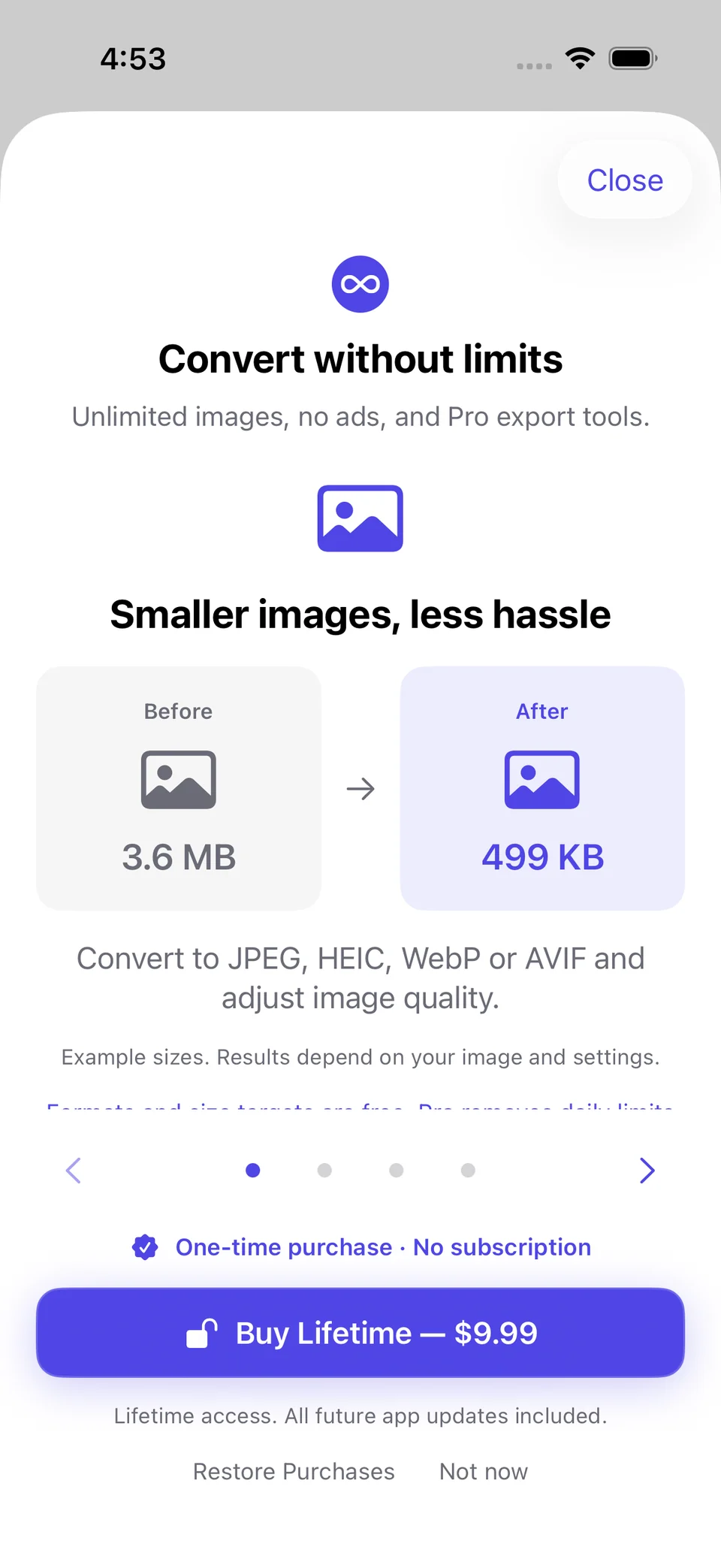
Pro is a one-time lifetime purchase rather than a subscription. Read the Apple confirmation, check the account you use, and use the current storefront price rather than a price from a screenshot. A simulator’s product-loading state is not a retail price quote.
Start with the batch workflow if volume is your reason to upgrade, or the measured PDF comparison if document size is the issue. I would buy for a recurring need I can name, not for an unused checklist of features.
Know the access limits
Image Converter processes conversions on your device without a photo upload or account. The free app includes ads and five images per day, with optional rewarded ads for extra conversions. Lifetime Pro removes ads and adds unlimited images, compressed PDF export, and ZIP export. Advertising uses network access; a cloud-only source may need downloading first.
Questions before you start
Is Pro required for any PDF?
No. Original-quality PDF export is free within the daily image allowance. Balanced and Small file compression require Pro.
Do I need Pro to remove ads?
Yes. Lifetime Pro removes ads; the free experience includes advertising.
See the app details and current access information before choosing your next step.