In this article
Sometimes I want a puzzle with a time to improve. Sometimes I just want to fit the pieces. Pizple’s Relaxed Play setting lets those be different sessions.
The released game includes 100 pictures across 20 chapters. I would begin with an early picture and choose the pace before worrying about the stars.
Try the standard result first
In standard play, completion can earn up to three stars and a personal best time. Use that record if you enjoy revisiting a familiar puzzle and learning its arrangement.
Choose Relaxed Play when time is irrelevant
Enable Relaxed Play in Settings for an untimed puzzle with more forgiving placement. The earlier article called the standard experience “Star Challenge”; that is not a verified separate mode title.
Compare how the same early picture feels in each setup. There is no need to assume one is more valuable or calming for everyone.
Rotate to inspect the pieces differently
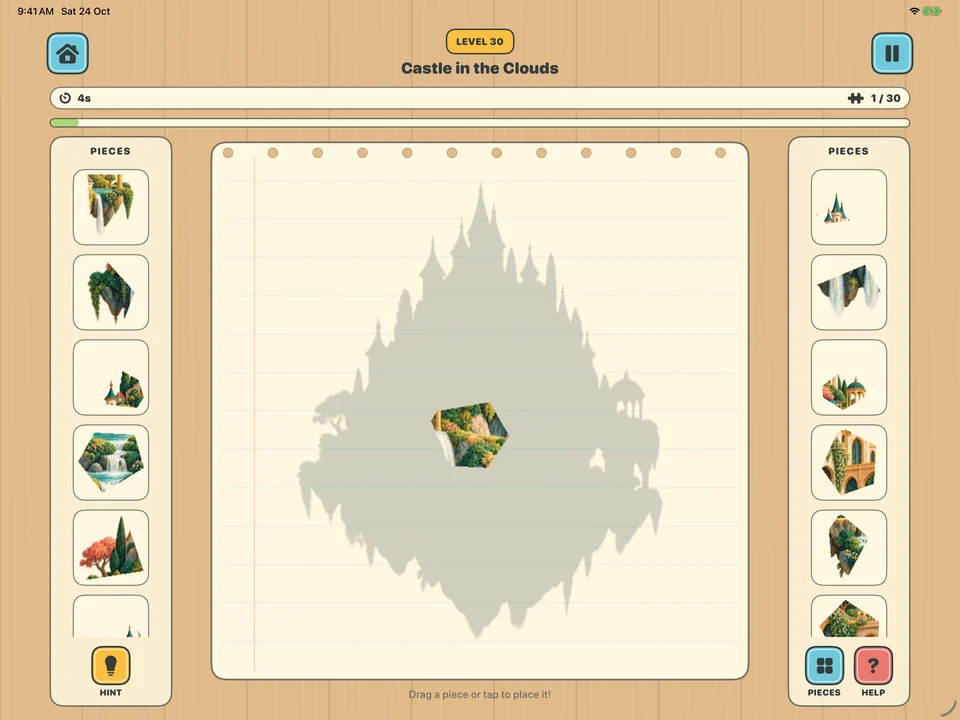
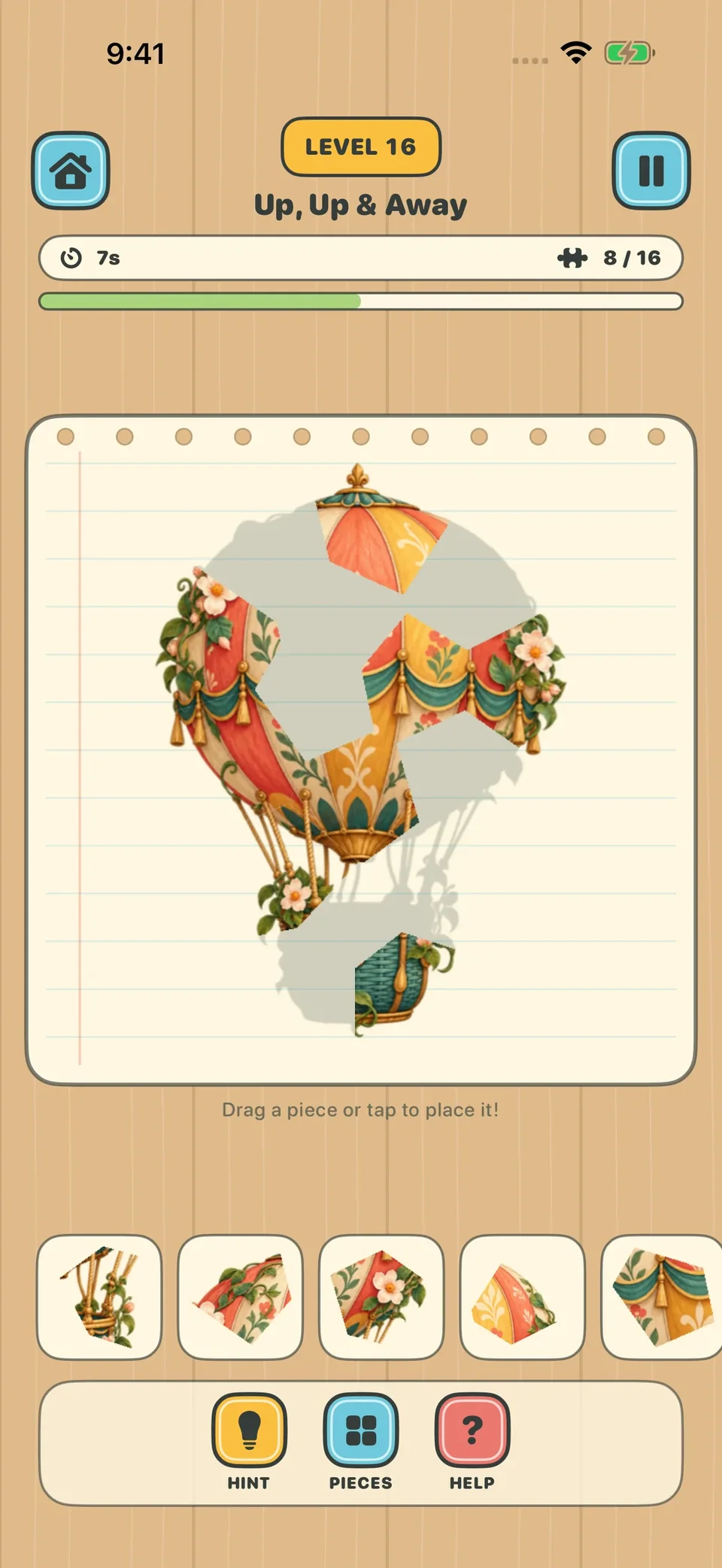
Portrait uses a tray below the board; landscape places trays beside it. Try the arrangement that makes pieces easiest to inspect on your device. Use drag placement or select a piece and tap its location.
Use a hint and return later
Hint briefly shows the picture, and Pieces helps inspect fragments. The released listing does not promise an exact three-second hint duration, so use the visible behaviour as your guide.
Progress saves automatically. Bundled puzzles can be used offline; advertising and purchase-related network behaviour are separate. This guide does not claim a verified lifetime ad-removal product or promise every ad will feel unobtrusive.
See the basic controls for a first session.