In this article
When I describe Colourify as a quieter colouring space, I mean specific things: pictures without a countdown, no ads, and tools that let a child choose what to do next. I do not mean that an app can guarantee a calm mood.
Children respond differently to colours, sounds, and screens. My approach is to make the experience easier to adjust and give grown-ups a clear idea of what is happening.
Start with fewer choices
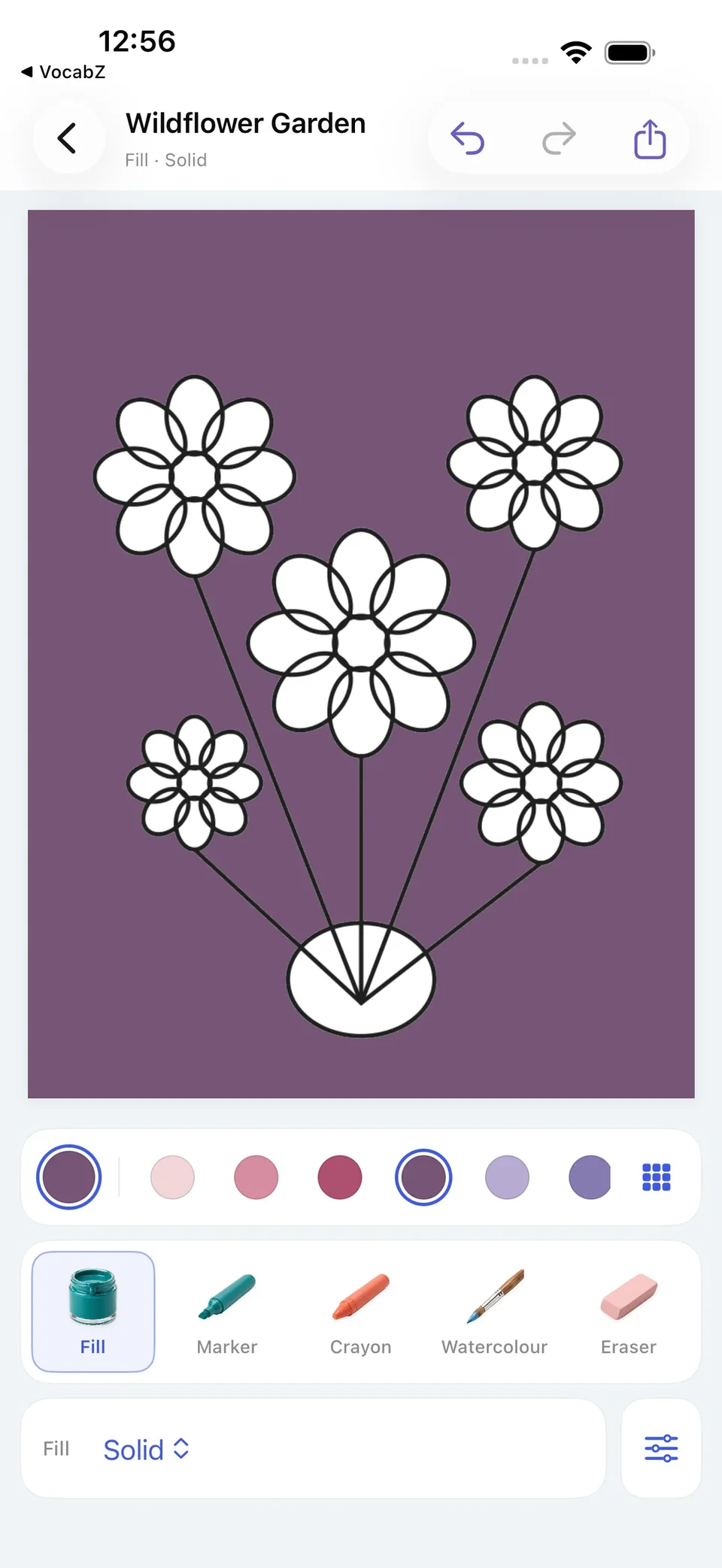
A new app can present a lot at once. I would start with one picture and show one action: choose a crayon, then tap an area. There is no need to introduce every brush, sound, and export option in the first session.
Numbered colouring offers guidance. Brushing pictures offer more freedom. Neither mode needs to be treated as a test or something a child has to finish.
Make sound a choice
Colourify includes background sounds, with Rain, Forest, and Ocean Waves available without purchase. Other sounds are part of Unlock Everything.
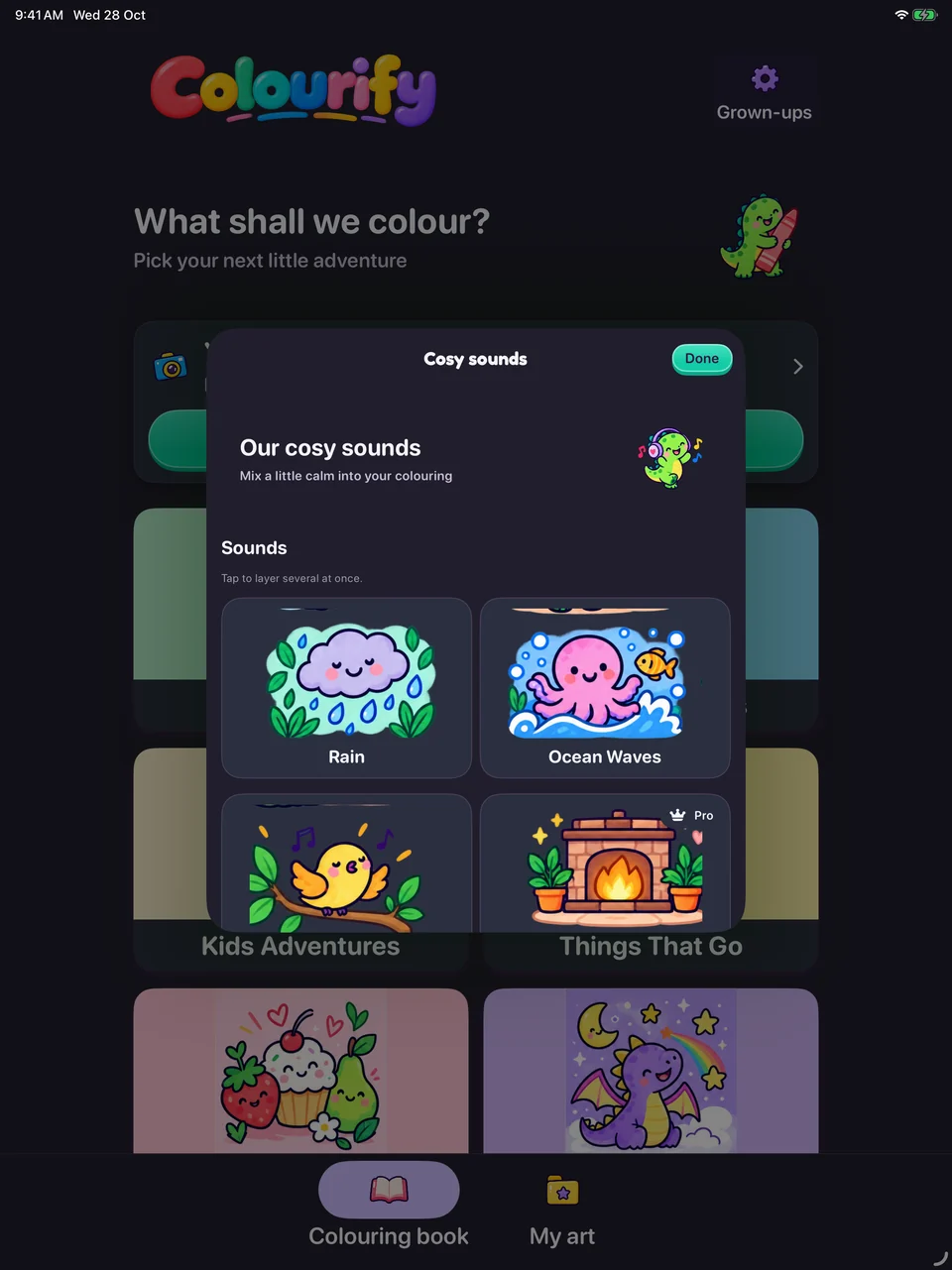
I would begin quietly, ask whether sound is wanted, and leave it off if it distracts from the activity. A nature recording is an option, not a treatment or a requirement for concentration.
Remove interruptions you can control
Colourify does not show ads or require an account. A grown-up question guards purchases, sharing, external links, and feedback. Bundled pictures can be used offline.
Device notifications and other apps are separate from those choices. A grown-up can review the device settings before handing it over. If keeping the device in one app would help, Apple explains how to use Guided Access.
Keep the ending predictable
Before starting, agree on a simple stopping point that fits the child and the day. It might be saving the current picture or choosing one favourite colour to add. You can return to the artwork later.
If a particular sound, animation, or activity is uncomfortable, change the setup or put the device away. The useful question is whether this experience works for this child, rather than whether an app carries a “sensory-friendly” label.
What I can promise as the developer
I can explain the controls, the purchase model, and the features I ship. I cannot promise that colouring will prevent distress, improve attention, or replace advice tailored to a child’s needs.
For a feature-by-feature overview, read my checklist for choosing an ad-free colouring app or visit Colourify’s app page.

