In this article
An app can be free to download and still be a poor fit for a child’s colouring time. I would look at what happens after opening it: can you reach a picture easily, are there ads, and what happens when a paid feature is tapped?
I’m the developer of Colourify, so this is my checklist and an explanation of my own app—not an independent ranking of competing apps.
Check the whole free experience
Try opening a picture, finishing it, returning to the gallery, and choosing another. An app’s download price alone does not explain what is available or whether ads appear between activities.
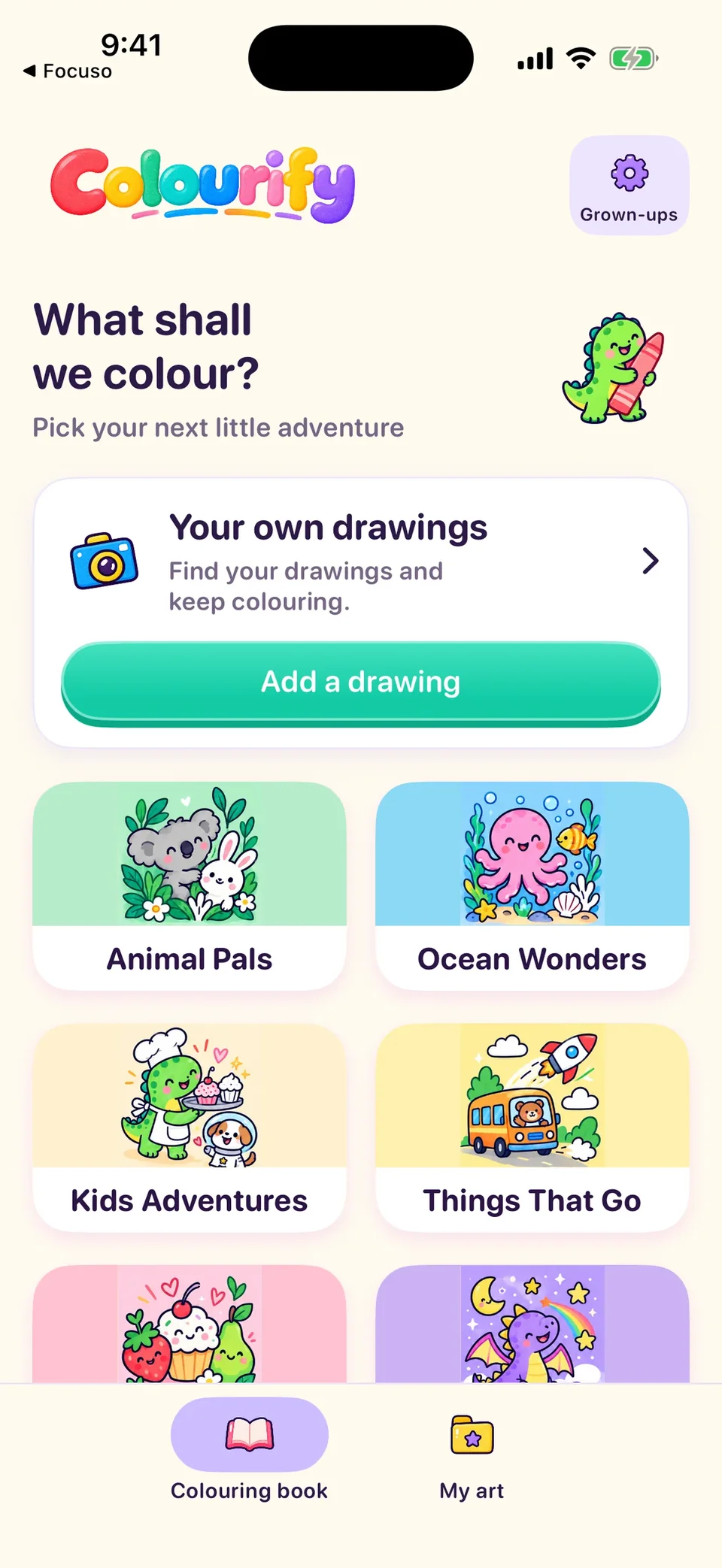
Colourify is ad-free in the free experience as well as after purchase. It includes free numbered pictures and ten free brushing pictures. The larger Pro collection is optional.
Look for a clear purchase boundary
Read the purchase screen with a grown-up before handing over the tablet. Check whether the payment repeats, what it unlocks, and which Apple account will make the purchase.
Colourify’s Unlock Everything is one optional lifetime purchase. It includes Pro pictures, extra brushes, special fill styles, premium sounds, unlimited drawing imports, and personalised PDF book export. There is no subscription. Check the current App Store purchase screen for the price in your region.
Test the activity in flight mode
Bundled Colourify pictures work offline, and artwork and progress are stored on the device. Purchasing, restoring purchases, and sending feedback need internet access. Complete those steps before leaving home if you need them.
I would still open the exact pictures you plan to use and test your device in flight mode. A quick rehearsal is more useful than discovering a setup problem at the airport.
Choose tools your child enjoys
- Numbered crayons: a guided way to choose colours and fill a picture.
- Find next: help finding another area for the selected numbered crayon.
- Brushing pictures: a separate collection for choosing colours and experimenting with tools.
- Undo and zoom: ways to adjust a mark or get a closer view.
A child does not have to use every tool. I would introduce one picture and one way to colour, then follow their interest.
Try it together first
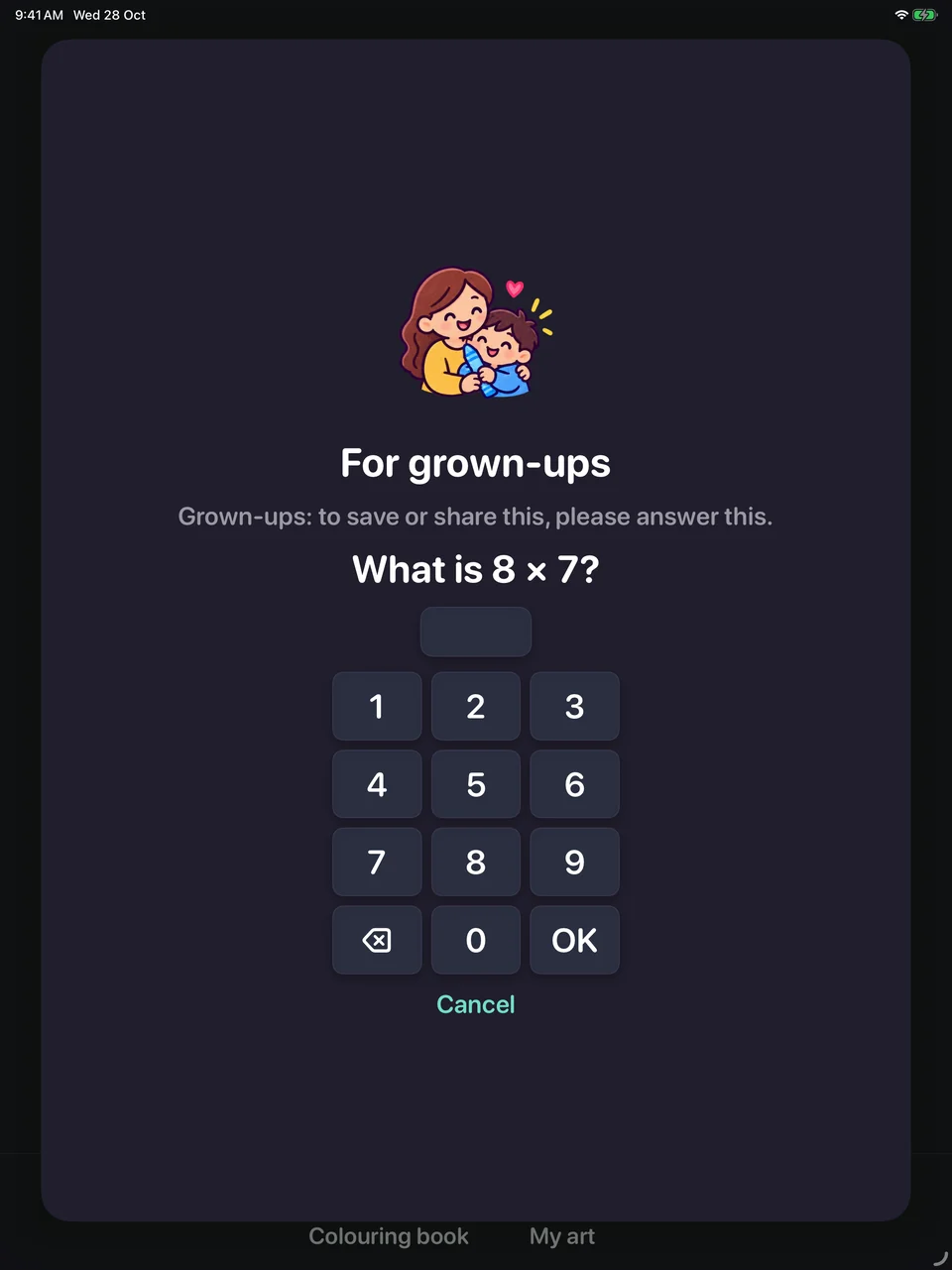
The grown-up question guards purchases, sharing, links, and feedback. It is still worth exploring those boundaries together and deciding when the tablet fits your family’s day.
See Colourify’s app page, or read my offline travel checklist if you are preparing for a flight.

