In this article
I build Colourify, a colouring app for iPhone and iPad. My aim is straightforward: give children a picture they want to colour, tools they can understand, and room to make something of their own.
That aim affects more than the canvas. It shapes what happens when someone taps the wrong button, which features are free, and whether a finished drawing is easy to keep. Here are the decisions behind the current app.
Start with the picture
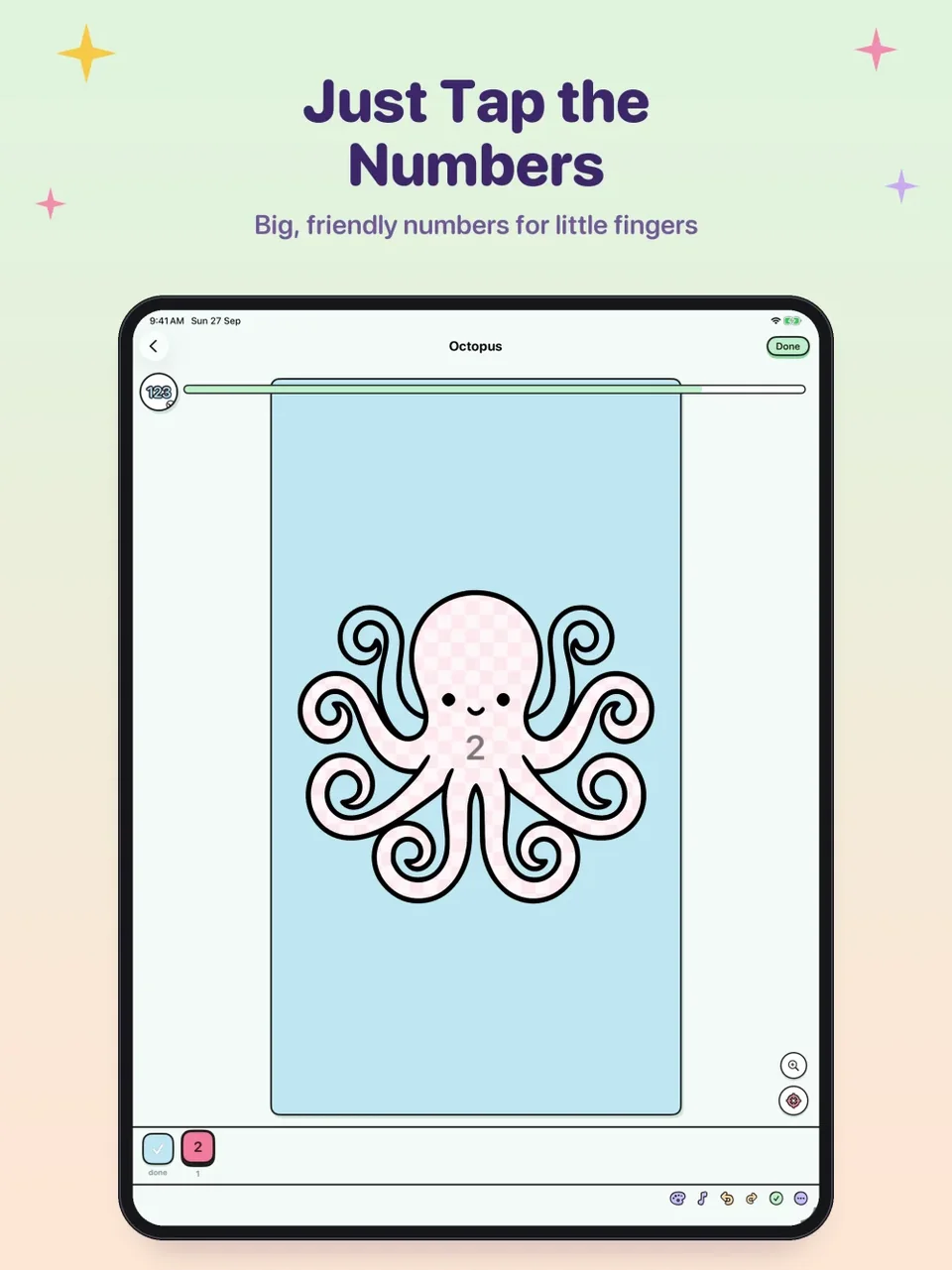
In numbered colouring, a child chooses a crayon and fills the matching areas. Tiny details colour themselves, and Find next sits beside the numbered crayons to help locate another area for the selected colour.
I also want there to be room for a different kind of play. A separate brushing collection lets children choose their own colours and explore markers, brushes, and bucket fill. Following numbers and experimenting freely are both valid ways to use the app.
No ads, with a clear paid option
Colourify has no ads. There is no account to create before colouring, either. I want the activity to stay about the picture rather than an interruption between pictures.
The free experience includes starter numbered pictures and ten brushing pictures. Unlock Everything is an optional lifetime purchase for the Pro collection, extra brushes and fill styles, premium sounds, unlimited drawing imports, and personalised PDF book export. It is a single purchase, with no subscription.
Bundled pictures work offline. Purchases, restoring an unlock, and sending feedback still require a connection. I think that distinction matters when a family is preparing a tablet for a trip.
A grown-up corner, rather than a promise about every tap
A grown-up question guards purchases, sharing, external links, and private feedback. That gives these actions an extra step. I describe it as a guard, rather than claiming an app can make accidental purchases impossible.
Make finished work worth keeping
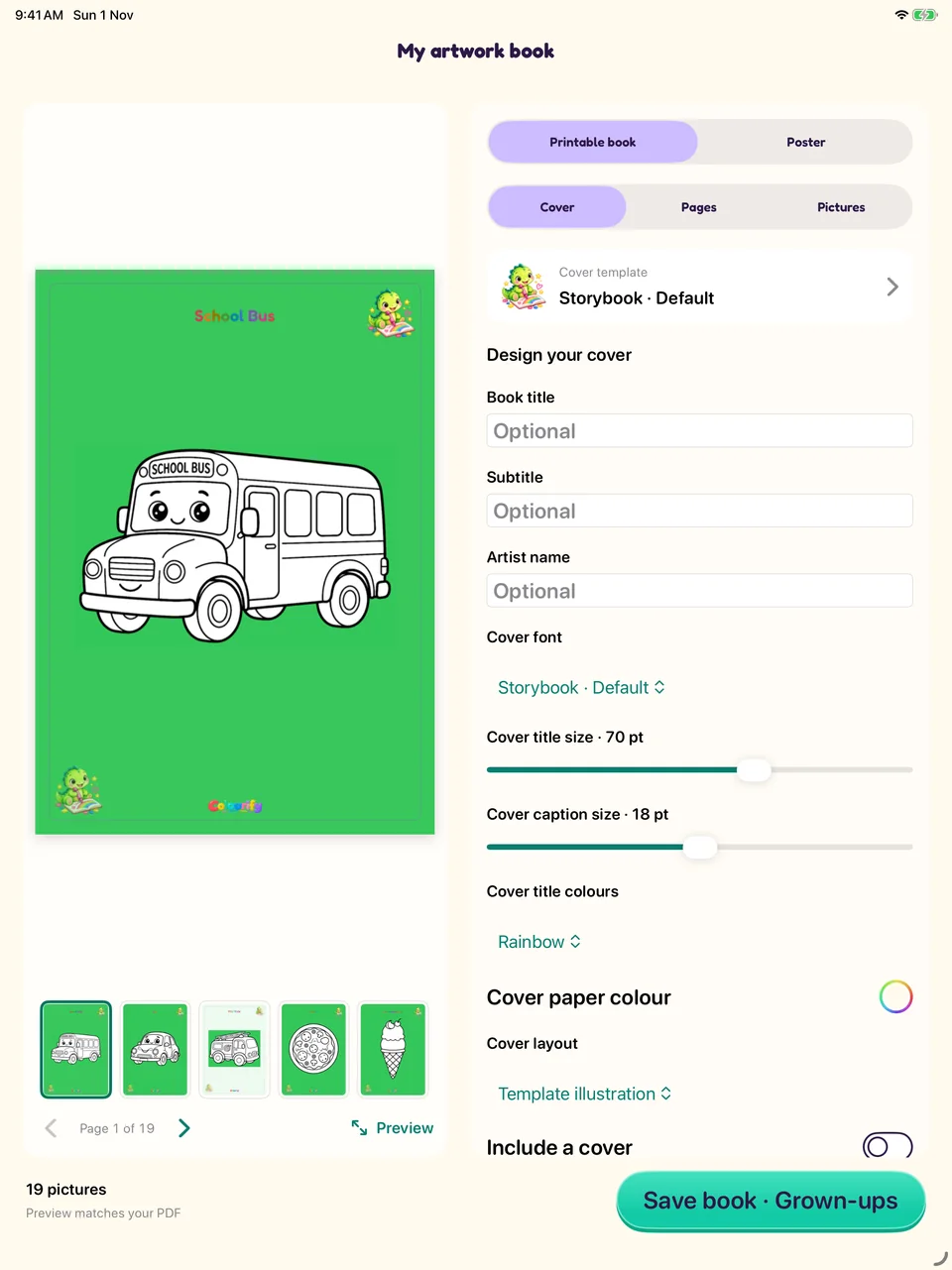
My Art keeps drawings close to the colouring experience. Families can import a paper drawing, revisit saved artwork, and watch a colouring time-lapse. Make a Book brings finished pieces into a personalised layout with covers, paper colours, and frames.
Those are the details I want to keep improving: getting into a picture, returning to it, and turning a small creative session into something a family can keep.
If you want a practical walkthrough, start with my guide to making a book from paper drawings. You can also explore Colourify and its current features.

