In this article
An achievement badge can mark that you returned to a practice. It cannot certify that you have become wiser, calmer, or better at handling every difficult day.
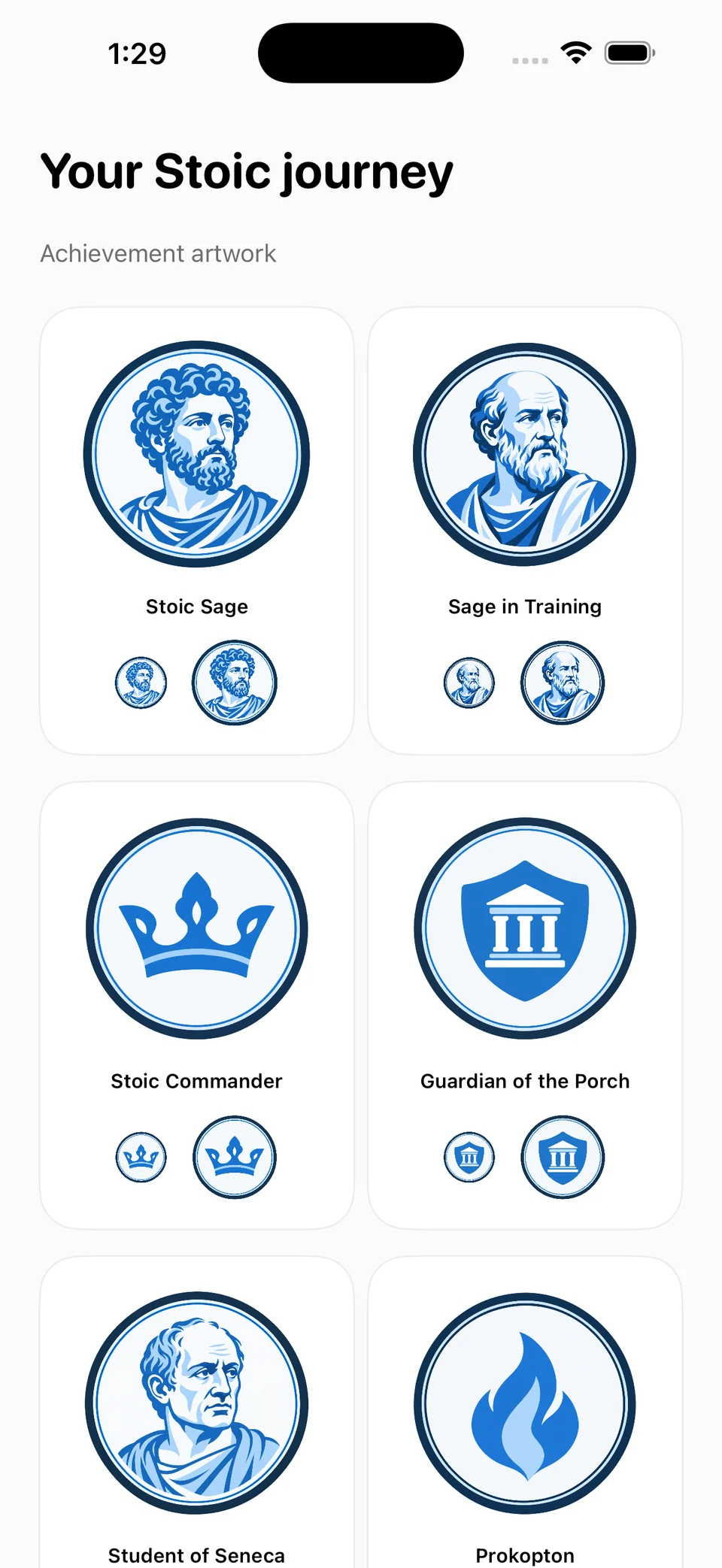
Daily Quotes includes a Stoic journey with named milestones. I would use that page as a small acknowledgment of activity, then return to the reading or action that made the activity worthwhile.
Open the journey and inspect a milestone
Look through the achievement view and read the milestone information the app presents. Distinguish an unlocked achievement from a future target rather than assuming every visible badge is already earned.
The names draw on the app’s Stoic theme. They are labels within this app, not qualifications, historical ranks, or assessments by an external organisation.
Connect a badge to an actual practice
If a milestone records returning to reflections, think of one response you wrote and whether you acted on it. “I asked for clarification before replying” says more about the practice than a badge image alone.
I would keep that review small. You do not need to turn an achievement into another long entry. A sentence about what changed, or what you still want to try, is enough.
Choose the appearance you can read
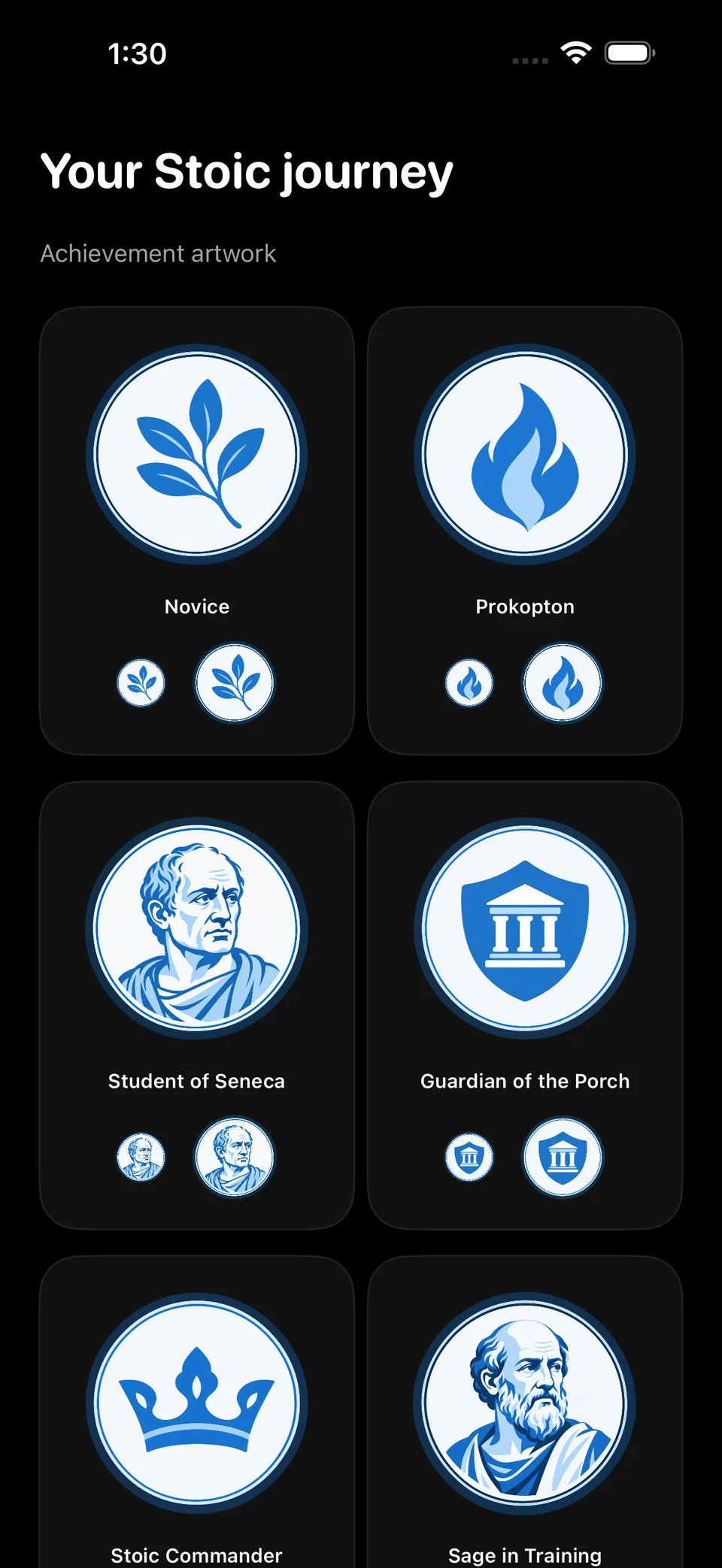
Inspect labels and progress at the brightness you normally use. If a style looks attractive but the small text is difficult to read, change the display preference before settling into a reading session.
The light and dark screenshots are included to show the actual appearance options. They do not demonstrate a medical effect or a measured improvement in concentration.
Leave room for an imperfect routine
A missed day does not remove the value of an earlier reflection. If checking achievements begins to feel like a reason to rush through passages, spend the next session on one question and leave the badges alone.
Daily reading, guidance, writing, progress, and reminders are available free with ads. The optional lifetime Pro purchase removes ads and adds premium features such as history, full-path access, themes, sharing options, and widgets. Eligible users have a seven-day trial without an automatic charge.
Journal entries stay on-device. Keep a separate copy of writing you cannot afford to lose; a milestone screen is not a backup.
Use the day calendar to choose the next reading, or try a concrete evening review when you want a question to work with.