In this article
The end of a trial should not leave you guessing whether your journal has disappeared. In Daily Quotes, the free daily practice continues; the additional Pro features follow a separate access boundary.
I want that distinction to be clear before you decide to buy anything. The eligible seven-day Pro trial has no subscription, renewal, or automatic charge. Lifetime Pro is a purchase you choose separately.
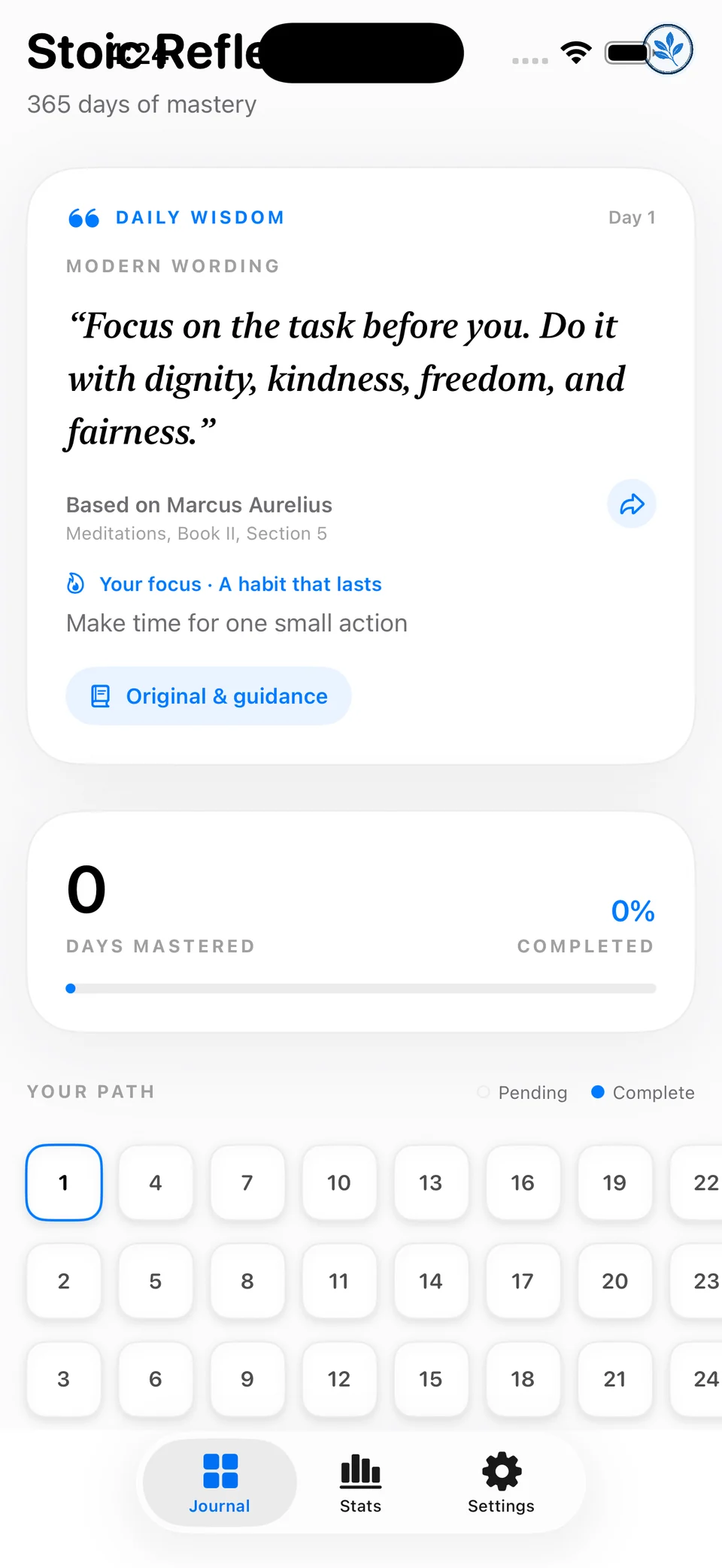
Keep using the daily practice
Daily quotes, guidance, written reflections, progress tracking, and reminders remain available free with ads. The end of Pro access does not erase the reflections you have already saved.
Try the ordinary workflow: open the daily passage, inspect its guidance, write a response, and return to the day view. That is the core experience I would use to decide whether the app belongs in a routine.
Identify the extras you actually use
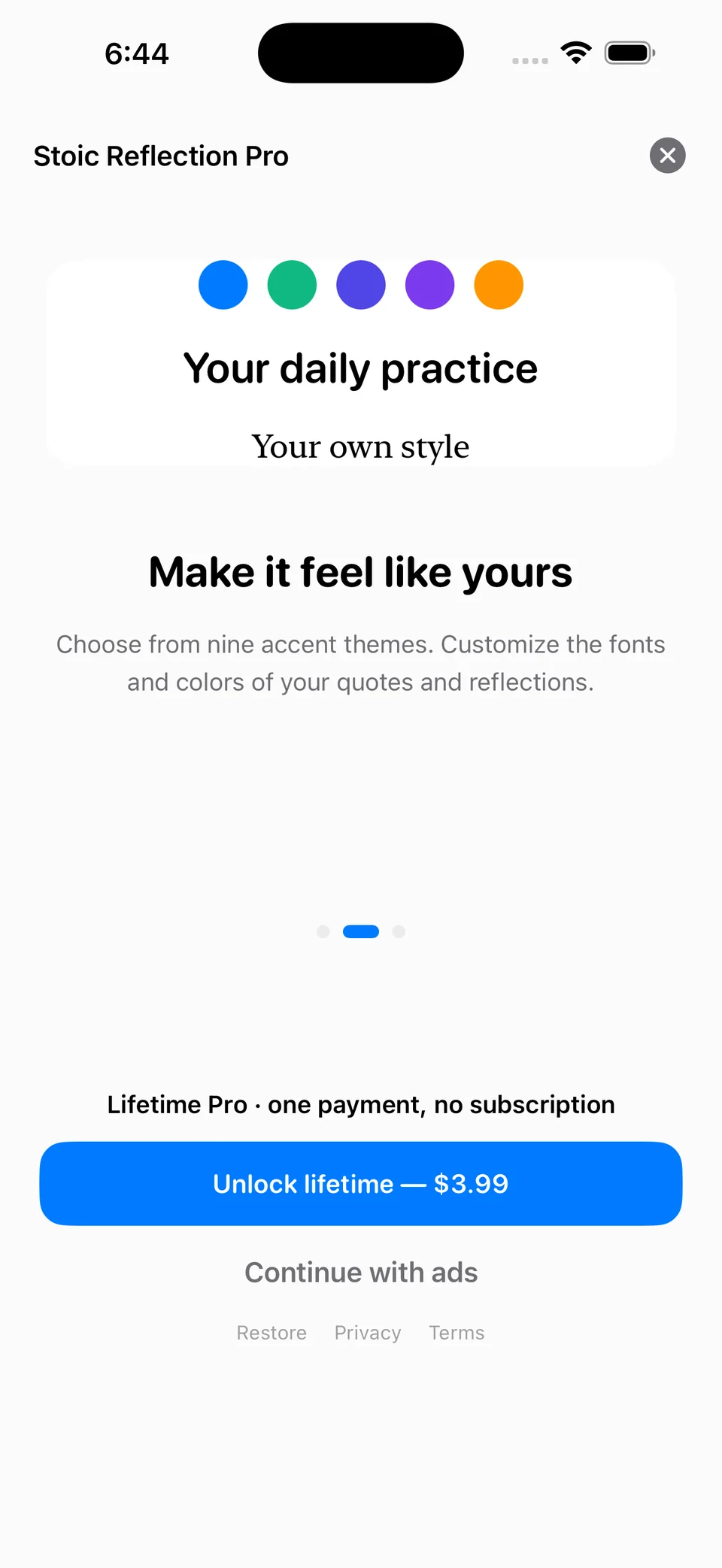
Lifetime Pro removes ads and adds themes, fonts and colours, premium sharing backgrounds, reflection history, full-path access, and Home Screen widgets. Personal-photo backgrounds and animated sharing are among the additional presentation options.
Saved reflections remaining on-device is different from unlimited access to the Pro history browser. Likewise, a Home Screen widget can remain placed on the device while showing a locked state after access expires.
Understand rewarded access
Some additional actions can be opened through an optional rewarded ad when the app offers that choice. This does not turn temporary access into lifetime Pro or permanently remove advertising.
Check the wording for the action you want. I would not assume that a rewarded option on one screen means every premium feature can be used the same way.
Decide from your own use
If daily reading and a short reflection are enough, continue free and review the advertising choices. If history, widgets, appearance, and sharing extras matter to you, compare them with the current lifetime offer.
Use the purchase screen and Apple’s confirmation for the current regional price. There is no need to rely on a number copied from a screenshot or an old article.
The journal stores entries on-device and does not require an account. Keep a separate copy of important writing through an available sharing or backup workflow before deleting the app or changing devices.
See the daily routine for the core experience, and the widget guide for the currently supported Home Screen setup.