In this article
A written definition does not tell you every detail of how a word sounds. VocabZ’s Read Aloud action gives you a short listening reference, and I would compare the same word across available voices rather than switch vocabulary at the same time.
Find the word and the voice control
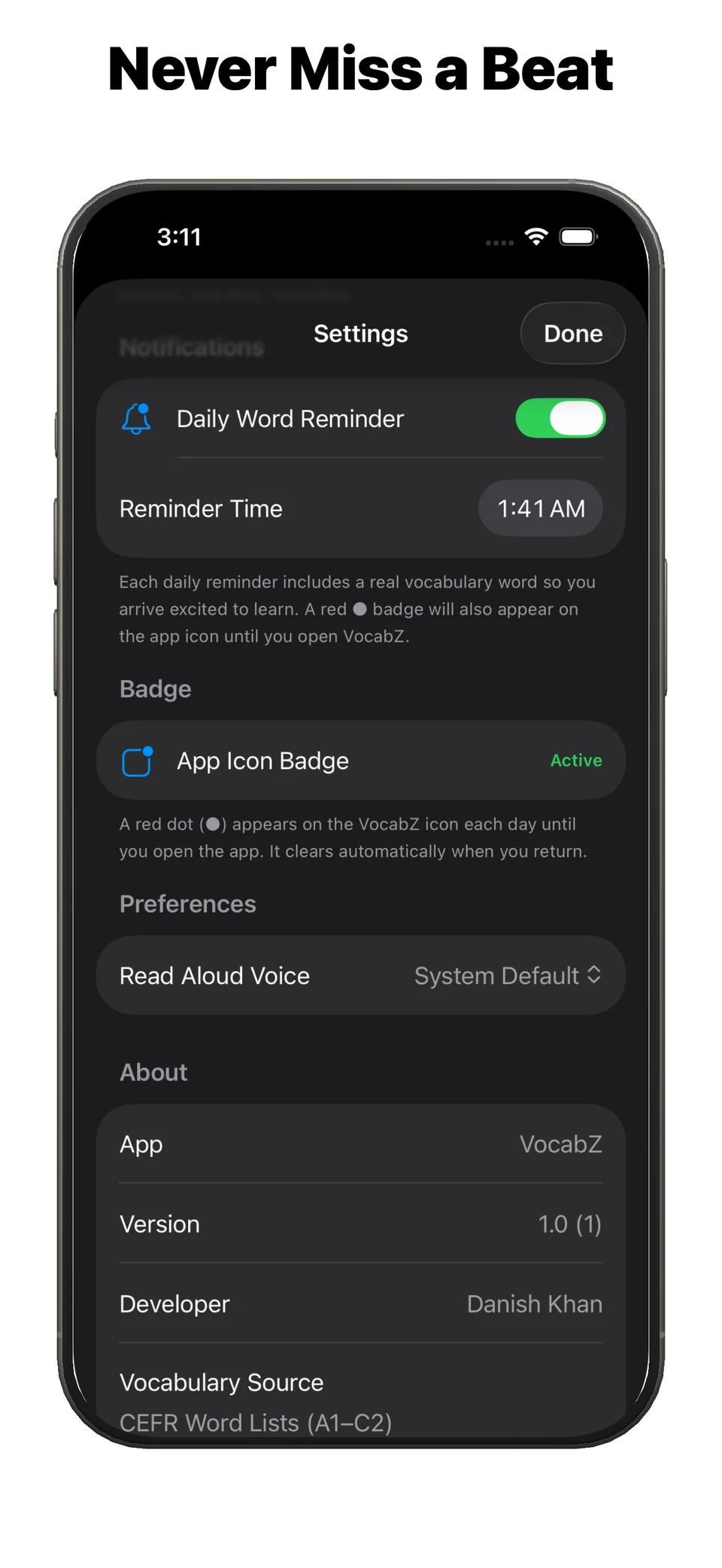
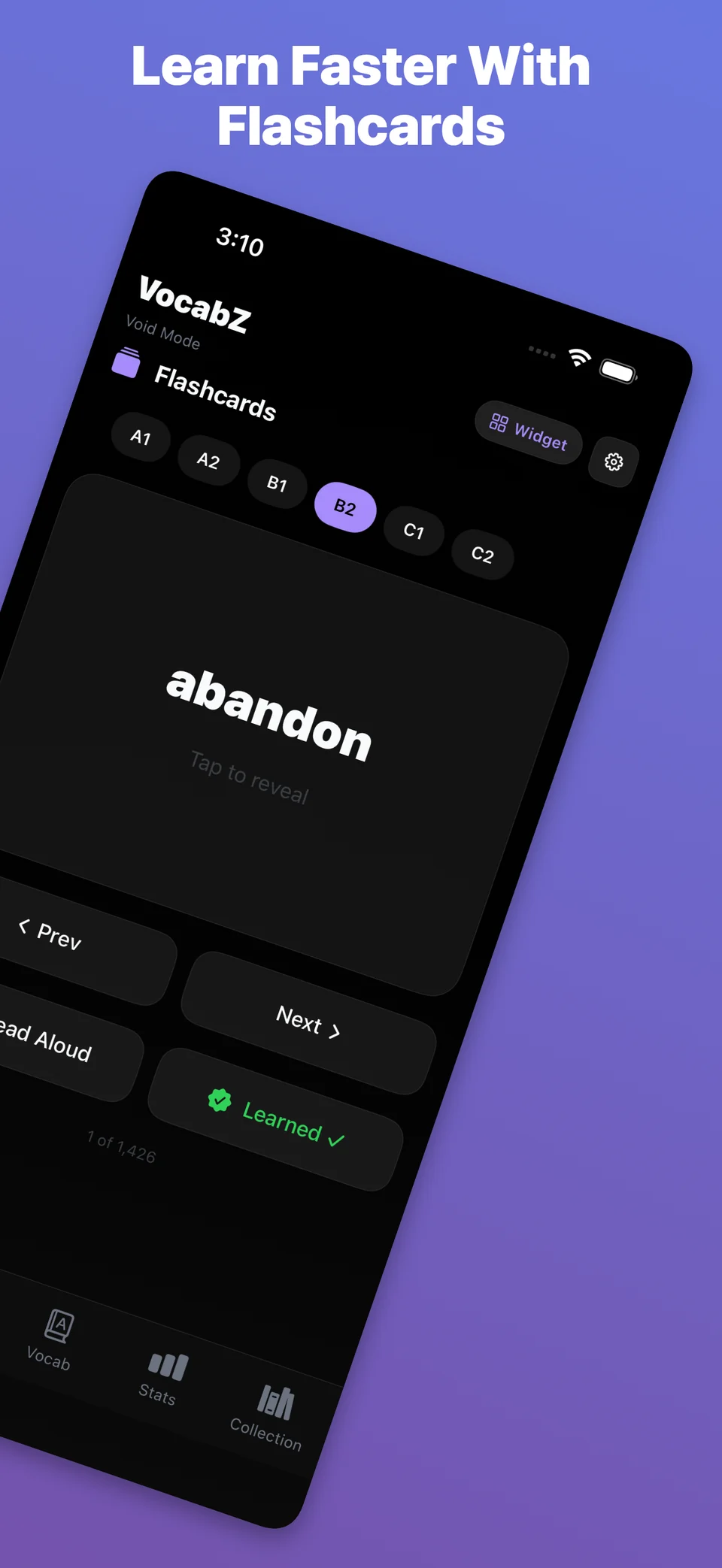
Open a Flashcard and locate Read Aloud. The released Settings presentation includes Read Aloud Voice, with System Default shown in the example. Check which voices your installed app and device actually offer before relying on a particular accent.
The screenshots here come from the released 2.0 App Store set. One image still displays an older internal version label; it is a released-listing promotional capture, not a claim that I recorded fresh audio from the unreleased local redesign.
Compare one thing at a time
- Keep the same word on screen.
- Play it once with the first available voice.
- Change the voice preference and return to the word.
- Play it again at a comfortable volume.
- Note the stressed syllable and any sound you want to check further.
Use examples such as “record” carefully because stress and pronunciation can depend on grammatical use. A single isolated word may not establish the intended meaning or connected-speech pronunciation in a sentence.
Treat playback as a reference, not a test of your speech
The app’s playback is not a recording-based assessment of your pronunciation. Listening does not mean the app has checked what you said, and one synthesized voice does not represent every speaker from a country.
Try saying a short phrase containing the word, then compare with a reliable dictionary example in context when the distinction matters. Do not force a new accent simply because an available voice sounds different from your usual speech.
Check device conditions before troubleshooting the word
If playback is missing, check device volume, audio output, and the selected voice. Some system voice availability or downloads may depend on device settings and connectivity; do not assume every voice is already present offline.
Keep a note of which voice and word failed if you contact support. For the learning workflow around playback, choose a practice mode and use a word in an original sentence. A short repeatable session gives listening a place without promising an accent change or an exam outcome.
Know the access limits
VocabZ 2.0 is free to download with ads and offers an optional lifetime Pro purchase. The released listing does not establish numeric free limits for every level or mode. Check the installed access screen before buying for a particular action. This guide does not use the locally available unreleased 3.0 interface as evidence.
Questions before you start
Does Read Aloud grade my pronunciation?
No. Playback is a listening reference, not evidence of speech assessment.
Can I expect every voice to be ready offline?
Check the installed voice and device configuration first; availability and required downloads can vary.
See the app details and current access information before choosing your next step.