In this article
VocabZ’s wallpaper feature involves two jobs: the app saves a word image, and an iOS Shortcut can apply that saved image. Setting a morning automation does not prove a new image was generated that morning.
I would test those jobs separately before relying on the result as a daily reminder.
Check the app’s wallpaper access
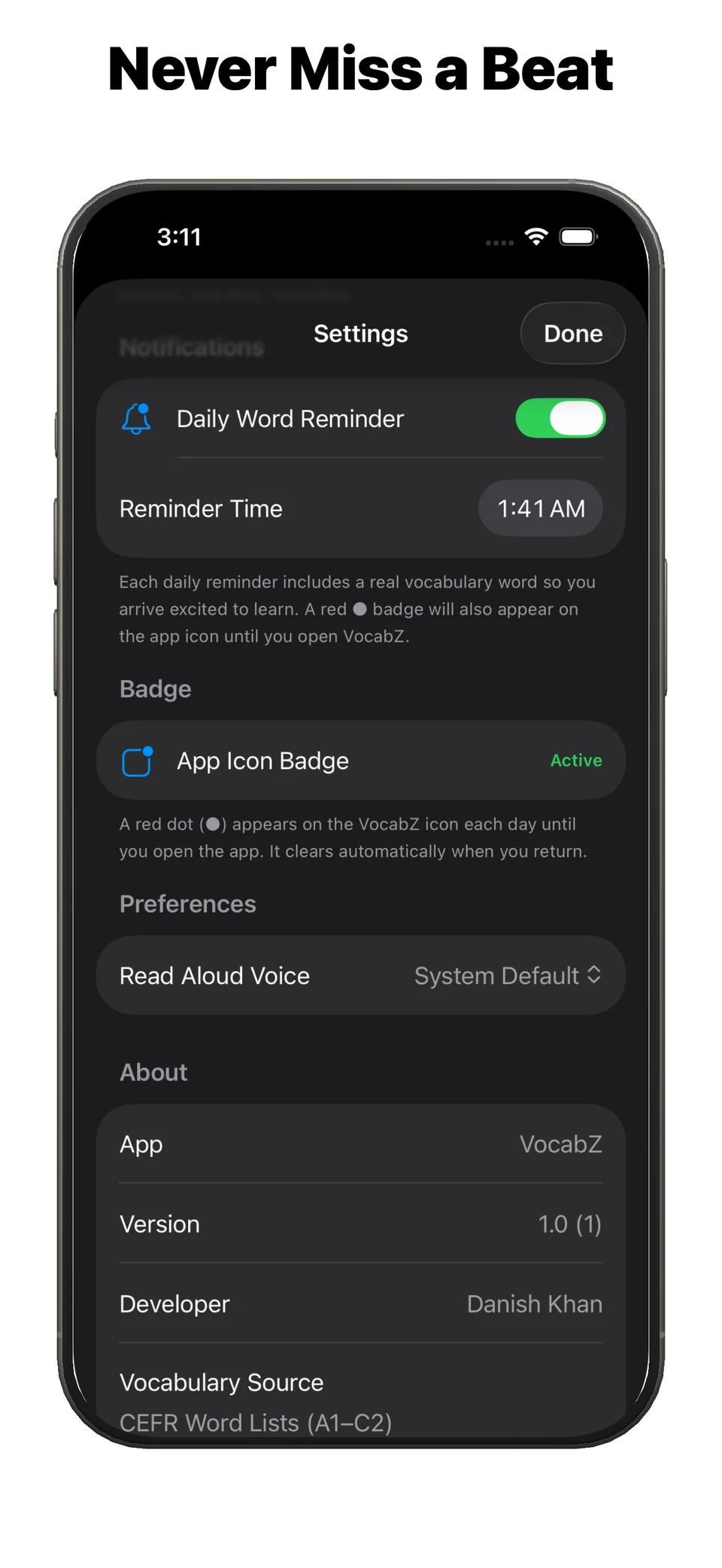
Open the released app’s Settings and look for Daily Word Wallpaper. Follow its explanation and access prompt. Wallpaper generation is a Pro feature; ordinary daily learning remains a separate workflow.
Generate and inspect a saved image
Enable wallpaper generation if available to your access level and grant the Photos permission it requests. Open the app and check the VocabZ Wallpapers album for a generated image.
The inspected implementation generates when the app runs its daily check. I would not promise a new card at a precise time while the app remains unopened.
Build the system automation around the saved image
In Shortcuts, first test a shortcut that finds the intended latest image from the VocabZ Wallpapers album and passes it to the system wallpaper-setting action. Inspect the chosen image before adding a time-of-day automation.
Action names and permissions vary by iOS version. Follow the options on your device. There is no verified VocabZ action named Get Daily Word Wallpaper, so do not search for that invented control.
Test tomorrow’s behaviour
Run the shortcut manually, verify the Lock Screen, then add an automation if the result is useful. Check it again the next day. A missing or stale album image needs fixing before a schedule can help.
This workflow uses device resources and permissions; it is not a zero-battery-cost promise. VocabZ’s free experience includes ads, with optional lifetime Pro.
For a simpler glanceable option, see the widget guide.