In this article
Sometimes a child wants to follow the picture’s colours. Sometimes the rabbit needs to be blue. Colourify makes room for both: numbered colouring offers guidance, while the brushing collection leaves more choices open.
I would introduce the two experiences as different ways to play, not as easy and advanced levels that a child has to progress through.
Numbered colouring gives the first step
Open a numbered picture, choose a crayon, and tap the matching areas. The illustration has its own palette, so there is no need to choose every colour before beginning.
Find next sits beside the numbered crayons and helps locate another area for the chosen colour. Tiny details colour themselves so the activity does not depend on tapping every small speck.
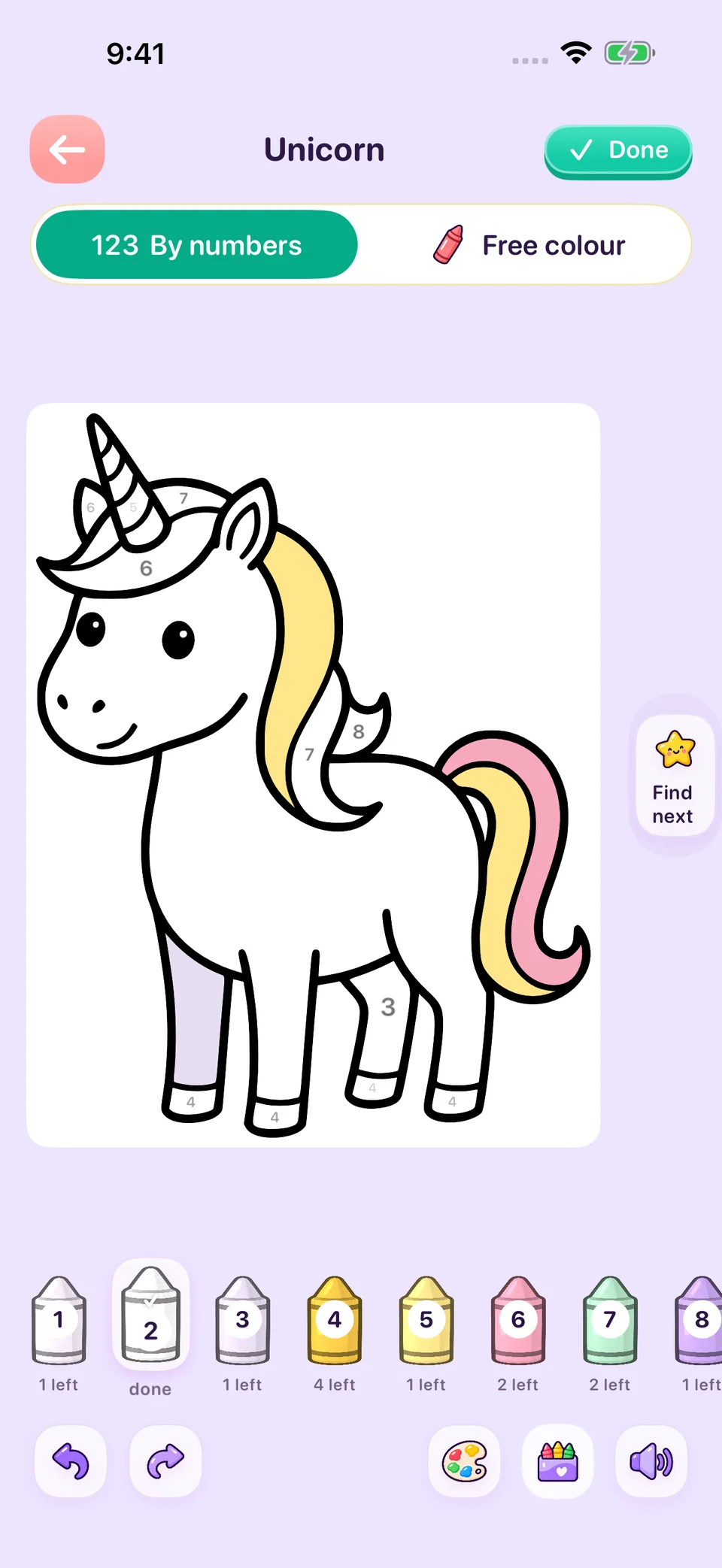
I would show one crayon and one tap, then let the child explore. Completing the whole picture does not have to be the goal of the session.
Brushing pictures leave the colours open
The separate brushing collection provides pictures for choosing your own colours and using tools such as markers, brushes, and bucket fill. The free app includes ten brushing pictures for trying the experience.
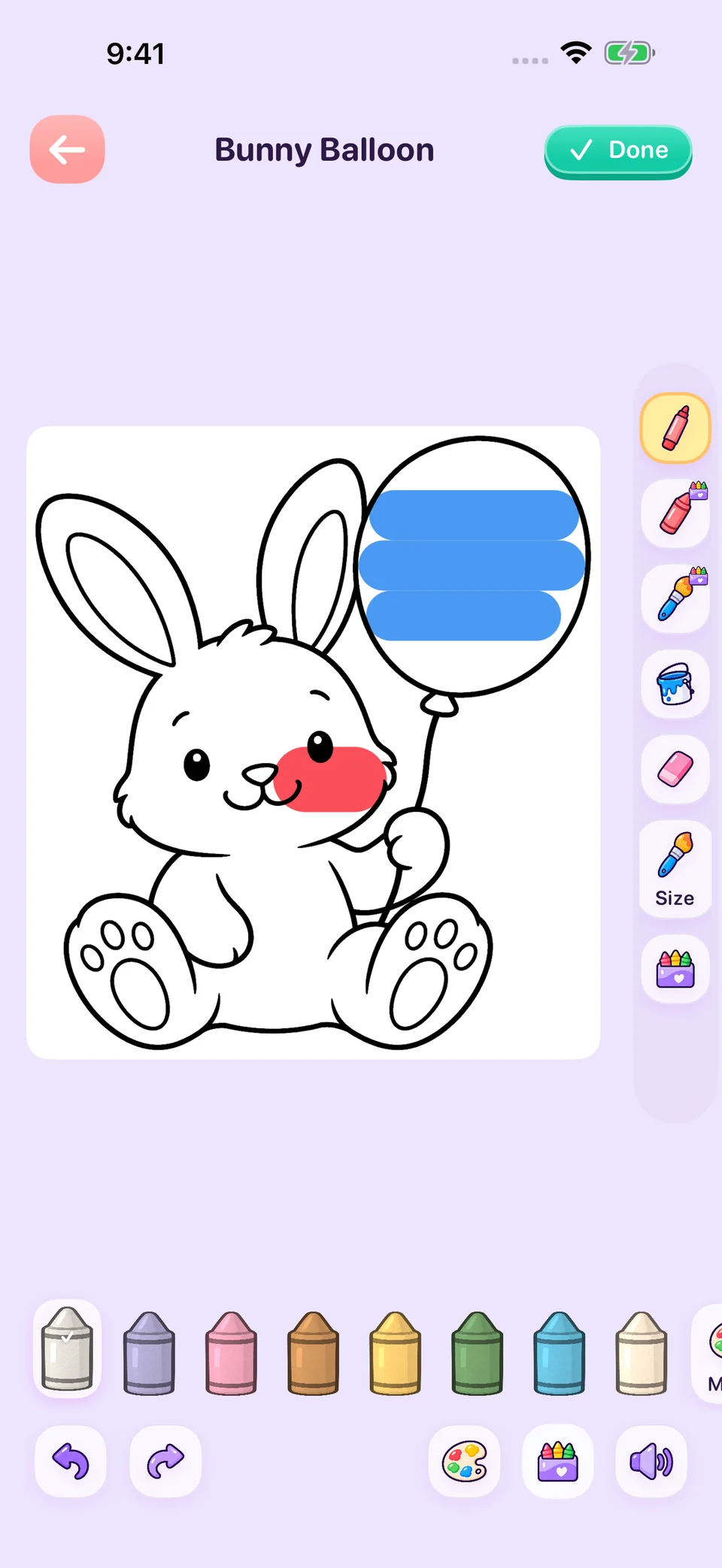
Begin with one tool. Try a mark, use undo, and choose another colour. Adding every brush and fill style at once can make the first session more complicated than it needs to be.
Choose the mode for this moment
| If the child wants to… | A starting point |
|---|---|
| Know which colour goes where. | Try a numbered picture. |
| Choose an unexpected colour combination. | Open a brushing picture. |
| Try the controls without many choices. | Introduce one crayon or one brush. |
| Stop partway and return later. | Save the current work and leave the next decision for another session. |
Those are invitations, not developmental labels. A child can enjoy guided colouring one day and open-ended brushing the next.
Check how a picture opens
Colourify’s optional introduction and Personalise settings include a starting-mode preference. That helps choose an initial experience, but the tools available still depend on the picture.
A screenshot of a brushing canvas should not be read as a promise that every numbered illustration exposes exactly the same tools. If you want free-colouring brushes, the brushing collection is the clearest place to start.
Keep experimentation reversible
Show undo early, use zoom when a closer look helps, and avoid treating a colour choice as a mistake when the activity is open-ended. It is fine to leave an area blank or choose a different picture.
Colourify is ad-free in both free and paid use. Unlock Everything adds the Pro collection and extra tools through one optional lifetime purchase; you can try the starter pictures first.
For a closer look, see numbered colouring and Find next or my brushing activity guide. The artwork widget offers a way to keep the current picture in view.

