In this article
The time to test an offline app is before you reach the airport. I build Colourify to let families use bundled colouring pictures without a connection, but there are still a few setup steps I would do at home.
This guide covers my own apps. It is not a ranking of every travel app, and no activity is guaranteed to keep a child occupied for an entire flight.
1. Open the app before leaving
Install any updates, open Colourify, and choose a couple of pictures together. Make sure the person using the app knows where the crayons and undo control are.
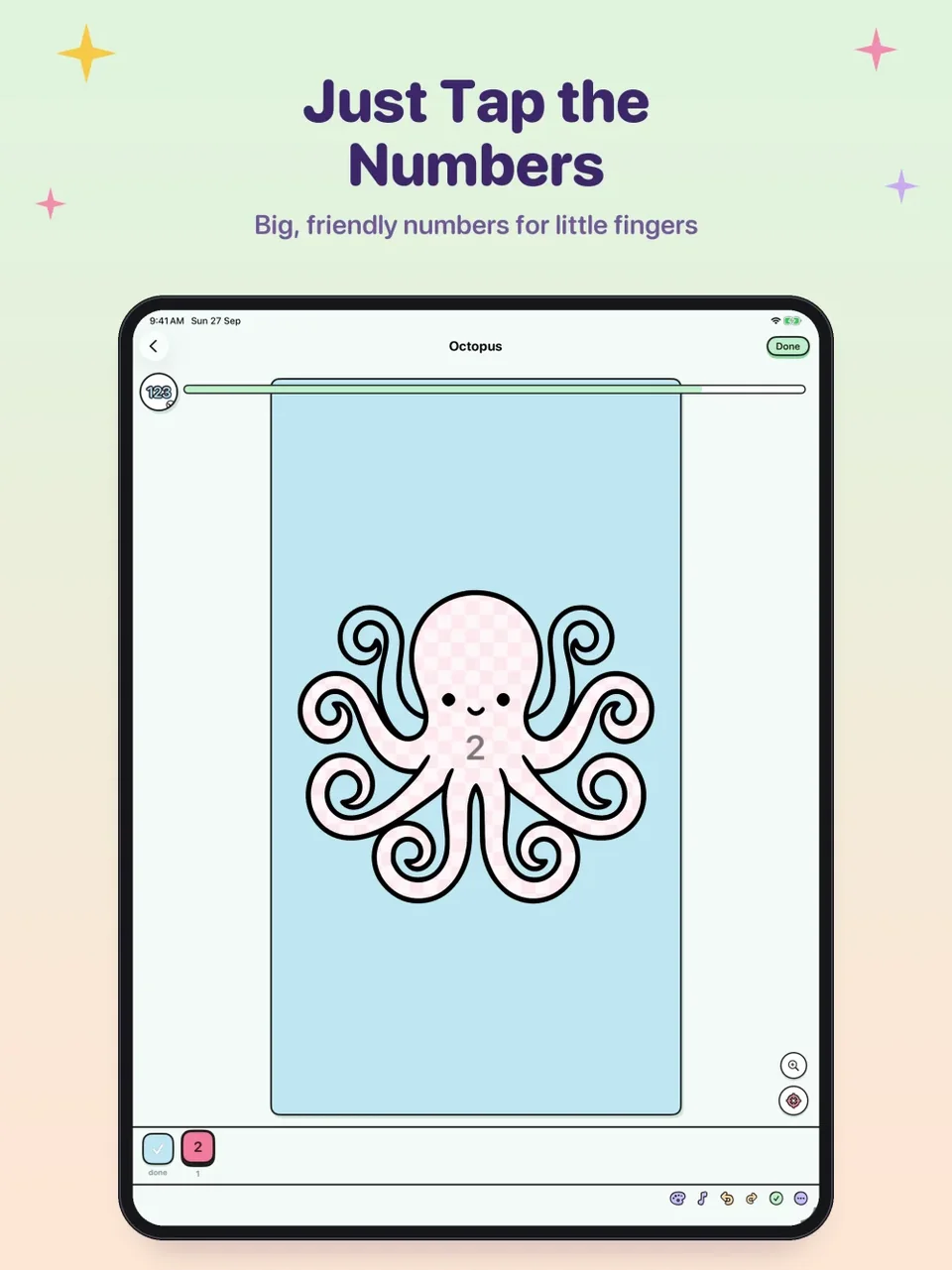
Try a numbered picture and a brushing picture. That gives you two ways to colour without needing a large collection of new apps.
2. Finish purchases and restores while connected
Colourify’s bundled pictures work offline. The optional Unlock Everything purchase and restoring an existing purchase need internet access. Sending feedback does too.
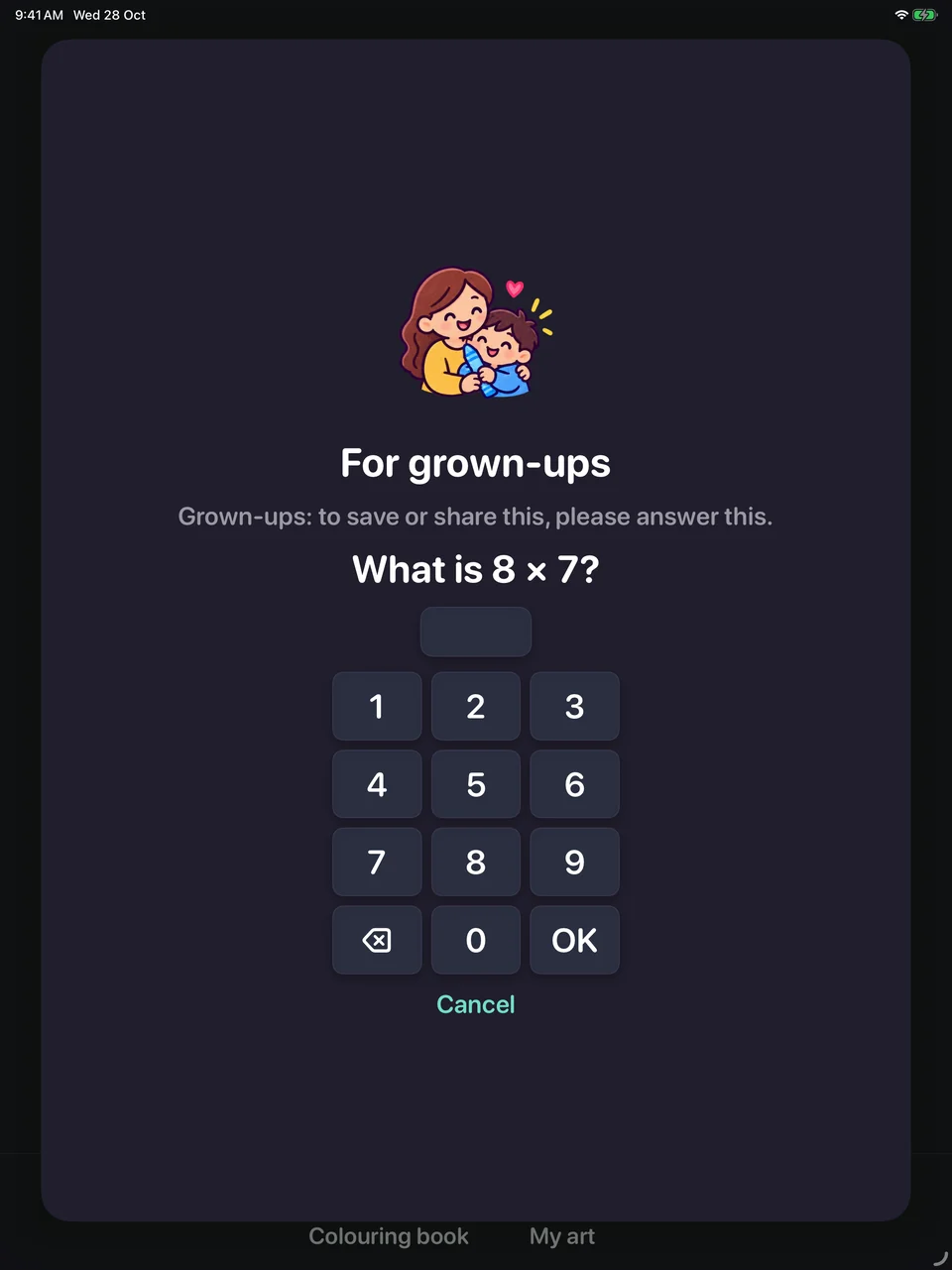
If you want the paid collection, check that it is accessible before departure. Do not leave a restore for a moment when the cabin Wi-Fi is unavailable.
3. Run an actual flight-mode test
- Turn on flight mode and check that Wi-Fi is off.
- Open the app and choose a bundled picture.
- Add some colour, leave the picture, and return to it.
- Try the tools and sounds you plan to use.
- Check that saved artwork is available.
If a photo you want to import exists only in cloud storage, make it available on the device while you still have a connection. Bundled colouring pictures and your photo library are different sources.
4. Set up the device for the journey
Charge it, check storage, pack the charger, and decide whether sound is useful in a shared cabin. If you want to keep the device in one app, Apple’s Guided Access instructions explain setup and how to end a session. Learn the exit controls before departure.
5. Keep an optional shared game separate
For two people who want something energetic, Button Mash is a tug-of-war game played on one screen. It uses taps, a timer, and lively feedback. That makes it a different kind of activity from colouring, and one to judge against the space and people around you.
I would pack a paper activity too, and treat the iPad as one option during the trip. For the app details, see Colourify and what is included before and after its optional unlock.

