In this article
Handing one family iPad to a group of excited children at a birthday party usually goes wrong in the first five minutes: someone taps a pop-up ad, hits a buy button, or wanders into another app altogether. If you want a quiet colouring table in the corner while the cake is being cut, the setup needs to hold up without an adult hovering over the screen.
When I built Colourify, I wanted a shared tablet to behave predictably even when several children take turns on it in one afternoon. Here is the party-planning Q&A I would follow before setting an iPad down on a side table.
Before the guests arrive: device, ads and the Grown-Up Gate
Will children run into banner ads or video pop-ups between pictures?
No. Colourify has no ads in either the free version or the paid version, and it does not require an account or sign-in to start. A child finishing a dinosaur or a cupcake will not be interrupted by an ad network or a prompt to download another game.
What stops a child from buying something or sharing a photo by mistake?
Purchases, sharing, external links, and private feedback are all placed behind a grown-up question. When a small hand wanders toward the shop or the share button, the app pauses and asks a question meant for an adult before anything can happen.
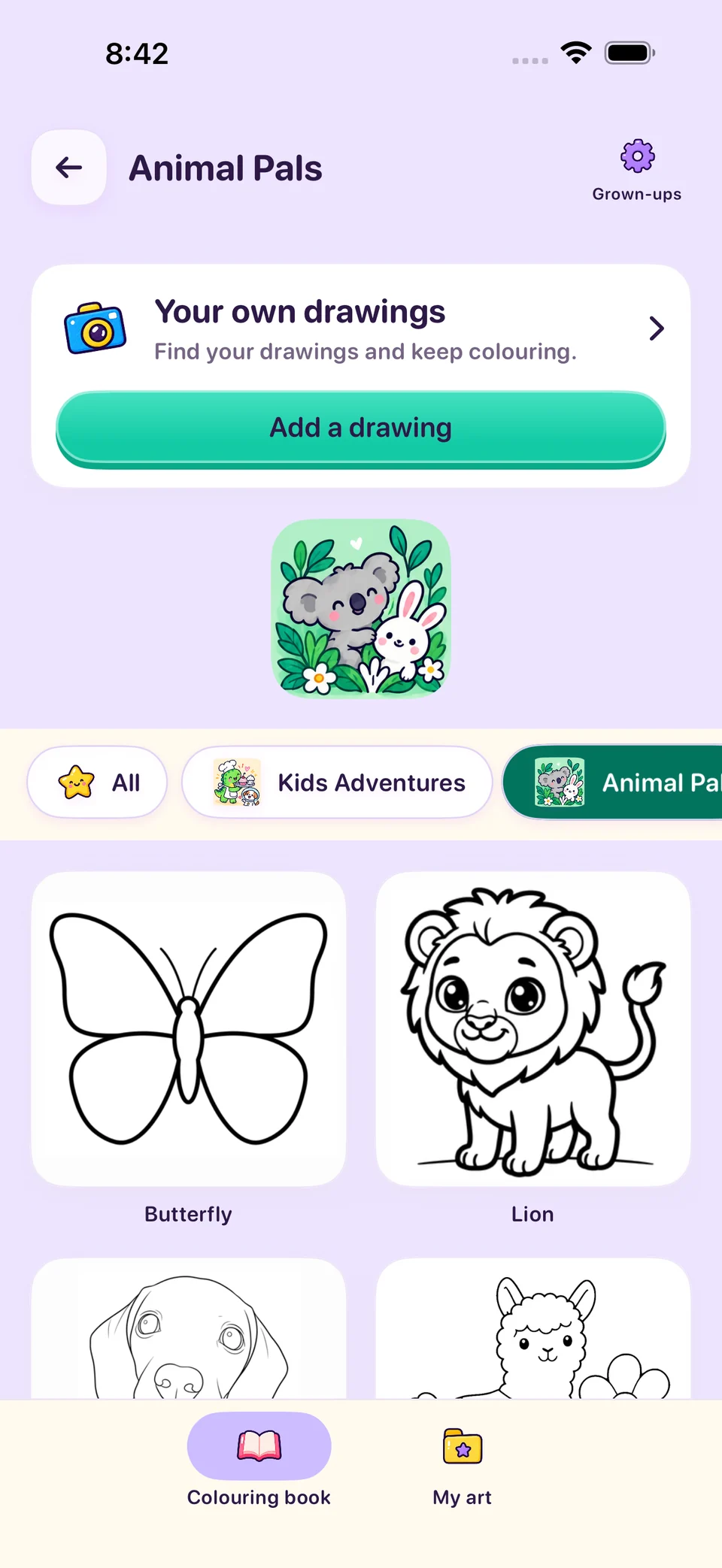
I still treat this gate as one layer rather than a replacement for your iPad’s own rules. Keep your usual App Store purchase restrictions switched on, because the grown-up question only guards actions inside Colourify.
How do I stop guests from swiping out of Colourify into other apps?
The app itself cannot lock the iPad’s Home gesture or hide system notifications. If you want the tablet to stay strictly inside Colourify for the afternoon, switch on Apple’s Guided Access in iOS Settings and practise ending a session before the first guest arrives.
It is also worth opening Grown-up corner and Personalise beforehand. In a noisy living room or party hall, I usually leave background sounds off—though Rain, Forest, and Ocean Waves are available without purchase if you are setting up a quieter corner.
Picking pictures for a queue of kids
Should I set the station to numbered colouring or free brushing?
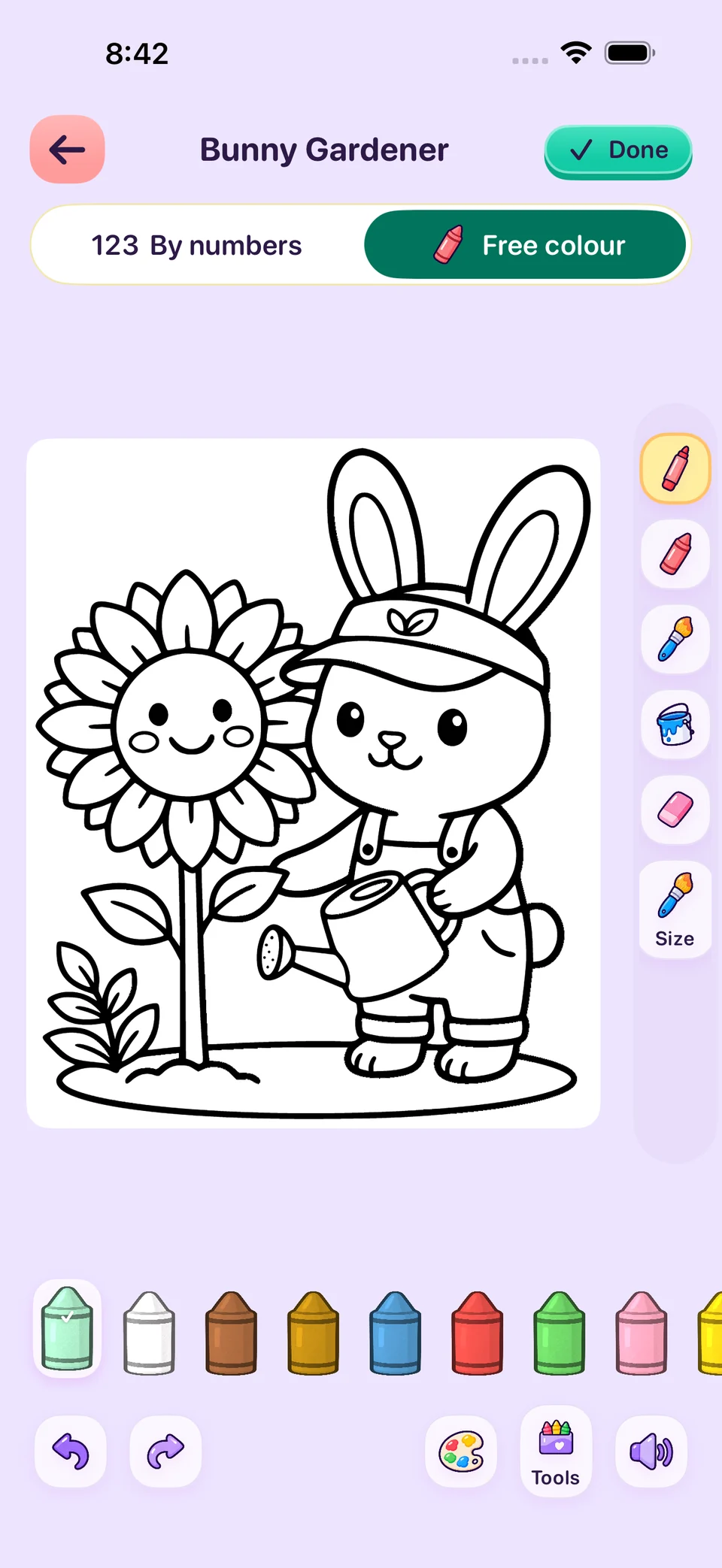
For a party queue where children of different ages swap seats every few minutes, numbered colouring is often the easiest starting point. Each picture has its own prepared palette with at least four playable colours, tiny details colour themselves automatically, and Find next sits right beside the numbered crayons so nobody gets stuck hunting for one last small region.
If your guests prefer picking their own colours with a marker or bucket fill, switch to the separate brushing collection instead. You can read more about how the two compare in my guide to numbered versus brushing pictures, and you can choose how pictures open in Personalise before the party begins.
What if a child taps the wrong colour or gets frustrated?
Point out Undo, Redo, and Zoom at the start so the first few children know nothing is permanent. On iPad, Colourify uses roomier controls that leave plenty of space around the canvas, which helps when two children are leaning in beside each other.
Can I match the pictures to a party theme?
The bundled library includes friendly animals, ocean friends, dinosaurs, vehicles, and sweet treats. If you have a specific theme in mind—say, a paper drawing you sketched or a printable colouring sheet—you can photograph it or import it into Colourify and bring it to life in My Art. Keep in mind that free drawing imports have access limits unless you have unlocked the full app, so test any custom sheets the day before.
Handling finished artwork and turn-taking
Where do finished pictures go when the next child sits down?
My Art stores every piece of colouring locally on the iPad, with previews that update as children paint. When one guest finishes and walks back to the party games, their picture stays saved on the device, and you can even replay a time-lapse of their colouring journey later.
How do we send a guest’s drawing home to their parents?
Because sharing sits behind the grown-up question, you do not have to worry about a child accidentally emailing or messaging a picture mid-party. Once the guests have gone home, an adult can open My Art, pass the gate, and save or share favourites from there. For a closer look at what the gate covers, see how Grown-up corner handles sharing and setup.
If you have the optional Unlock Everything purchase, you can also gather several party drawings into a personalised artwork book—picking a cover, page colours, decorative frames, flat pages or raised picture cards, or even Subject only for drawings on a plain background—and save a printable PDF. Pro also lets grown-ups hide drawing names and remove or replace the Colourify logo, while original artwork and photos remain unchanged.
Does the colouring station need Wi-Fi in the garden or a hired hall?
Bundled pictures work offline, with artwork and progress stored directly on the iPad. Purchases, restoring purchases, and sending feedback require an internet connection, and any photo stored only in the cloud would need downloading before you leave home. I always test the iPad in flight mode for a minute before a party away from home Wi-Fi.
Access limits and trying it before the party
Colourify is free to start and has no ads. Out of the box, you get starter numbered pictures, ten free brushing pictures, and three included background sounds (Rain, Forest, and Ocean Waves), which is plenty to test whether a colouring station suits your group. The optional lifetime Unlock Everything purchase—one payment, no subscription, future updates included—adds all Pro pictures, extra brushes, special fill styles, premium background sounds, personalised PDF book export, and unlimited drawing imports.
If you would like to check the current features and iPad support before setting up your party table, visit the app page to see everything included.

