In this article
If you are deciding whether Focuso fits your study routine, I want the purchase model to be easy to understand. The app starts with a seven-day trial, and Pro is a separate lifetime purchase with no recurring renewal.
I’m the developer, so this is a guide to Focuso rather than an independent comparison of study timers.
What the app does
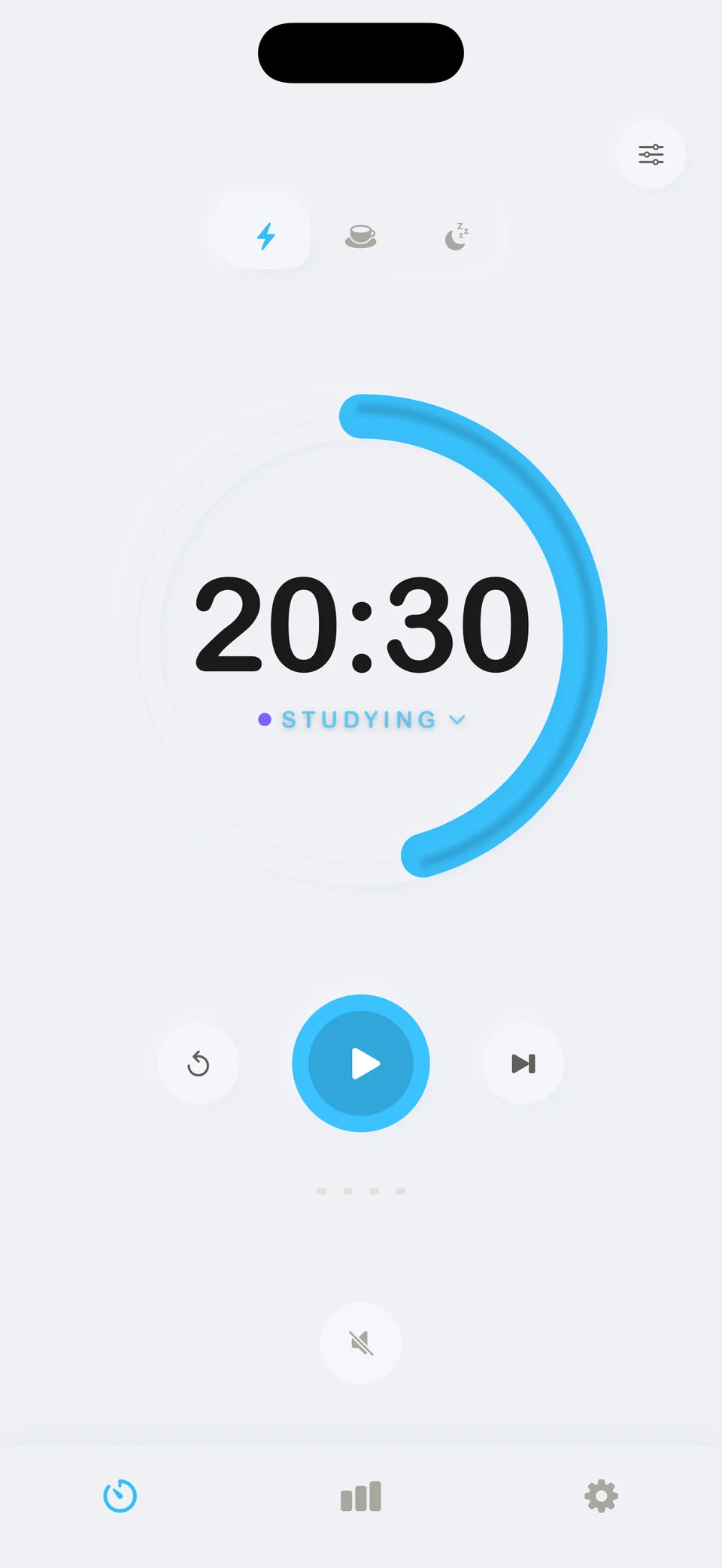
Focuso organises work into focus intervals, short breaks, and long breaks. You choose a session, start the timer, and return for a break when it ends. The timer can keep running in the background while you use another app.
It does not require an account or internet access for the timer experience. An App Store purchase or restore is a separate operation, so handle that while connected.
What Pro includes
- Streak tracking and detailed focus statistics.
- The full ambient sound library.
- Custom work intervals.
- All timer animations and ring colour themes.
- Session completion notifications.
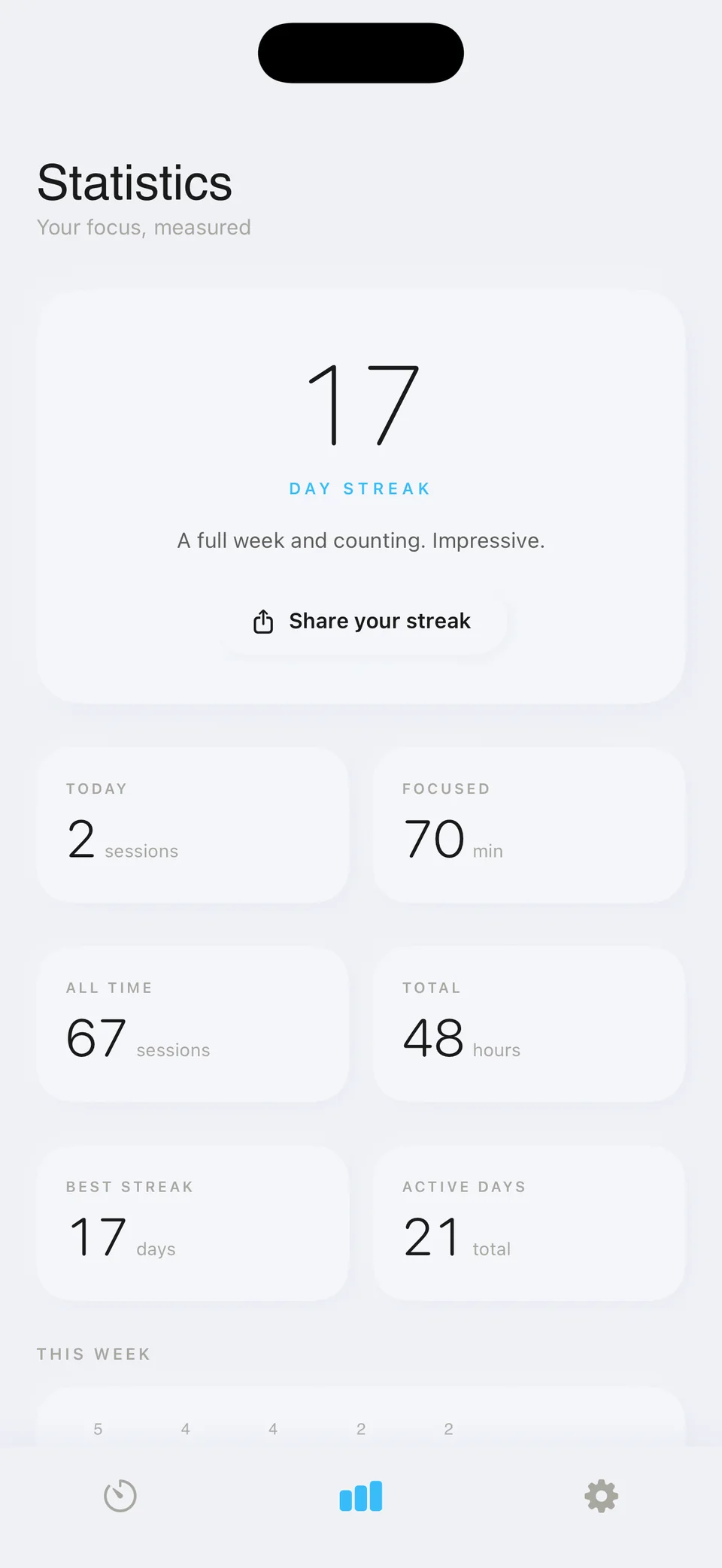
One payment unlocks lifetime Pro. There is no subscription and no renewal. Prices can differ by storefront, so use the purchase screen for the current amount rather than relying on a number in an article.
How I would use the trial
- Try a normal study session before changing themes or intervals.
- Use a break timer and check that the workflow suits you.
- Try a sound at a comfortable volume, or leave audio off.
- Test the background timer in the app you normally study with.
- Review whether the statistics help you plan another session.
The purpose is to find out whether the app makes your routine easier. You do not have to build a perfect week to decide that.
Check the device you plan to use
My screenshots here show iPhone. If you plan to use Focuso on another device, check the current App Store compatibility listing and try the layout there. An iPhone app’s availability should not be read as a promise of a separate native Mac app or cross-device history sync.
What I would avoid promising
A timer does not guarantee productivity, and lifetime access does not make every other app’s business model wrong. I chose a one-time unlock for Focuso because I want the choice to be clear.
See Focuso’s current app details, or use my simpler first-session setup if you want to begin with fewer decisions.