In this article
A focus timer should make starting easier. If choosing projects, themes, and statistics has become another task to finish before working, I would simplify the first session.
I build Focuso around work intervals and breaks. It offers customisation, but you do not need to make every choice before beginning. Here is the small setup I suggest trying first.
Give the session one job
Choose an action you can begin immediately: read two pages, outline one section, or open the file you need to edit. “Study chemistry” leaves more decisions than “review the first five questions.”
Put the material in reach before starting. The timer can mark the interval, but it cannot choose the work or remove every distraction for you.
Pick an interval you are willing to try
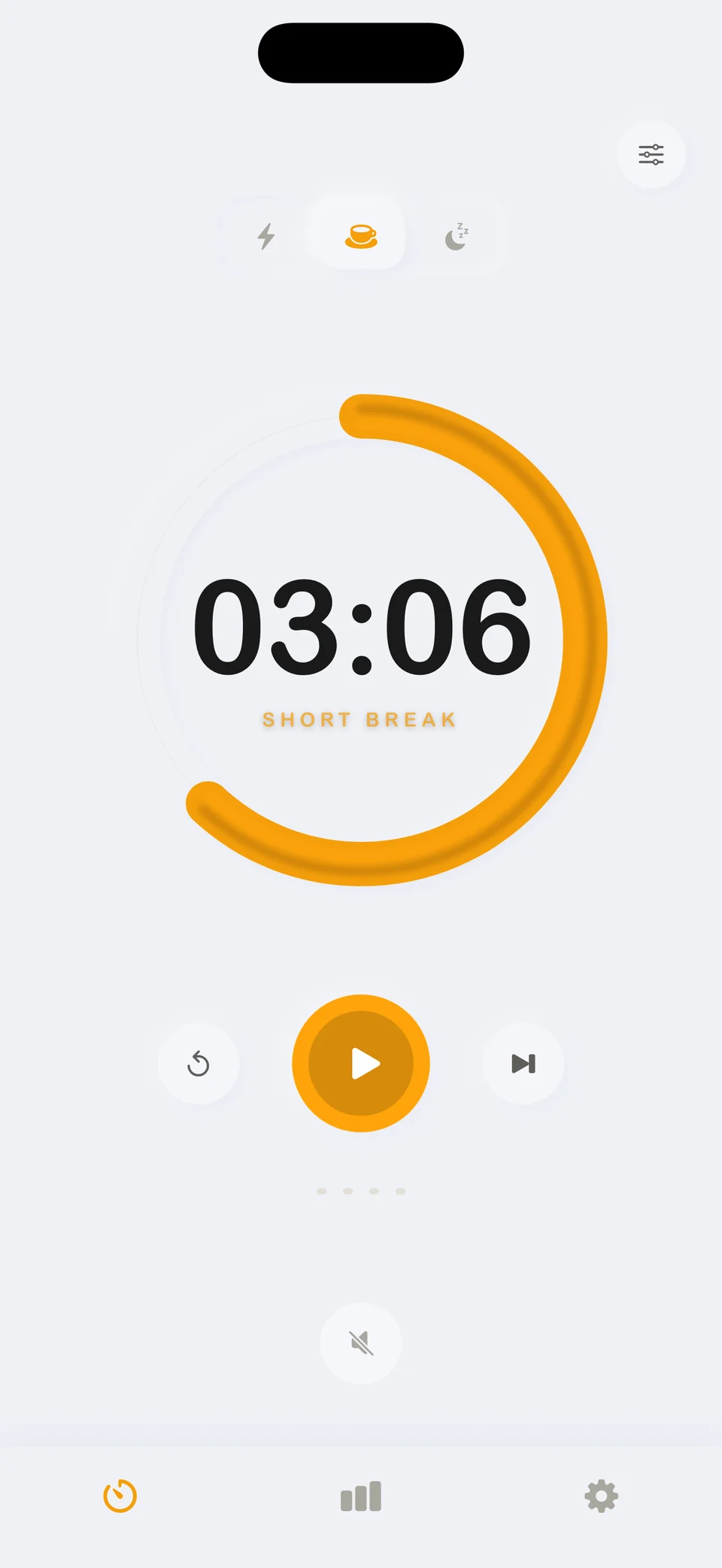
Focuso has focus, short-break, and long-break timers. Start with a manageable interval. If you use a custom duration, choose it once, then leave the settings alone for the session.
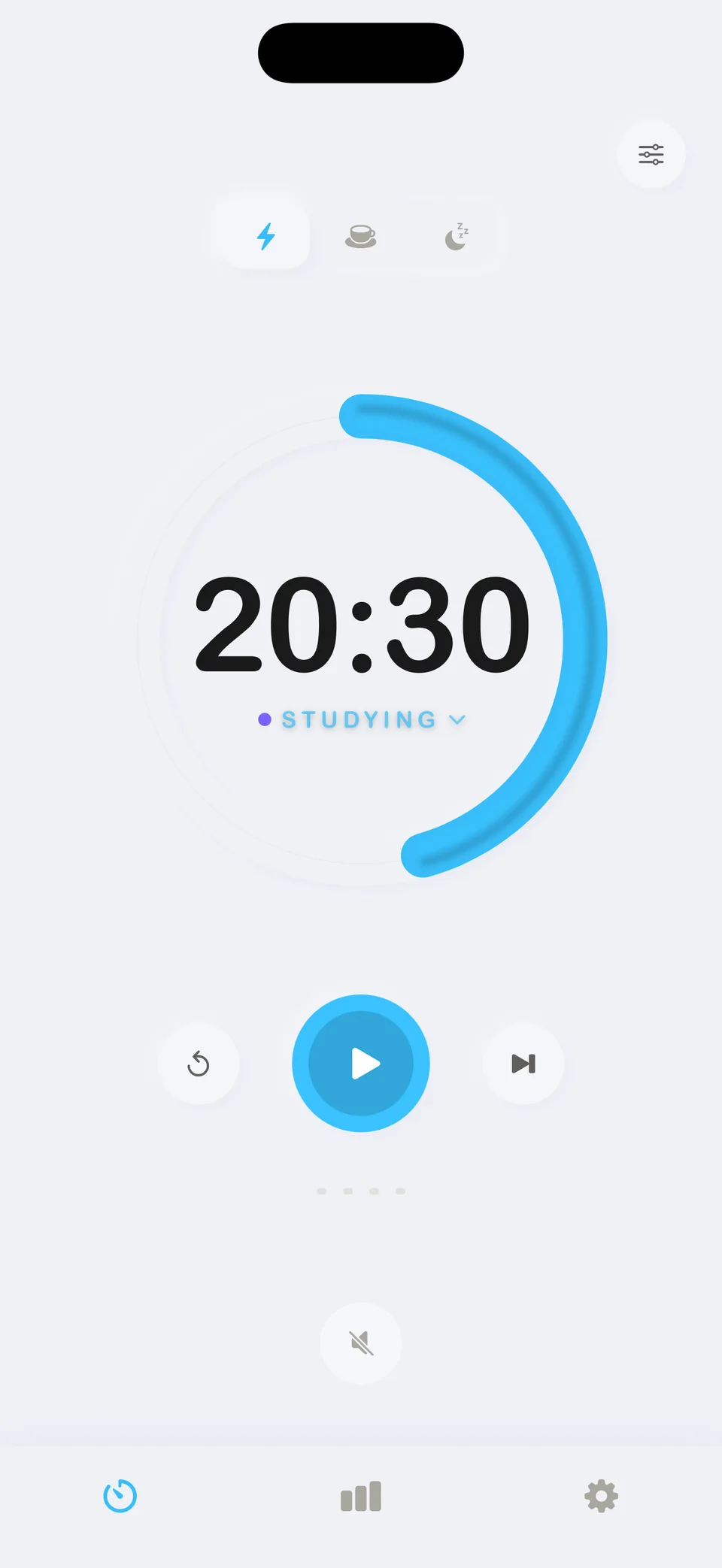
A familiar 25-minute interval is a starting point, not an obligation. If it feels too long to begin, try a smaller task or a shorter session. If interruptions are the issue, note what interrupted you before changing the duration.
Try silence before building a sound mix
Focuso includes ambient sounds. Use them if they make your workspace more comfortable, but start with one sound at low volume rather than spending the session assembling a soundtrack.
The background timer keeps running when you switch apps. That can be useful for reading or writing elsewhere on the device; it is not an app blocker.
Use the result as information
When the session ends, write down what moved forward and what you need next. If you stop early, that is still useful information about the task or setup.
Focuso Pro includes streaks and detailed statistics. I would use those to notice a routine, rather than treating a missed day as a verdict on your effort.
A note for readers with ADHD
Some people find a visible countdown useful, while others find it distracting or pressuring. This workflow is something to try and adjust; it is not treatment, and I do not claim Focuso resolves ADHD symptoms.
Focuso starts with a seven-day trial. Pro is an optional lifetime purchase, with no subscription or renewal. Check the app for current access details.
Continue with my guide to using the visual timer or explore Focuso.