In this article
A timer record can tell you that an interval was credited without telling you whether you solved the problem in front of you. I want Focuso’s history to be useful without asking it to make claims about attention that the app does not measure.
Read the unit before judging the number
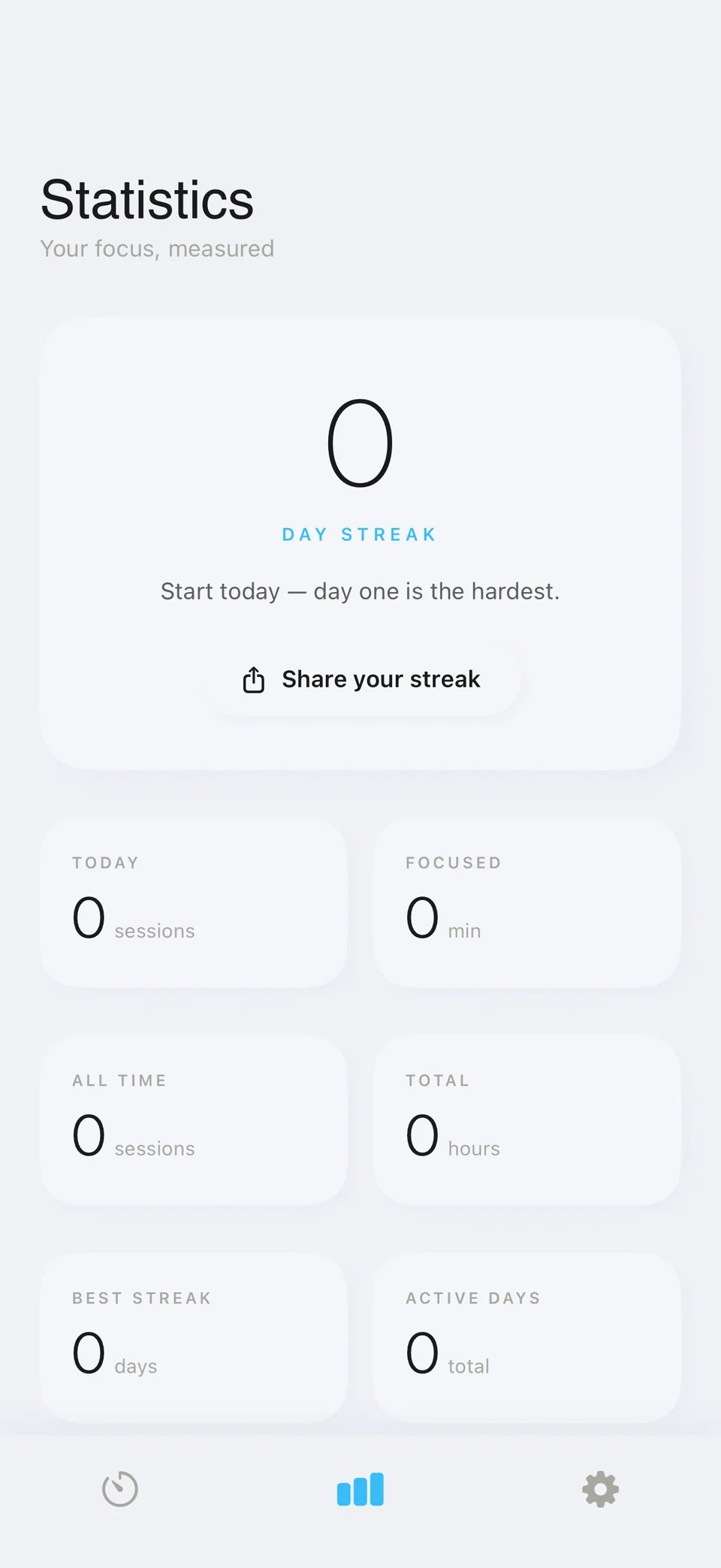
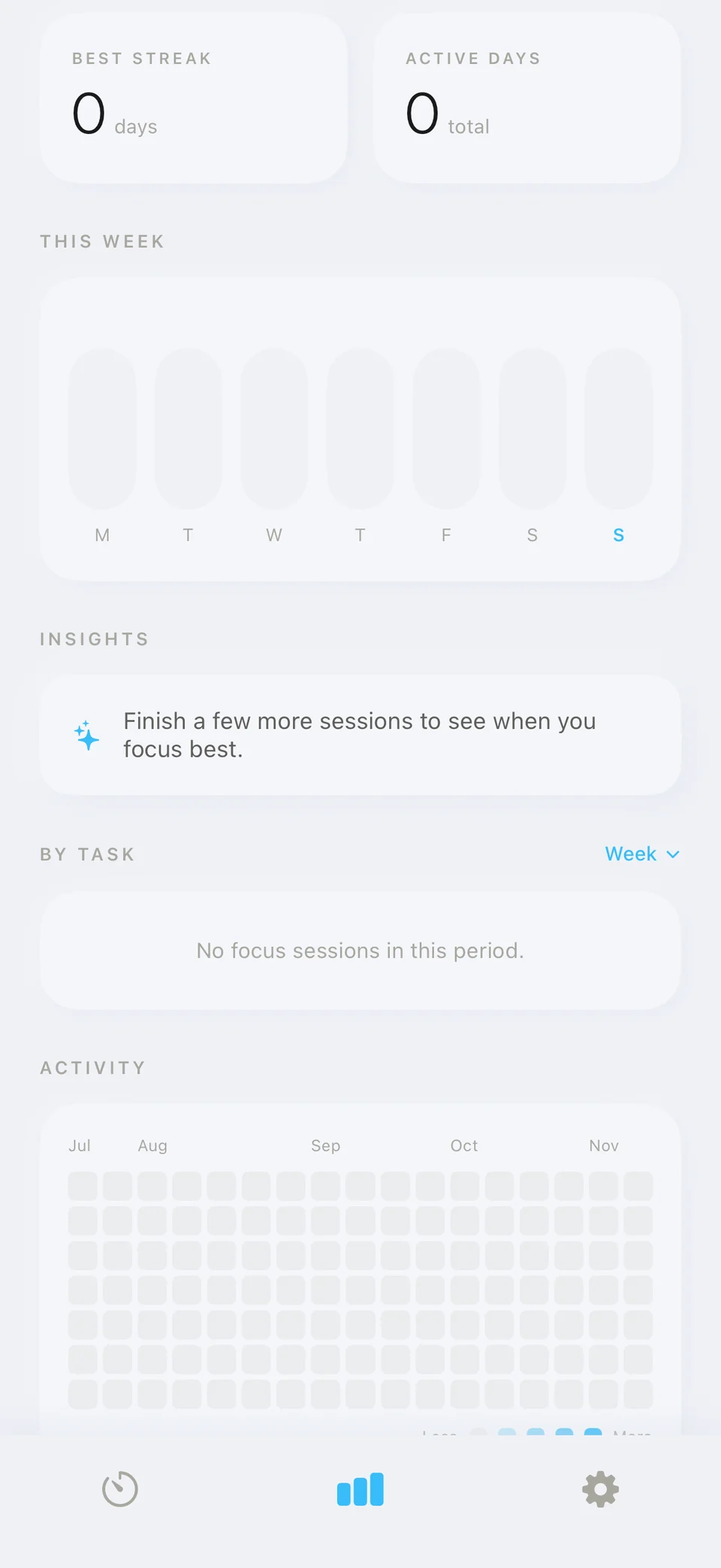
Look at whether the view shows sessions, minutes, streak days, or a task breakdown. Those units answer different questions. Three short intervals and one long interval can produce different counts without establishing which day contained better work.
The native screenshots below come from a clean Focuso 23.0 demonstration installation. They intentionally show zero recorded activity. They establish the interface and labels, not a customer outcome or a week of claimed personal use.
Understand what a credited session represents
The current implementation records focus-session time when completing or skipping a focus interval, with credited minutes depending on the path taken. A skipped interval can record elapsed whole minutes; an interval below one credited minute is not counted as a session in that path.
This implementation detail explains why pressing a control does not always create the record a reader expects. It is not an invitation to manufacture a streak. A selected task identifies the session’s category; it does not verify which document or activity occupied the whole interval.
Pair the record with one observable result
After an interval, leave a short note elsewhere if you need a record of the work: “read pages 12–18,” “tested the export,” or “still blocked on the permission error.” That statement gives context the timer cannot infer.
If the timer ran while you answered messages, the resulting elapsed interval does not become an attention measurement. If you finished an important task early, a smaller time total does not make that result less useful. I would resist treating every increase in minutes as an improvement.
Use the view for one modest adjustment
Choose a question the data can help with: did you return on the days you intended, or do some tasks repeatedly need a different interval? Then compare that observation with your actual obligations and work notes.
The weekly planning guide turns a history view into a scheduling decision. The interruption guide covers pause and return behaviour. The Clock comparison helps decide whether you need this recording workflow at all. None of these records is a medical assessment, certified productivity score, or judgment of a person’s effort.
Know the access limits
Focuso 23.0 changes access for eligible new users: a free Apple in-app transaction starts seven days of full access, with no automatic charge or renewal. Afterwards, starting or resuming further sessions requires the one-time lifetime purchase; history and Settings remain accessible. Existing installations keep their previous freemium access and valid earlier purchases remain honored.
Questions before you start
Can Focuso prove I concentrated for the whole interval?
No. It records timer activity and selected task context, not your attention throughout the interval.
Is a longer recorded week always better?
No. Interpret the time alongside what you intended to do, what happened, and what you actually completed.
See the app details and current access information before choosing your next step.