In this article
A countdown does not need to be complicated to be useful. I build Focuso, but I would still choose the iPhone Clock for a simple reminder when the extra session structure would add more decisions than the task needs.
Ask whether the job is timing or a repeatable routine
For one interval, Clock provides the core timer behaviour. Apple documents that its timer continues when you open another app or the phone sleeps. Background timing by itself is therefore not a reason to claim a dedicated study app is necessary.
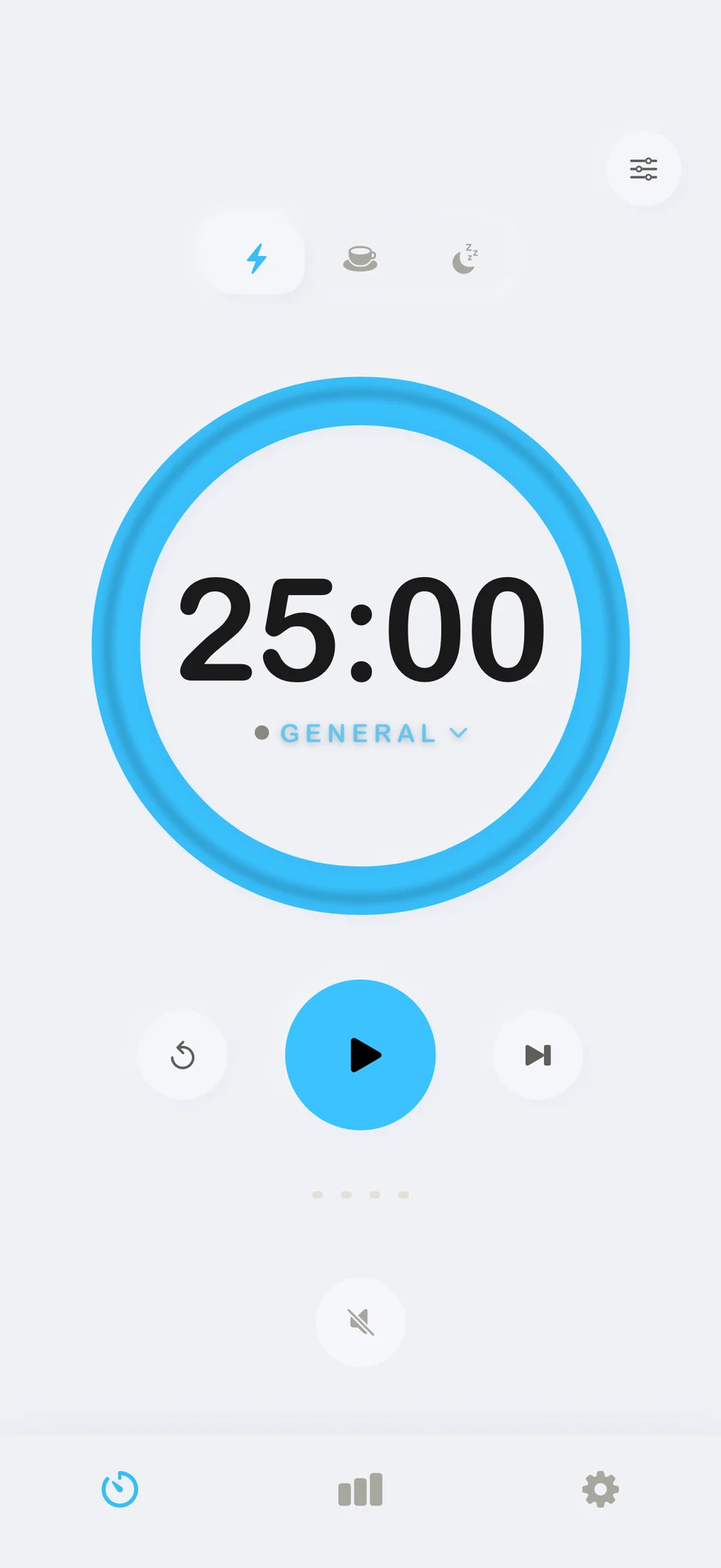
Focuso groups focused work, short breaks, long breaks, task selection, ambient options, and records in one place. The decision is whether those features reduce repeated setup for your actual routine, not whether the app has a more elaborate timer screen.
Compare one ordinary task
Choose an example such as reading one section and leaving a short note. Use the same intended interval in either tool. Before starting, decide what counts as a stopping point and what you will do at the end.
| Need | Starting choice |
|---|---|
| A plain countdown for one activity | Clock may be sufficient. |
| Focus and break modes in one workflow | Try Focuso. |
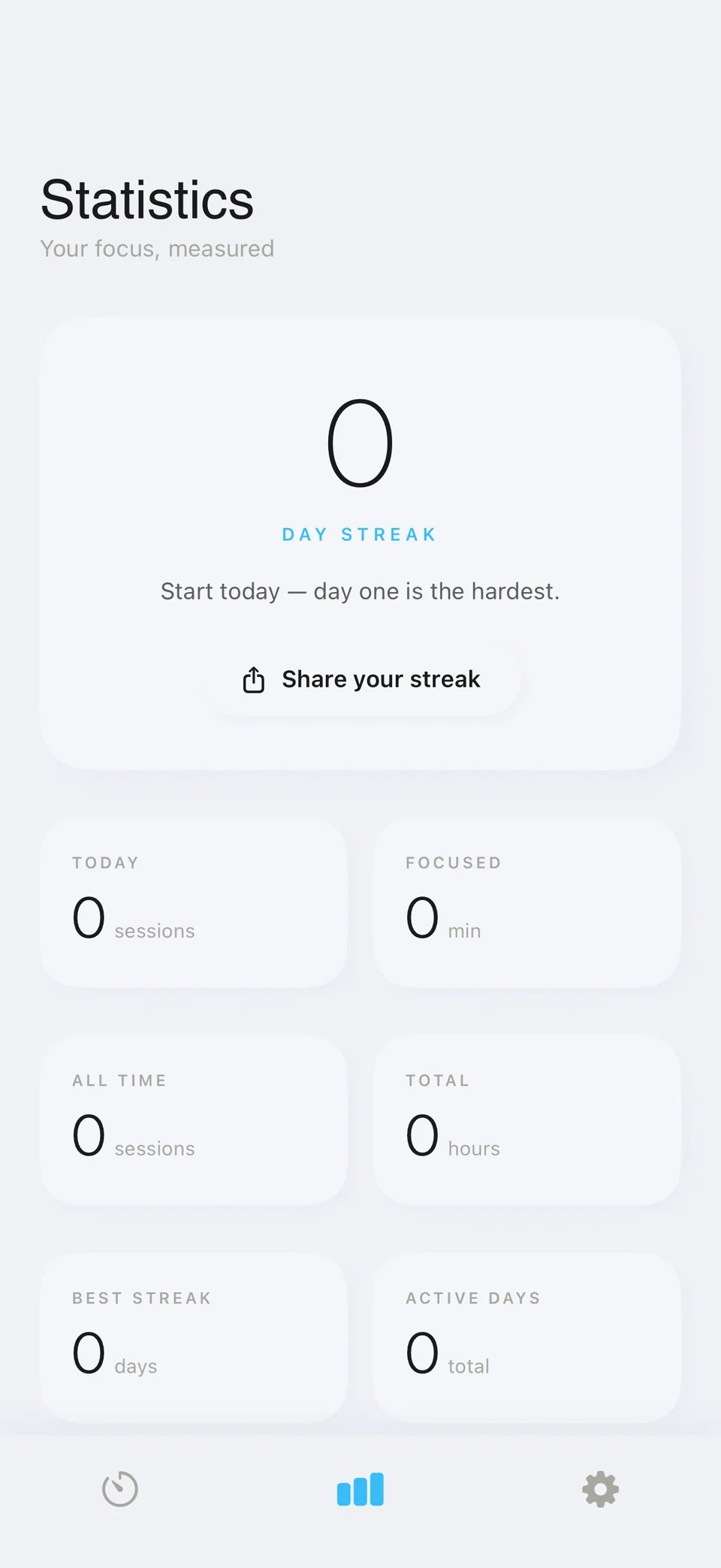
| Tasks and recorded session history | Inspect Focuso’s records and their limits. |
| No additional app purchase | Start with the system tool. |
This is a workflow comparison, not a measured claim that either option makes people more productive.
Check the current access model
Focuso 23.0 is the version checked for this article. Eligible new users start seven days of full access through a free Apple in-app transaction. There is no automatic charge or renewal. Afterwards, a one-time lifetime purchase is required to start or resume further sessions.
History and Settings remain accessible, while existing installations retain their previous freemium access and valid earlier purchases remain honored. Older guides on this site discuss version 22.0’s automatic trial; do not apply that historical flow to a new 23.0 installation.
Choose after trying a real session
If Clock gives you the reminder you need, there is nothing to fix. If you repeatedly want a structured break, a selected task, and a place to inspect completed sessions, try those exact Focuso behaviours during eligible access.
Read what the history means before using minutes as a measure of attention. The interval guide helps choose a starting rhythm without claiming a scientifically optimal schedule. The current App Store listing describes release access; use the installed purchase screen for your own account’s terms.
Know the access limits
Focuso 23.0 changes access for eligible new users: a free Apple in-app transaction starts seven days of full access, with no automatic charge or renewal. Afterwards, starting or resuming further sessions requires the one-time lifetime purchase; history and Settings remain accessible. Existing installations keep their previous freemium access and valid earlier purchases remain honored.
Questions before you start
Does Clock stop when I lock the phone?
Apple documents that its timer continues when the phone sleeps. Focuso’s extra structure is a separate consideration.
Does a new Focuso 23.0 trial start just by opening the app?
Eligible new users complete a free Apple in-app transaction. Older version 22.0 guides describe a different flow.
See the app details and current access information before choosing your next step.