In this article
A colouring session can be worthwhile even when the picture is unfinished. I would read Colorist’s Activity view as a record of time with the work, rather than a score for how quickly I filled it.
The calendar and totals can help you notice a routine. They cannot tell you whether you liked the colours, enjoyed the tools, or wanted to continue.
Open Activity after an ordinary session
Look at the picture activity, time, and calendar shown by your installed version. Start with the session you just completed so you can connect the numbers to something you remember doing.
Do not compare your day with the figures in a screenshot. The example below contains demonstration state, including an unfinished picture. It is there to show the layout.
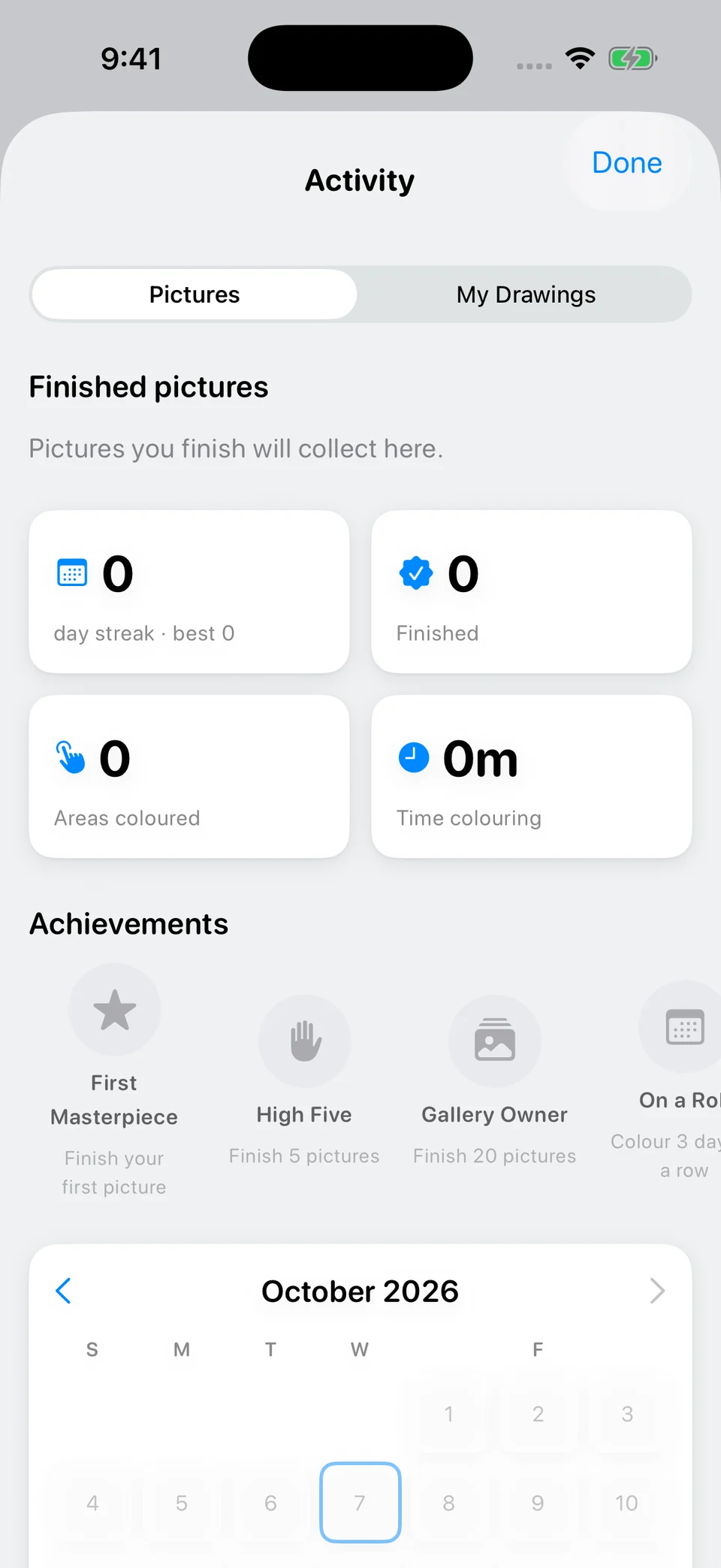
Separate finishing from returning
A detailed picture may take several visits. A simple illustration might be finished quickly. Comparing only the number of finished pictures treats those as the same amount of work when they are different experiences.
I would ask what I want from the next session: continue one flower, try a new brush, or finish an almost-complete background. Those goals are easier to judge than “improve my activity score.”
Use the library to choose what comes next
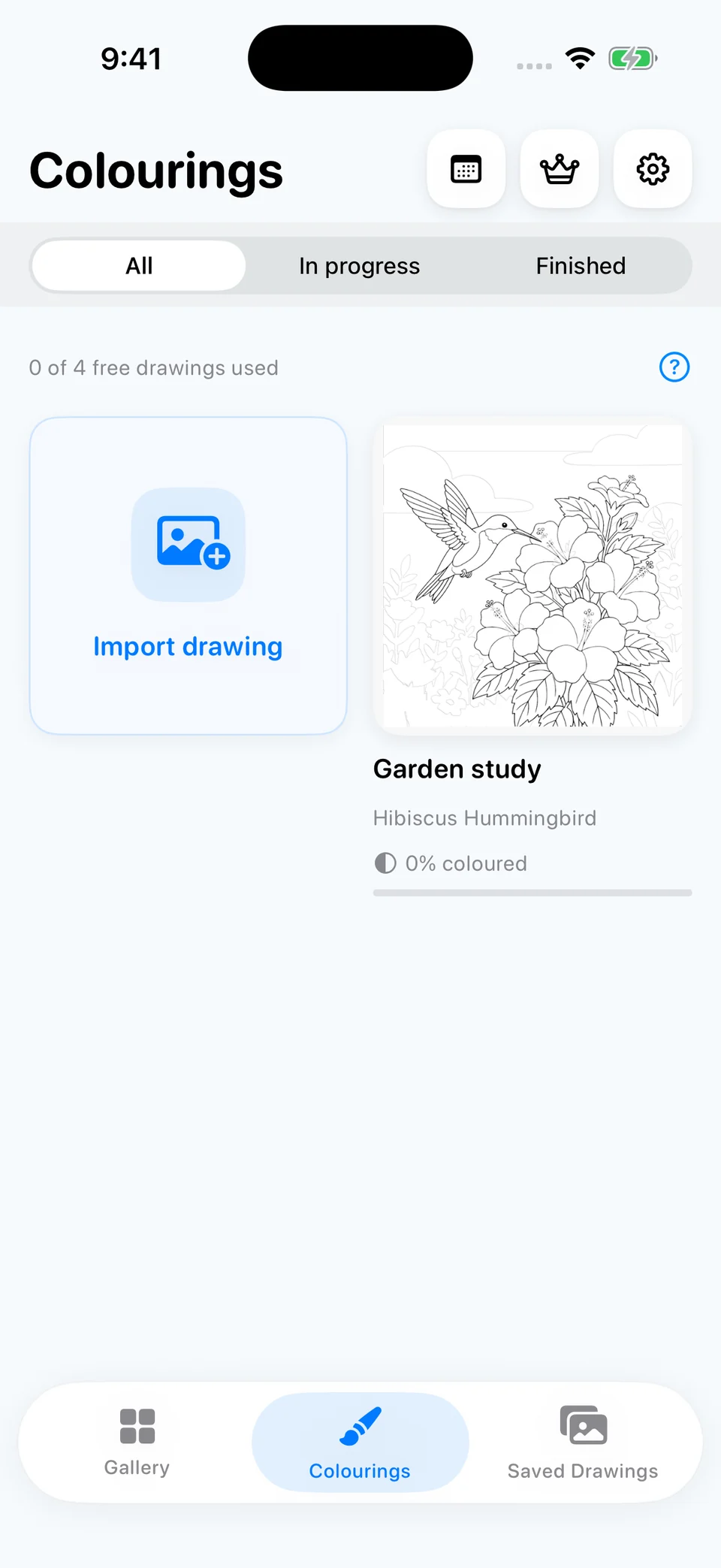
Move to Colourings → In progress and choose a picture you still want to colour. If none appeals, taking a break or opening a simpler picture is a reasonable decision.
Achievements can mark milestones, but I would not select a picture solely because it looks faster to complete. The record is most useful when it follows the activity you actually wanted.
Make one modest change
If you want a more regular routine, choose a small opportunity you already have: a few minutes after dinner or a quiet weekend morning. Try it once before setting a larger expectation.
A gap in the calendar does not require a catch-up session. Return to the next area you want to colour and let the record continue from there.
Artwork, palettes, and progress stay on-device, so the Activity screen is not a cross-device backup. Colorist’s free experience includes ads; lifetime Pro removes them and adds Pro content, tools, sounds, and unlimited imports. Check the current access prompts for any feature you choose.
Use the resume guide to find the right picture. If your next session is an experiment, compare fill styles with a small, reversible test.