In this article
A paper colouring book and a tin of pencils feel like a small, one-off purchase until you look at your shelf a year later. Half-finished books pile up, the shades you use most wear down to stubs, and you end up buying another book just to get a few fresh pages.
As the developer of Colorist, I am not going to claim an app is always cheaper than paper. Prices vary by country, paper quality, and how often you actually sit down to colour. Instead of guessing, here is a plain way to put your own numbers side by side over twelve months.
Your twelve-month paper worksheet
Before comparing anything, write down what paper colouring actually costs you in an ordinary year. Use real receipts or what you remember buying, not the cheapest bargain bin book you saw once.
| Paper item | Your quantity per year | Your local price | Your yearly total |
|---|---|---|---|
| Colouring books bought | [books] | [price per book] | [books × price] |
| Pencil or marker replacements | [packs or singles] | [price each] | [packs × price] |
| Sharpeners, erasers, blenders, storage tins | [items] | [price each] | [items × price] |
| Printed single pages (paper and ink) | [pages] | [estimated cost] | [pages × cost] |
Once you add that column up, divide it by the number of pages you actually finish in a year. Many people buy a thirty-page book for five or six illustrations they genuinely like and leave the rest blank. If only a third of a book gets coloured, your real cost per finished page is three times higher than the cover price suggests.
Your twelve-month digital worksheet
Now run the same check for colouring on an iPhone, iPad, or Apple silicon Mac. The key rule is not to hide hardware costs: if you do not already own a tablet and would be buying one solely to colour, paper wins on upfront cost immediately.
| Digital item | Your situation | Your local price | Your yearly total |
|---|---|---|---|
| iPhone, iPad, or Apple silicon Mac | [already owned / new] | [0 if owned] | [upfront cost] |
| Stylus (optional; tap and brush work by finger) | [already owned / optional] | [0 if skipped] | [stylus cost] |
| Colorist (free tier or one-time Pro) | [free / one-time unlock] | [check App Store] | [0 or one-off] |
| Home prints of finished pages (optional) | [pages printed] | [ink and paper] | [pages × cost] |
The biggest difference over twelve months is repeatability. On paper, if you ruin a background or want to try a completely different palette on the same botanical line art, you either buy a second copy of the book or scan and print it yourself. In Colorist, you can save separate editions of the same picture—starting from a blank page or copying your current colouring—while keeping each version's colours, progress, and time-lapse intact.
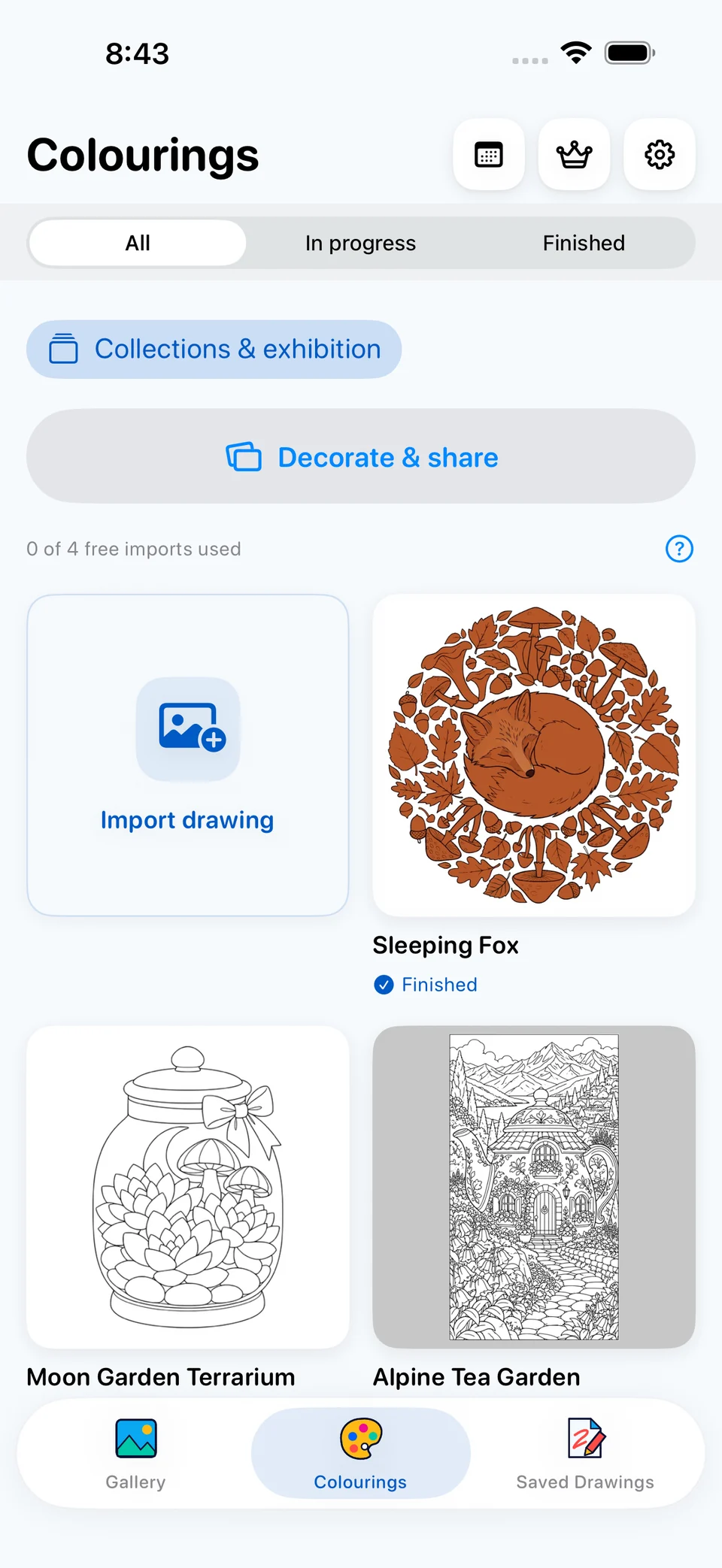
Reusing named custom palettes across pictures also removes the problem of running out of one favourite shade mid-project. Your artwork, palettes, and progress stay on your device, and bundled pictures work offline without an account.
What paper still does better
Even with a one-time app purchase, paper has real advantages that software cannot fake. If these matter most to your routine, keep your money on physical supplies:
- Physical tooth and pressure: Pencil wax or pigment biting into textured paper feels different from glass. Pinching to zoom and undo are convenient, but they do not replace tactile resistance.
- Zero screen distractions: A paper book never shows a notification banner, never needs charging, and never tempts you to switch apps for a moment.
- Immediate physical object: When you finish a paper page, it is already ready to pin to a wall or slip into a card. Digital work still needs a printer if you want something you can hold.
- Low-frequency colouring: If you only colour three or four pages a year, one modest book and a small pack of pencils will cost less than buying a stylus or unlocking extra app content you rarely open.
If you like the convenience of digital undo and custom palettes while colouring, but still want a physical keepsake at the end, you can export finished pages as a printable PDF art book or poster and only spend ink on the pages you actually love.
Where Colorist’s free version ends and Pro begins
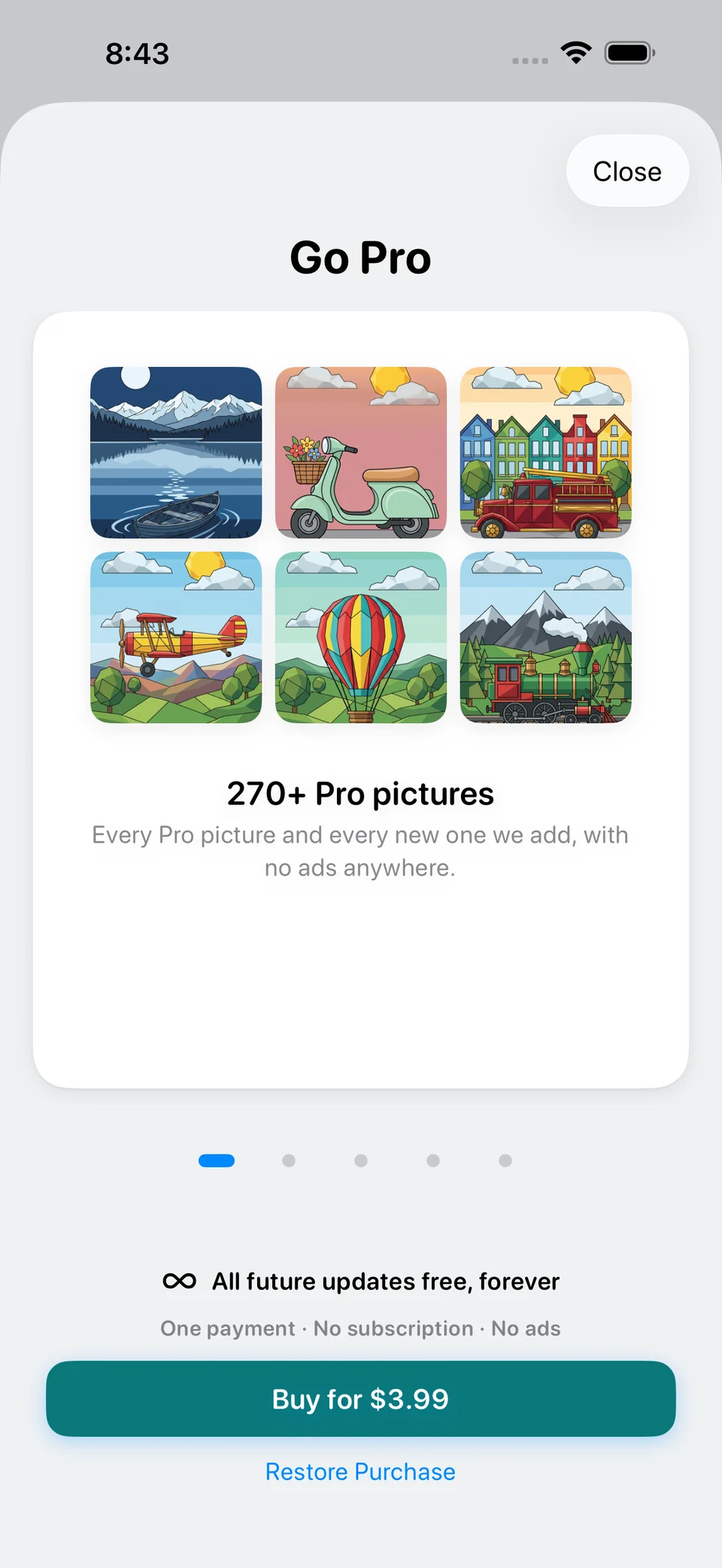
I kept Colorist's pricing model simple so it is easy to weigh against paper: there is no subscription. You can start free with a selection of pictures and core colouring modes—paint-by-number, Magic brush, and free palette colouring—alongside zoom, undo, and named palettes. The free experience includes advertising, and some tools or exports can be unlocked temporarily by watching a rewarded ad.
Optional lifetime Pro is a single one-time purchase. It removes ads, unlocks Pro pictures, extra brushes and fill styles, ambient sounds, and unlimited drawing imports, and lets you turn off the Colorist credit and QR code on decorative designs, posters, and printable books. If you want to test whether the controls suit you before spending anything, my free-versus-Pro breakdown walks through what to try first.
If you already own an iPhone or iPad and want to compare the numbers in your own currency, you can check current store pricing and access details on the app page. Free pictures and tools are available with ads, and Pro remains an optional one-time upgrade if you decide digital colouring earns its keep in your routine.