In this article
Many adults avoid colouring apps for the same reason they avoid sketchbooks: they assume you need drawing talent or an instinct for colour before you can make anything worth looking at. When you open a blank canvas with that mindset, even picking the first shade feels like a test you are about to fail.
When I built Colorist, I wanted the app to meet people where they actually are rather than assuming everyone is comfortable painting freehand on day one. Colouring is not drawing from scratch, and you do not have to jump straight into an open colour wheel. Instead, the app splits the process into three distinct steps—paint-by-number, Magic brush, and free palette colouring—that act as a practical ladder of confidence.
Myth: you need drawing skill to enjoy colouring
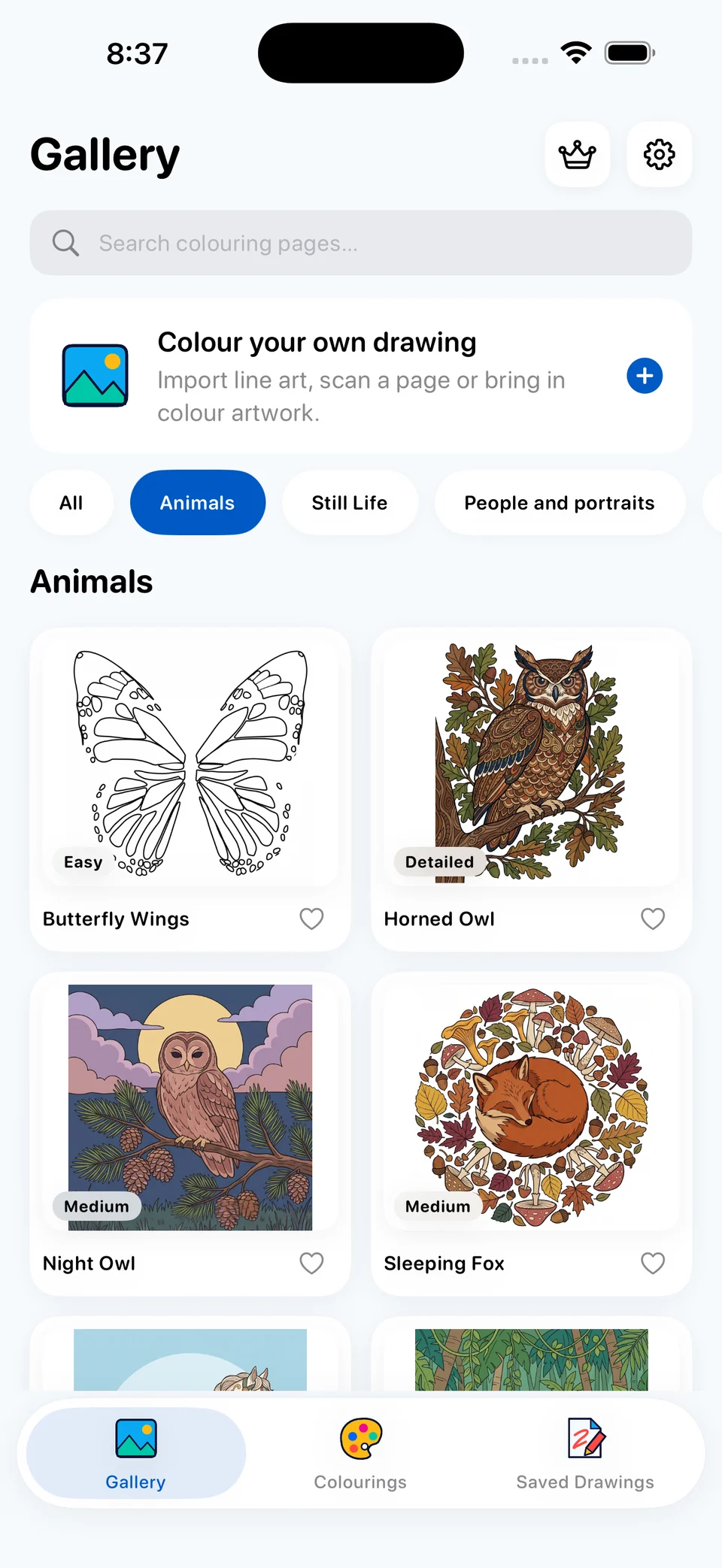
The first misconception is that colouring asks for the same skills as drawing. Drawing requires inventing proportions, perspective, and clean outlines from an empty page. Colouring removes that barrier completely: the linework is already there across portraits, flowers, birds, animals, mandalas, landscapes, and cosy scenes.
In reality, the first step on the ladder—paint-by-number—removes colour decisions too. You open a bundled picture, select a numbered swatch from its prepared palette, and tap to fill the matching regions. If you tap the wrong shape or want to take another look, pinch-to-zoom and undo are always one tap away.
Following numbers is not a lesser way to use the app. It lets you get comfortable with how the canvas responds, how light and shadow sit inside an illustration, and how a complex image comes together piece by piece, all without asking you to guess which shade of green belongs next to a petal.
Myth: tapping numbers is passive, while freehand is all or nothing
A second myth is that there is nothing between tapping numbered regions and painting completely freehand. People often stay on tap-to-fill for months because they assume the next step means choosing every colour from scratch and keeping every stroke inside the lines on their own.
In reality, the second step on the ladder—the Magic brush—sits right in the middle. On a bundled picture, Magic still uses the illustration's original authored colours, so you cannot pick a clashing shade by mistake. What changes is the motion: instead of a single tap filling an entire region, you brush the colour in yourself.
That small shift changes how the session feels. You get the tactile rhythm of brushing across a surface with your finger or Apple Pencil, while the picture's original palette keeps the overall look cohesive. It is a low-stakes way to practise controlling strokes and working around edges before you ever worry about inventing a colour scheme.
Myth: choosing your own colours means risking a ruined page
The biggest mental block for people who say they cannot draw is the fear of spoiling an hour of quiet work with one poor colour choice. On paper, painting a sky the wrong shade of purple is hard to reverse. That habit of caution carries over onto a screen, even when undo exists.
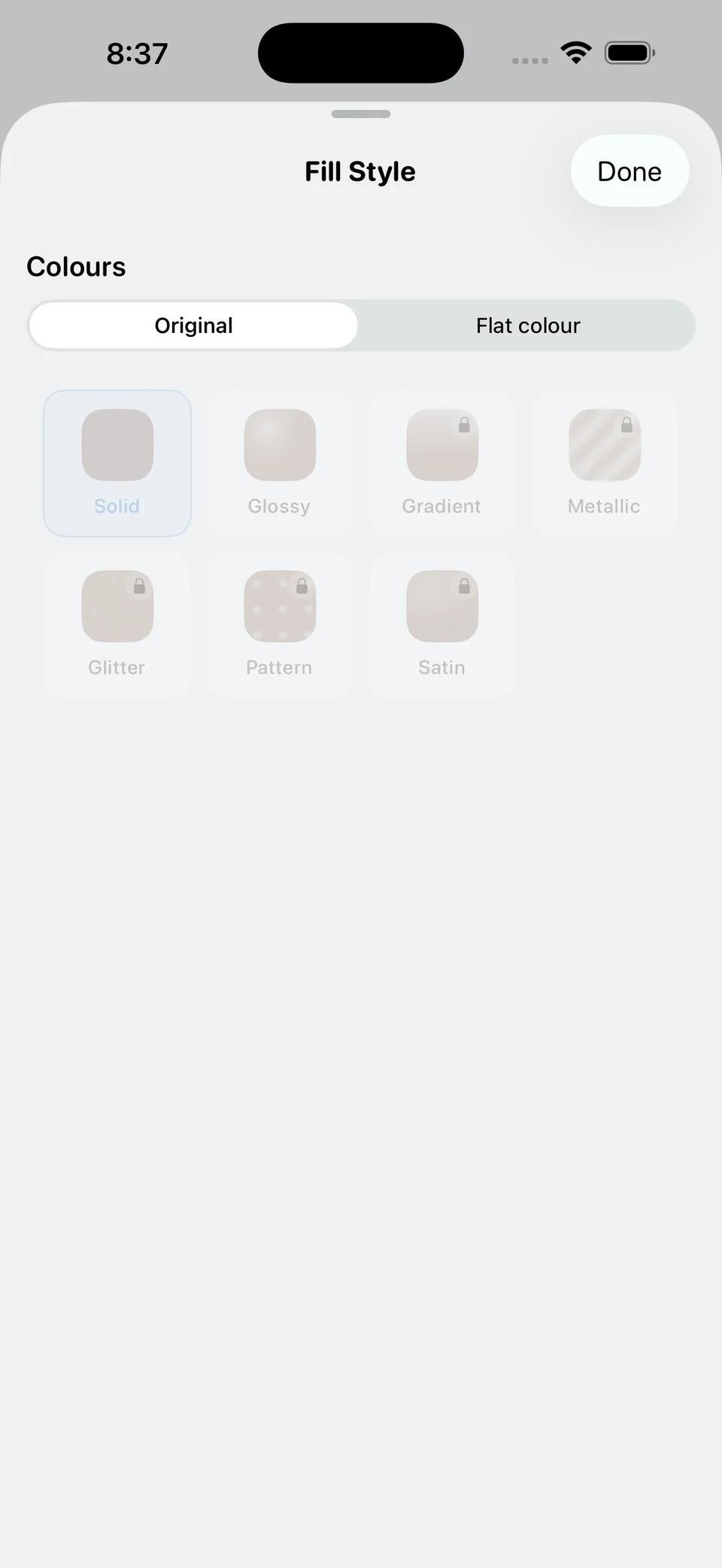
In reality, the third step—turning Numbers off for free palette colouring—comes with a safety net built into the library. Before you test an unfamiliar palette or swap out brushes for gradients, satin, glitter, or patterns, you can create a separate edition of the same artwork. You can start from a blank copy or duplicate your current progress, give the edition a name, and experiment freely while your original version stays untouched. Each edition keeps its own colours, progress, and time-lapse replay.
When you stumble across three or four shades that work well together, you do not have to remember them for next time either. You can save them in named custom palettes and reuse that combination on another picture, or keep parallel experiments tidy using separate editions without overwriting earlier work.
Step onto the rung that suits the day
Confidence with colour does not arrive in a straight line, and moving up these three steps will not turn anyone into an illustrator overnight. Some evenings you may simply want the clear structure of paint-by-number; on another day you might feel like brushing in original tones with Magic, or testing your own palette on a spare edition. All three modes remain available whenever you open a picture, and your artwork, palettes, and progress stay on your device in the Colourings library with no account required. Bundled pictures can also be coloured offline.
Colorist is free to start, with ads shown in the free experience alongside free pictures and core tools, and some tools can be unlocked temporarily by watching a rewarded ad. An optional one-time lifetime Pro purchase—with no subscription—removes ads and unlocks Pro pictures, tools, ambient sounds, unlimited drawing imports, and the option to remove the Colorist credit and QR code from exported designs, posters, and PDF art books. If you want to see how the three modes feel on your own screen, you can check the current details on the app page.