In this article
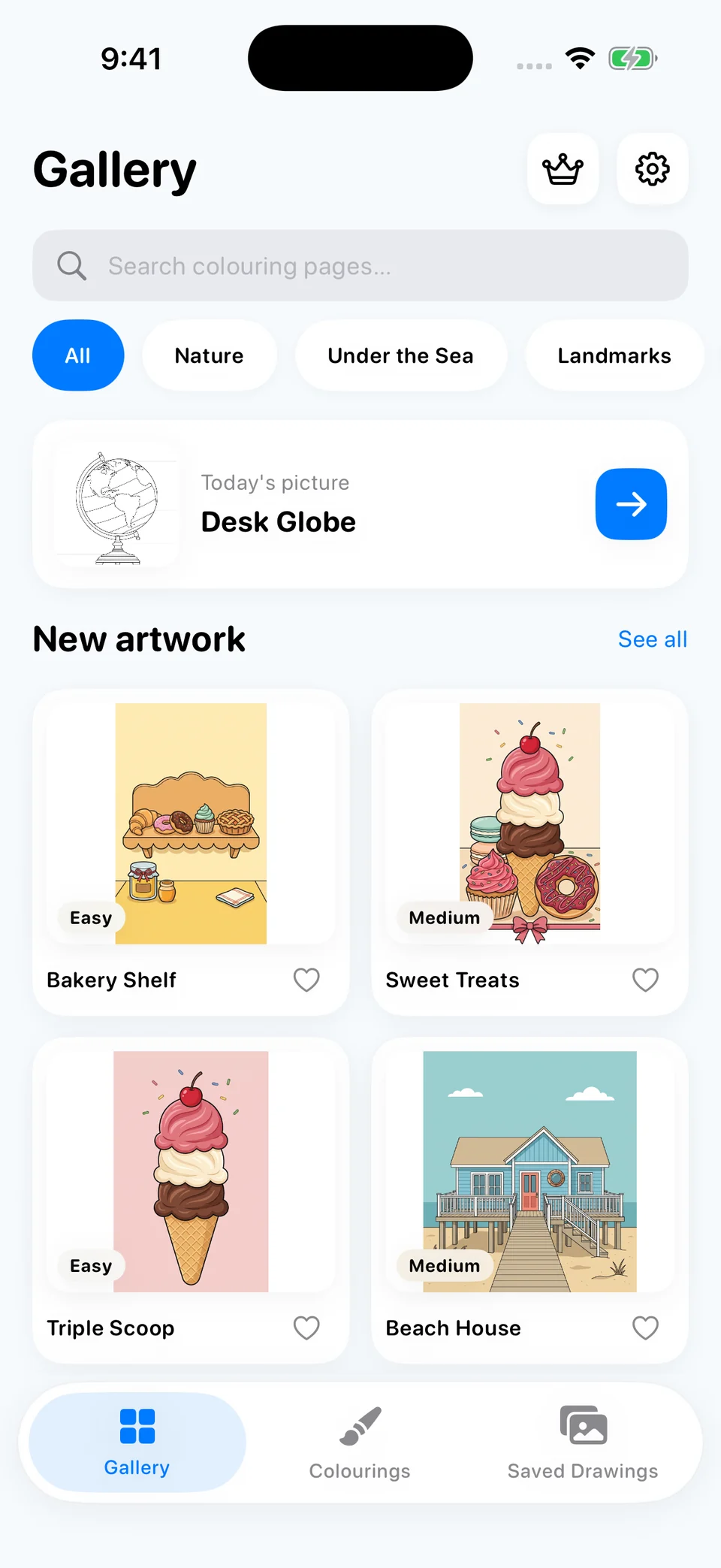
A paid picture collection is not automatically useful if you have not found a colouring interaction you enjoy. I would begin with one available picture, then evaluate whether Colorist’s extra tools or outputs solve a real limitation for your work.
Complete one small free activity
Open an available picture and try its actual controls. Follow the numbers for a few regions, inspect Magic, and consider free colouring if choosing your own colours is the reason you downloaded the app. Use zoom and undo before making the first picture into a large project.
The purpose of this test is fit, not finishing as quickly as possible. If you dislike the basic activity, a larger paid gallery may not change that. If you enjoy it but need a particular tool, you have a concrete purchase question to investigate.
Identify the boundary that matters
- Advertising: Pro removes the free experience’s ads.
- Pictures and tools: Pro adds the paid collection and supported creative tools.
- Imports: unlimited drawing imports are a Pro feature.
- Sounds: Pro includes the paid ambient library.
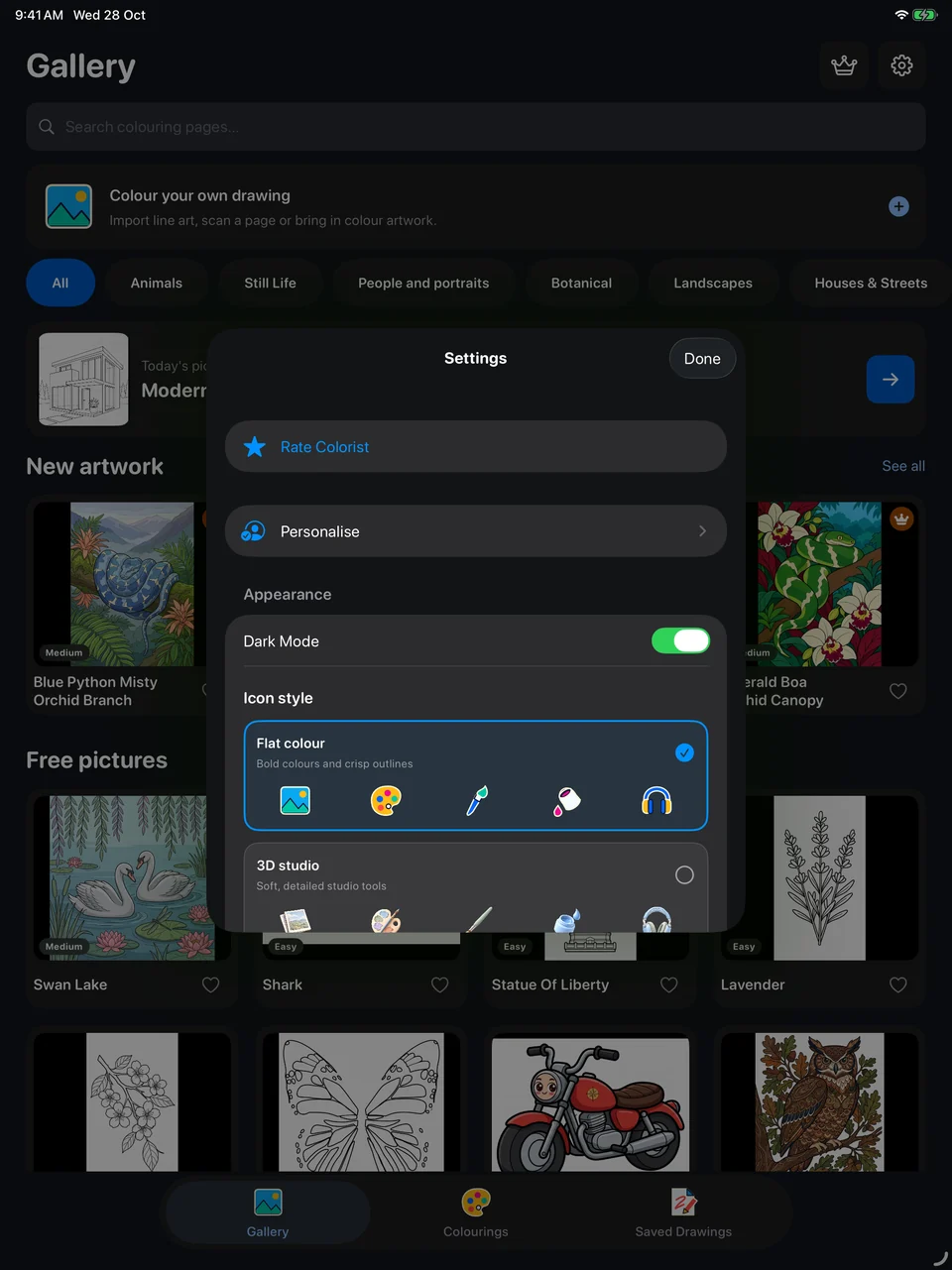
- Export presentation: Pro can turn off the Colorist credit and QR code on supported designs, books, and posters.
These are different needs. Wanting an unbranded print is not the same as needing more imported drawings. Read the actual action’s access prompt rather than assuming every export follows one rule.
Check rewarded access separately
Some actions offer a rewarded route. A completed reward for one tool or decorative export does not imply permanent access to the full app. Review what that particular prompt grants and whether the ad is available.
When comparing an output, keep the artwork the same so a different picture does not obscure what the paid control changes. A QR code or credit is part of the exported presentation, not a reason to edit your original artwork destructively.
Decide with a project in mind
For an imported drawing, use the import checks before assuming every photograph will become a suitable colouring page. For a finished print, the framed-print workflow explains the actual output. For general starting controls, compare the colouring modes.
Pro is an optional one-time purchase, not a subscription. Check the installed purchase screen for the current price and terms. I would pay for a feature I have tried to use, not because a promotional list suggests an upgrade is required to enjoy any colouring.
Know the access limits
Colorist is free to start with ads and a selection of pictures and tools. Optional lifetime Pro removes ads and adds Pro content, tools, sounds, and unlimited drawing imports. Some actions offer rewarded access. Pro can remove the Colorist credit and QR code from designs, books, and posters; check the actual export screen for the action you choose.
Questions before you start
Do I need Pro to start colouring?
No. Free pictures and tools are available with advertising.
Does one rewarded action give lifetime Pro?
No. Read that action’s grant; a temporary tool unlock or export credit is not a lifetime purchase.
See the app details and current access information before choosing your next step.