In this article
A raised picture card can make a page feel like a small keepsake, but the extra surrounding treatment also affects how much room the artwork appears to have. I would compare one page both ways before applying a style to a whole book.
Keep the comparison fair
Choose one completed drawing in My Art and open Make a Book. Keep the paper colour, picture choice, title, and decorative frame fixed while comparing the mounting options. Otherwise a different background or frame may be doing most of the visual work.
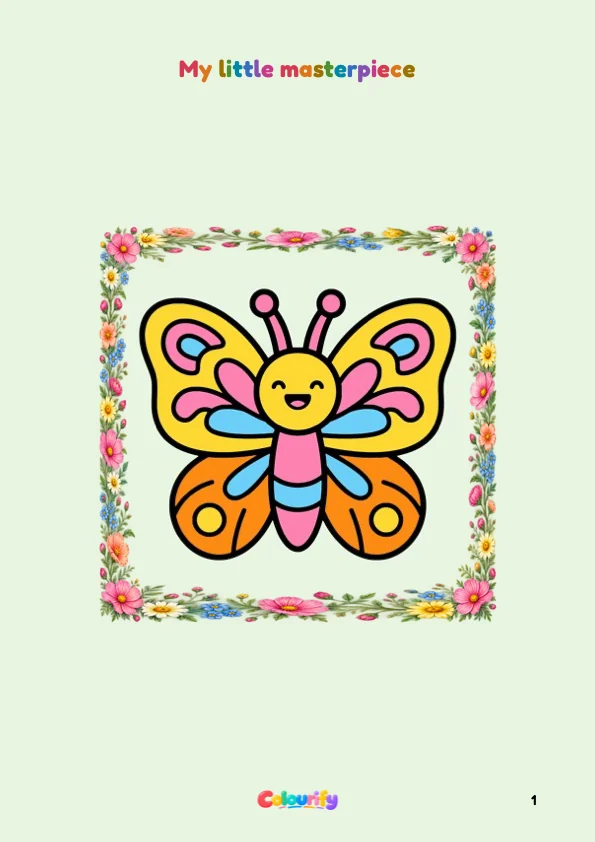
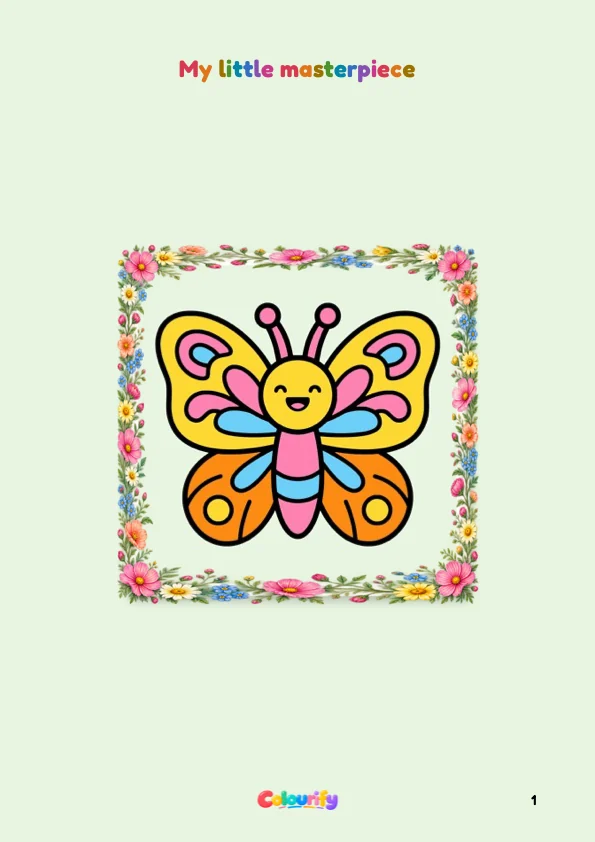
The examples below are actual native renderer previews of the same butterfly artwork. They are digital presentation examples, not photographs of printed books and not evidence that paper will reproduce the screen’s colour exactly.
Start with Flat on page
Flat on page gives a direct relationship between the picture and page. Inspect the space around the subject and whether the frame competes with small details. For a drawing with a strong outline and a simple background, this may already be the complete presentation you want.
Check the top and bottom of the art, especially if names, page numbers, or a title occupy neighboring space. A page can be visually busy without any source pixels being cropped.
Compare Raised card at the same viewing size
Choose Raised card and inspect the card’s relationship to the paper and decoration. Look at the full page first, then enlarge the artwork. The extra layer can separate the picture from the page but may make a detailed subject feel smaller in the composition.
Do not compensate for every difference by immediately changing the picture scale. First decide whether you actually want the card treatment. Then adjust available spacing controls and check the resulting page again.
Review several kinds of artwork
Before exporting the full book, inspect a wide picture, a tall picture, and a page with fine detail. A layout that suits one centred butterfly may be less useful for a wide drawing with small labels.
Save the PDF with Unlock Everything and reopen it before printing. If the frame is the part that feels crowded, compare Around artwork and Around page. If a white background is the issue, consider Subject only separately. For the full collection workflow, the book guide covers preparation and export.
Know the access limits
Colourify has no ads. Starter numbered pictures and ten brushing pictures are free. Optional lifetime Unlock Everything adds Pro pictures, extra brushes and fill styles, premium sounds, unlimited drawing imports, and personalised PDF book export. Purchases and protected sharing actions go through the grown-up area. Artwork remains on the device.
Questions before you start
Does Raised card change the saved drawing?
It is a presentation choice for the book, separate from the original artwork.
Should every page use the same mounting?
Consistency can help, but inspect wide, tall, and detailed pictures before deciding what works for the collection.
See the app details and current access information before choosing your next step.

