In this article
Numbered colouring gives a child a simple starting rule: choose a numbered crayon and find its matching areas. In Colourify, I want that guidance to be easy to reach without taking over the whole activity.
Here is how I would introduce it, including what to try when a small area is hard to find.
Start with a numbered picture
Choose a picture from the numbered collection. Look at the crayon tray together, select a number, and tap a matching area in the picture.
The palette belongs to the illustration. A child does not need to build a custom palette before making a mark, and the app handles tiny detail areas automatically.
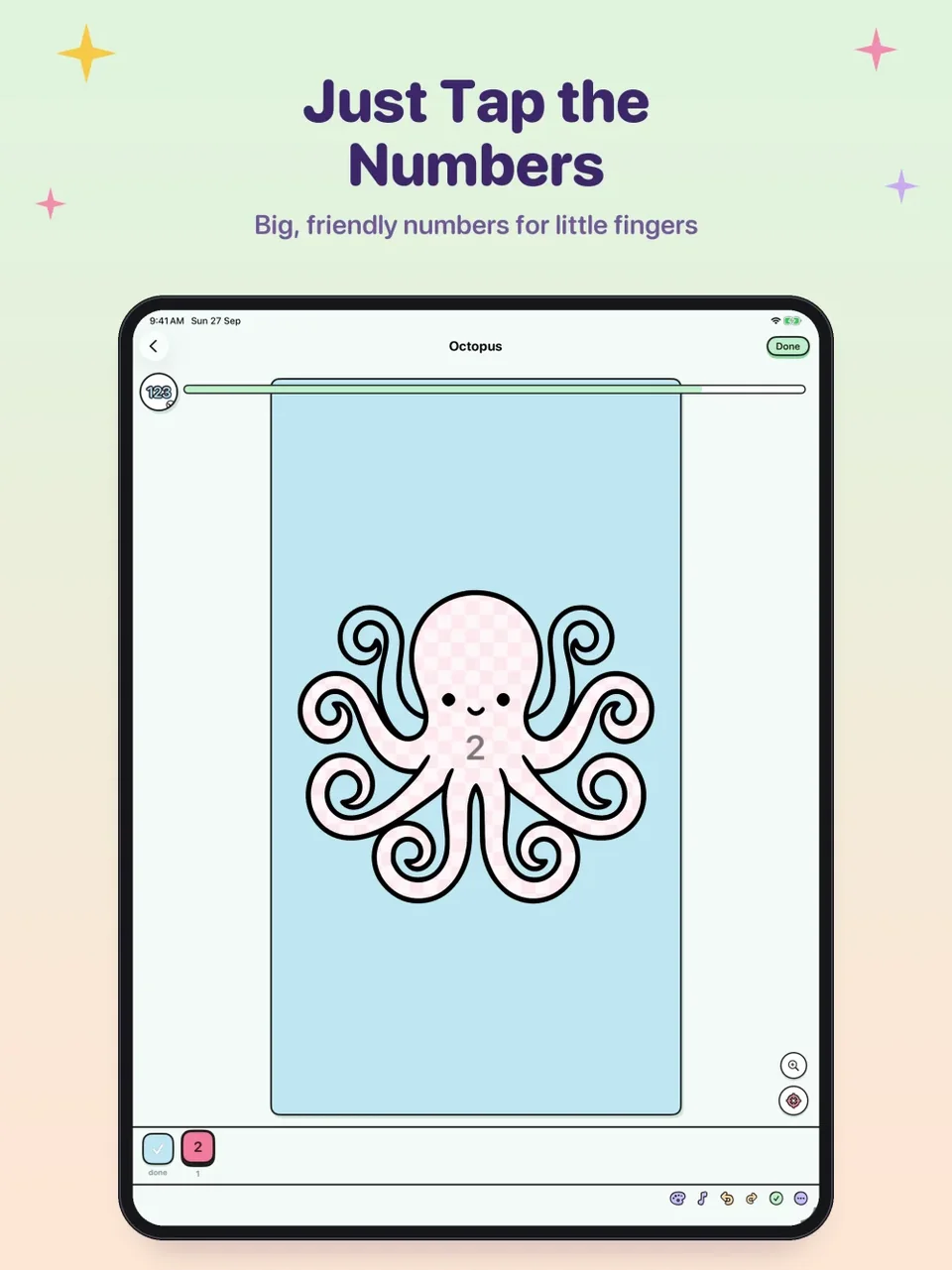
Use Find next when searching becomes the activity
Find next sits beside the numbered crayons. Use it to locate another area for the chosen colour when it is not obvious where to tap.
I would demonstrate the button once, then let the child decide when to use it. Finishing every small area does not have to become the goal of the session.
Undo and zoom are part of the process
A tap does not have to be final. Use undo if the result is not what you wanted, and zoom when a closer look would help.
If a picture feels fiddly, choose a different one or switch activities. No interface can guarantee that every child will find every picture easy, and I prefer explaining the available controls to promising frustration-free play.
Switch to brushing for a different kind of colouring
Colourify has a separate brushing collection where children can choose their own colours and tools. That is useful when following a numbered palette is not what they want to do.
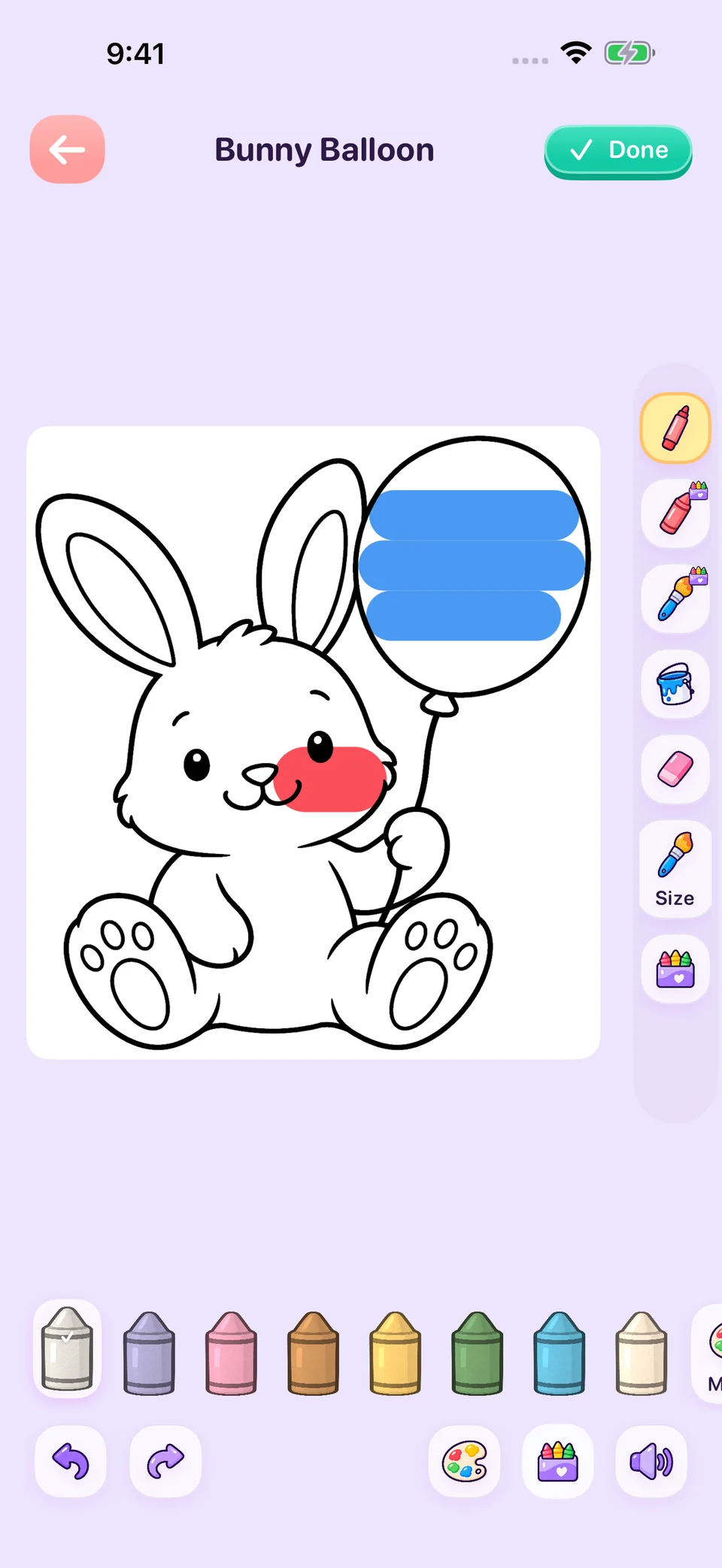
The numbered and brushing collections are different experiences. A tool shown on a brushing picture should not be assumed to work identically on every numbered illustration.
What works without a connection
Bundled pictures work offline, with artwork and progress stored on the device. Purchases, restores, and sending feedback still need internet access. I would complete those before travel and then test a picture in flight mode.
The free collection is a good place to try the controls. Unlock Everything adds the Pro pictures and tools through one optional lifetime purchase; there are no ads in either experience.
Read my guide to experimenting with brushing tools or explore the current Colourify features.

