In this article
Open a kept drawing to review its caption and date, edit the caption when needed and browse neighbouring entries. Use short descriptive labels that remain appropriate if the picture appears in a book, widget or share.
A camera roll can preserve the photograph without preserving its context. A small caption and a useful date make a kept drawing easier to recognise later. I would add enough information to identify the piece while keeping private details out of a title likely to travel with the image.
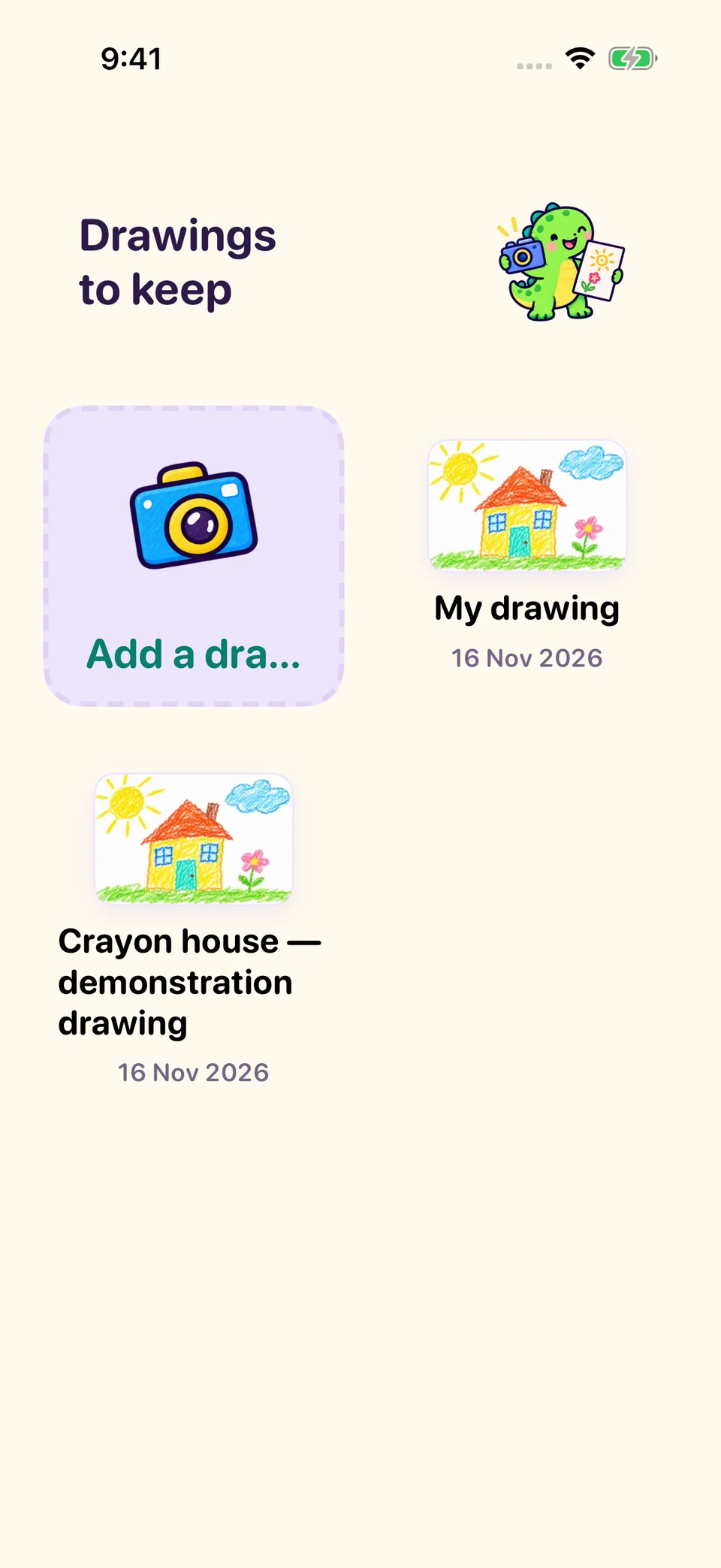
Give the drawing a useful caption
Choose a kept drawing and inspect the subject before editing. Garden butterfly or Crayon house can be enough. Avoid adding an address, school or full name just because the field is available. Demonstration entries in these guides are labelled as samples and do not document a real child’s activity.
Use dates thoughtfully
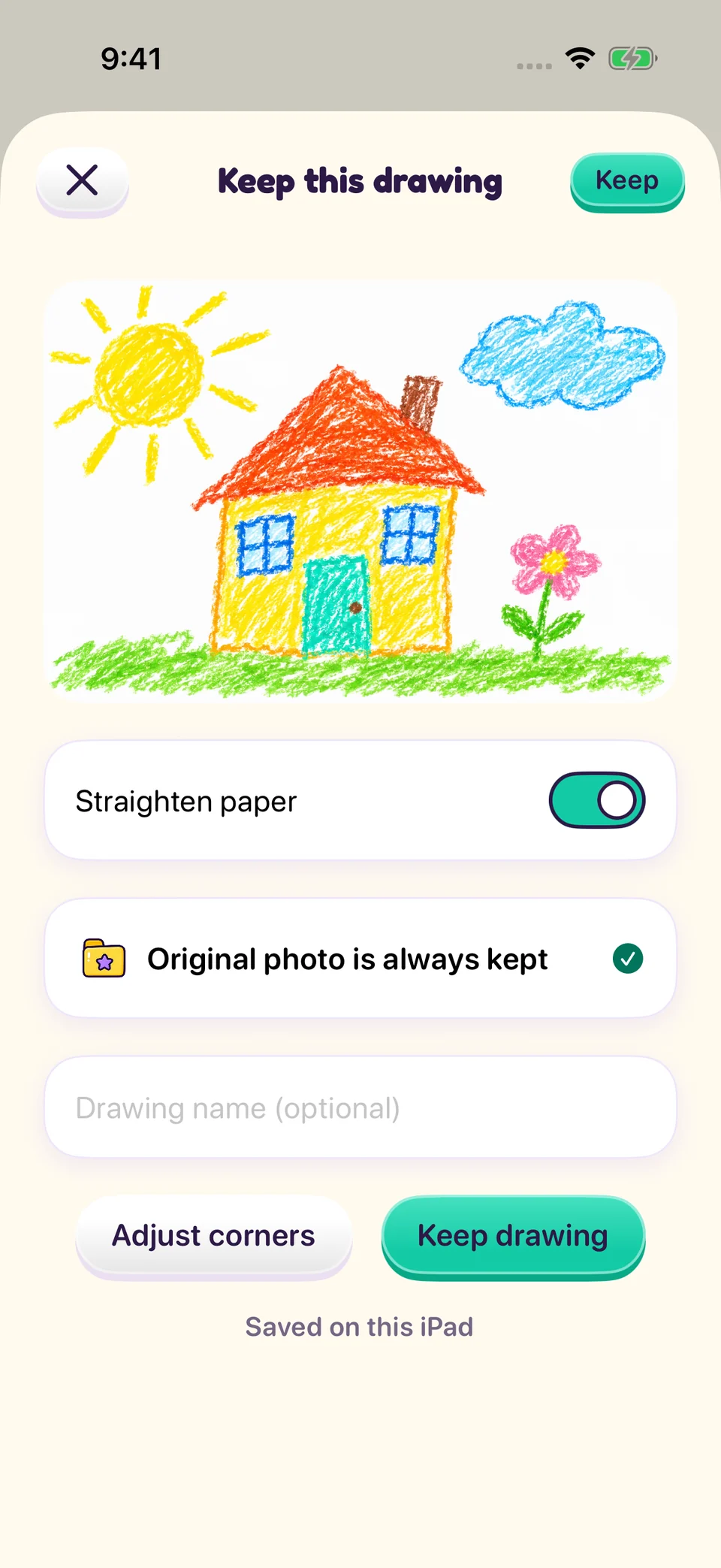
Choose the drawing date during import when you know it. If you are photographing an older piece, distinguish the day it was made from the day it was saved. Do not invent a precise historical date when the family only remembers a month. Review the displayed date when browsing or preparing a printed collection.
Check every place the caption might appear
Browse the collection and open a neighbouring drawing to confirm the entries are distinguishable. A caption can become part of a share card or printed layout, so inspect the actual output before sending it. Hiding a name in a book changes that presentation; it does not rewrite the source photograph or remove text physically written on the paper.
Check the result
- Find the same drawing again using its caption and visible date.
- Review names before using a widget or a shared device.
- Check a book or share-card preview for unwanted personal information.
Know the access limits
Kept-drawing organisation is local. A date or caption is not cloud backup, and changing a book label does not remove handwriting from the photograph itself.
Explore Colourify, or continue with the related guide.

