In this article
Open the sound controls and choose a 15, 30, 45 or 60-minute sleep timer. Review the active timer and cancel it when plans change; the timer fades the audio rather than finishing the drawing for you.
Background sound can outlast the activity if nobody remembers to stop it. A sleep timer gives that audio a chosen end. I use it as a listening convenience, not as a countdown a child must race to complete a picture.
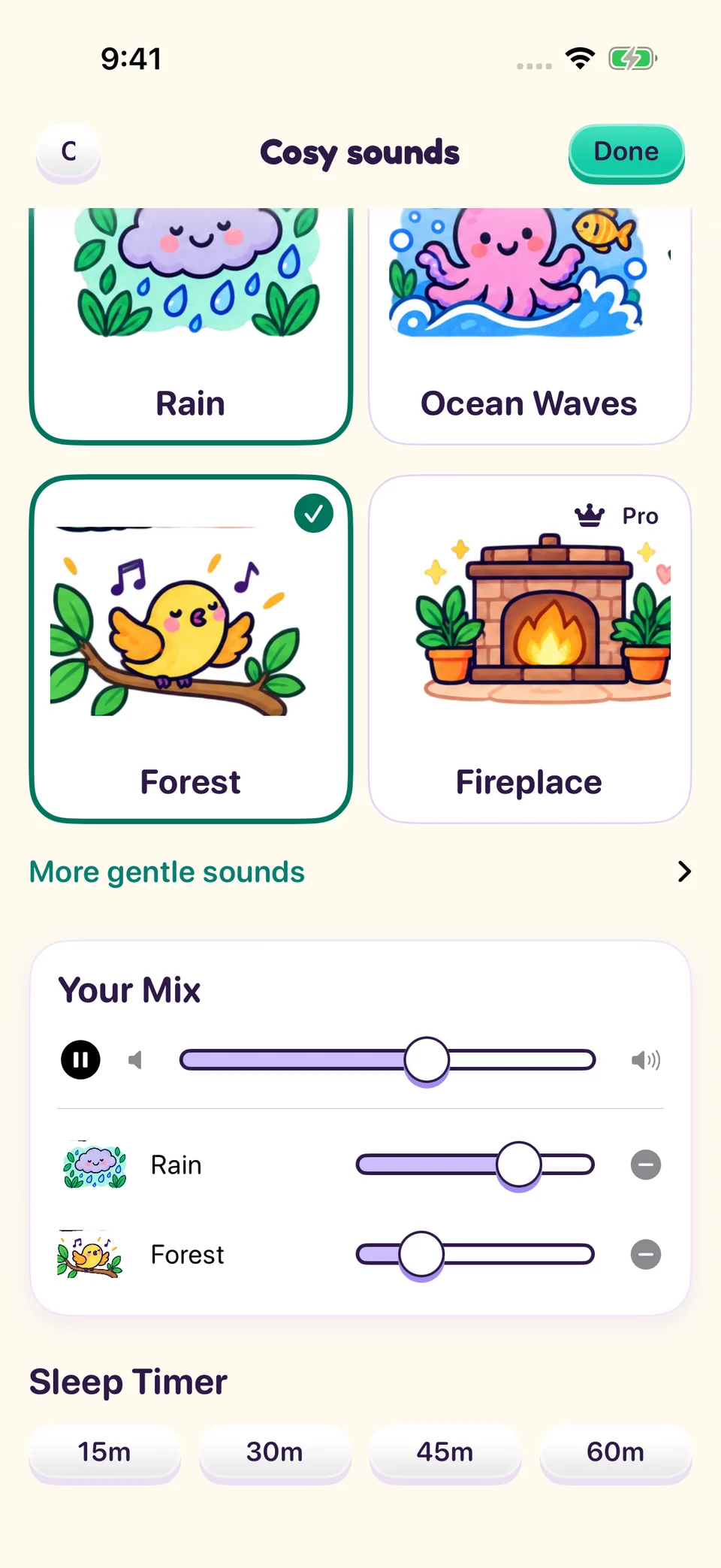
Choose the sound first
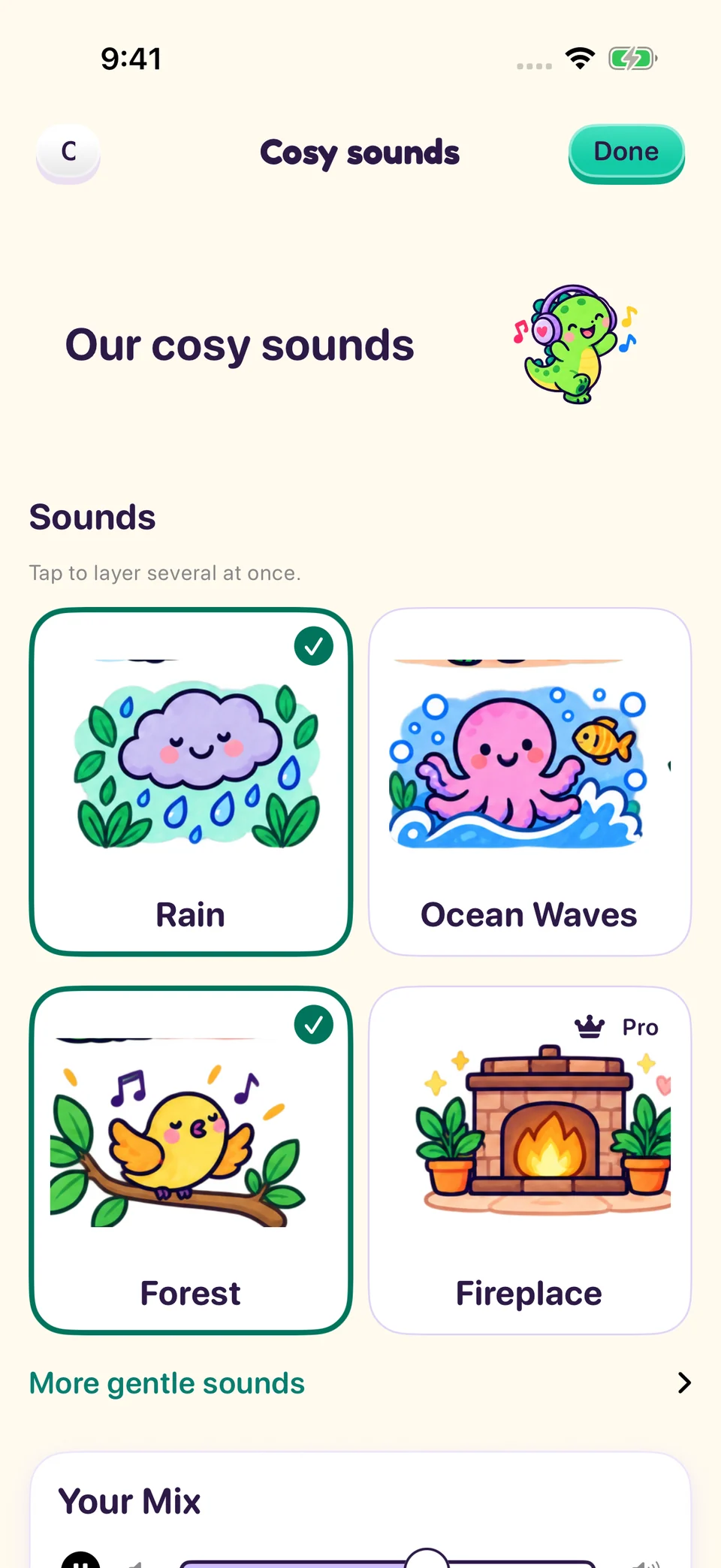
Open Cosy sounds and start an available recording or small mix. Set comfortable individual and overall levels before choosing a timer. Listen while making a few marks so the sound is judged in context. Leaving audio off is still a valid setup; the sleep timer is unnecessary when nothing is playing.
Choose a suitable duration
Use one of the offered 15, 30, 45 or 60-minute options. Check the active timer information afterwards. Choose the duration for the listening arrangement rather than making the drawing fit it. The timer belongs to audio playback and should not be described as a limit on how long the artwork can remain unfinished.
Change the plan without losing the drawing
Cancel the timer if the session changes, or stop the mix when silence is wanted sooner. The sound fades towards its scheduled end; the canvas and saved artwork remain separate. This guide does not claim verified background-app or lock-screen playback. Review the actual audio result on the device rather than assuming a visible timer proves every system playback state.
Check the result
- Check the selected duration or active end information.
- Try cancelling before relying on the timer for a longer session.
- Confirm that saved artwork remains available after stopping the sounds.
Know the access limits
The timer does not unlock paid recordings. Rain, Forest and Ocean Waves are free; additional sounds retain their normal access requirements.
Explore Colourify, or continue with the related guide.

