In this article
Twenty-five minutes of work and five minutes of rest is a familiar place to start. It is not a rule that every task has to fit. A longer reading session and a difficult first paragraph may need different boundaries.
Release checked: Focuso 23.0, 16 November 2026. Use the installed access screen for the offer available to your account.
My suggestion is to test a rhythm against real work, change one variable at a time, and keep the one that makes starting and returning manageable.
Understand what you are comparing
Both 25/5 and 50/10 allocate the same share of a complete cycle to work and rest. The difference is how often the work is interrupted and how long you have to stay with it before the next break.
| Rhythm | One cycle | A reason to try it |
|---|---|---|
| 25 work / 5 break | 30 minutes | A small start, a short task, or a day when returning often is useful. |
| 50 work / 10 break | 60 minutes | A task that benefits from a longer uninterrupted stretch. |
Those are practical starting points, not claims that one schedule is scientifically best for you. You can also choose a shorter work interval if neither option is inviting enough to begin.
Match the first attempt to the task
For revising a page, answering practice questions, or organising references, a shorter interval gives you a nearby review point. For reading a long argument or working through a design problem, a longer interval may reduce the feeling of having to stop as soon as you have settled in.
Estimate the action, not the ambition. “Understand this chapter” is difficult to evaluate after one session. “Read the next section and write a five-line summary” gives you something to check.
Set the durations in Focuso
Open Settings and find the timer durations for focus, short break, and long break. Set the work and short-break lengths for the experiment. Use the access available to your installation. In 23.0, eligible new users start a seven-day trial through a free Apple in-app transaction; lifetime access is required for further sessions afterwards.
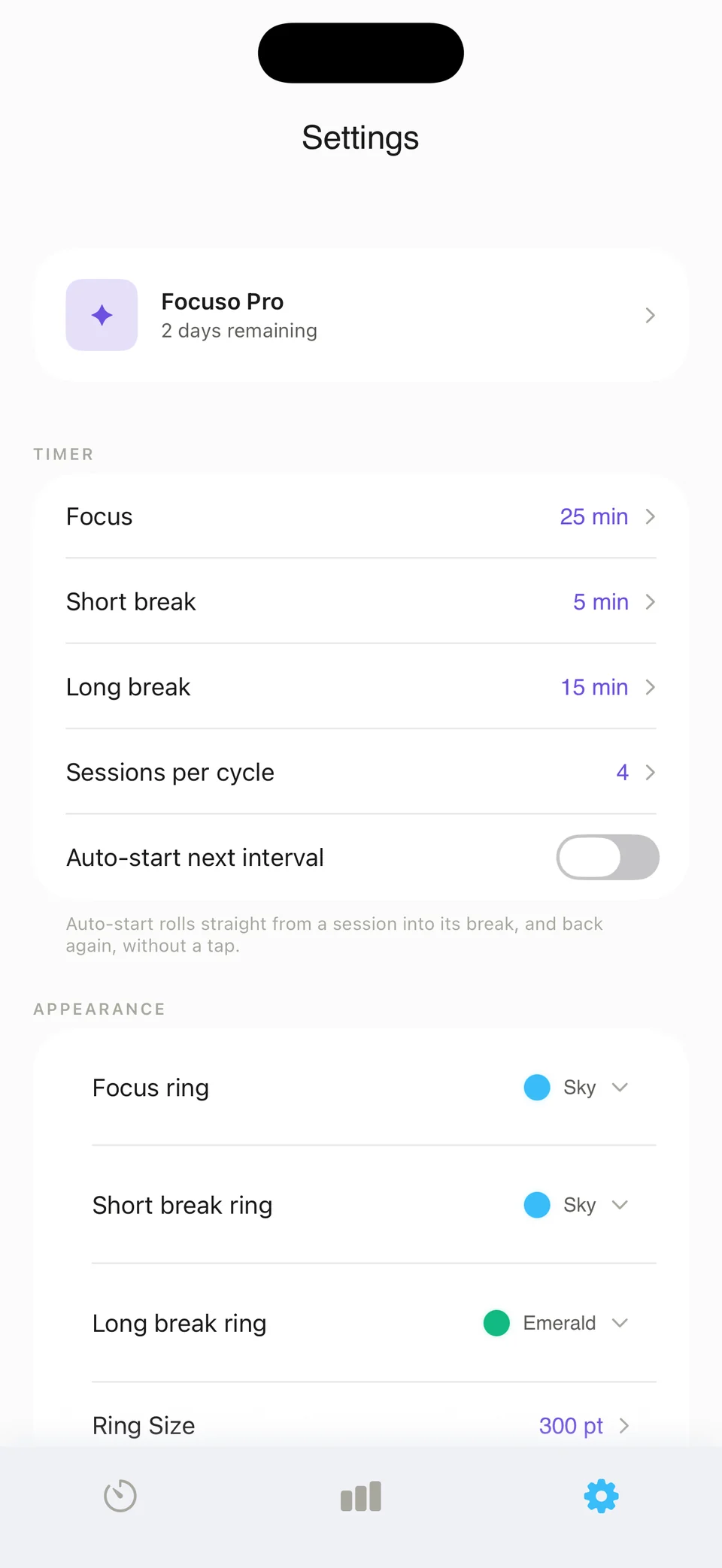
If you work with task-specific durations, check the duration displayed on the timer after choosing the task. The session on screen is the one you are about to run.
Compare two ordinary sessions
- Choose similar work for each trial, rather than comparing easy admin with difficult revision.
- Try the first rhythm and record what you finished.
- Note whether you wanted to stop earlier or needed longer to settle in.
- Try the other rhythm on a comparable day.
- Keep the setup that gives the work a useful boundary and leaves you willing to return.
I would record interruptions as well as the timer duration. A meeting or a noisy room can explain more than the difference between 25 and 50 minutes.
Keep breaks honest
A longer work interval does not help if it becomes a reason to skip the break. Decide beforehand what rest will look like and when you will resume. If ten minutes regularly becomes forty, try a simpler break activity or a shorter cycle.
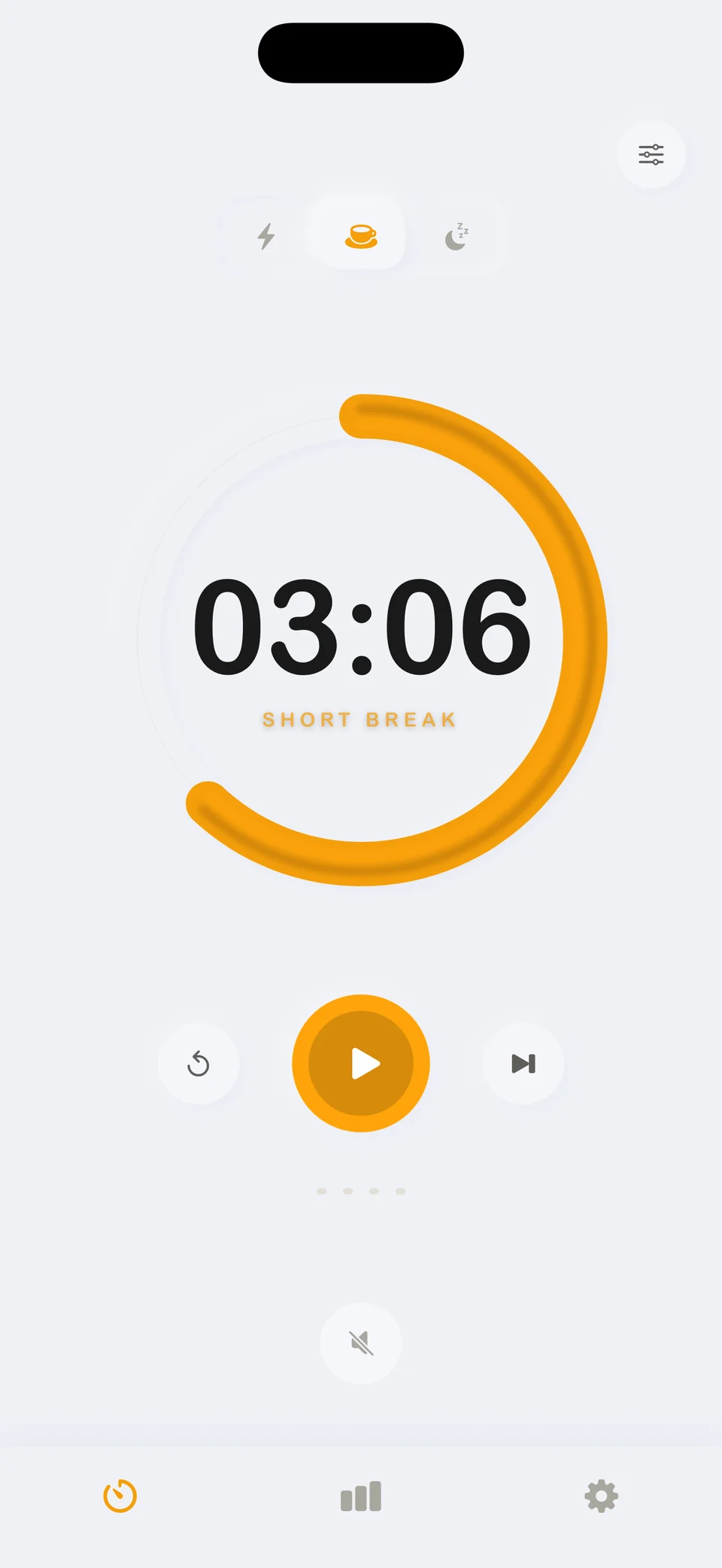
You do not need to change a routine that is already working. Use the timer as a boundary, not a challenge to tolerate longer sessions.
Start with the first-session walkthrough, then use your weekly focus history to make a modest plan for the next week.
Leave a result you can compare tomorrow
For a deliberately simple 60-minute example, two complete 25/5 cycles contain 50 minutes of work and 10 minutes of breaks. One 50/10 cycle has the same totals. The arithmetic alone does not tell you which pattern helps you read, write or solve a problem.
| Record for each attempt | Concrete example |
|---|---|
| Task and stopping point | Read one section and write a five-line summary. |
| Actual result | Write what you finished, including unfinished work. |
| Interruptions and return | Note interruptions and whether you returned after the break. |
| Next adjustment | Keep the rhythm or change one setting for the next attempt. |
The example is a blank comparison method, not recorded user data. You can keep it in your own notes; no extra tracking app or score is needed.
Current access
In Focuso 23.0, eligible new users start seven days of full access by completing a free Apple in-app transaction. There is no automatic charge or renewal. Afterwards, a one-time lifetime purchase is required to start or resume further sessions. History and Settings remain accessible. Existing installations retain their earlier freemium access, and valid earlier purchases remain honoured.
See Focuso app details and current access information before your next session.