In this article
A logo can look correct on a white page and reveal an unwanted white rectangle when placed on a dark one. I check whether transparency exists in the source before changing format, because conversion cannot recover a background that was already flattened into the pixels.
Check the source before the export settings
Use a permission-cleared mark with known transparent margins. A checkerboard drawn into a JPG is still part of the picture; it is not an alpha channel. Open the source in an editor or viewer that can distinguish transparent pixels from a white background.
Keep the original vector or layered artwork when you have it. This guide concerns a raster export for delivery, not editing the master logo or removing a background. Enlarging a small bitmap will not recreate clean vector edges.
Choose the format for the destination
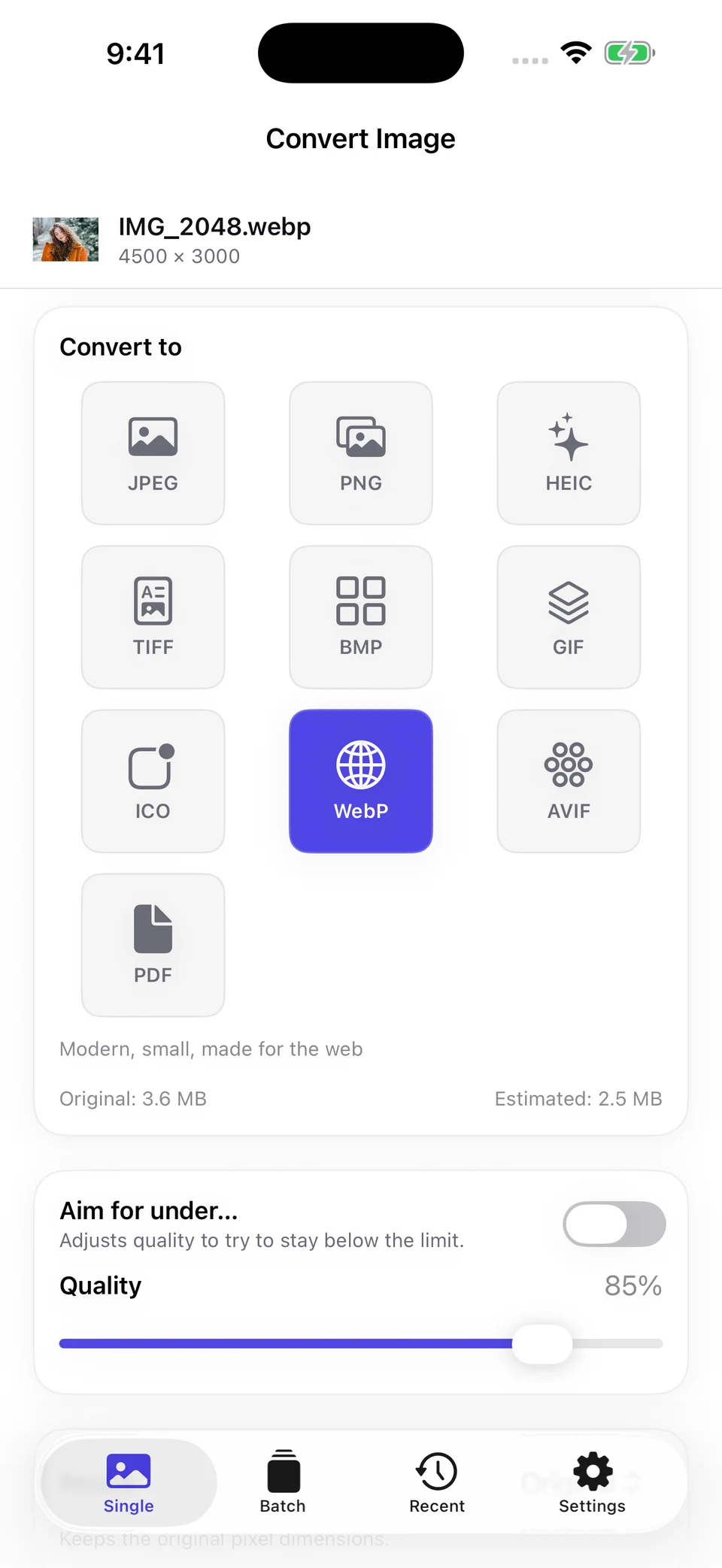
PNG is a straightforward choice when the receiver requires a raster logo with transparent pixels. JPEG cannot retain that transparency. Other formats have their own capabilities and destination support; use the format guide before choosing one just for smaller bytes.
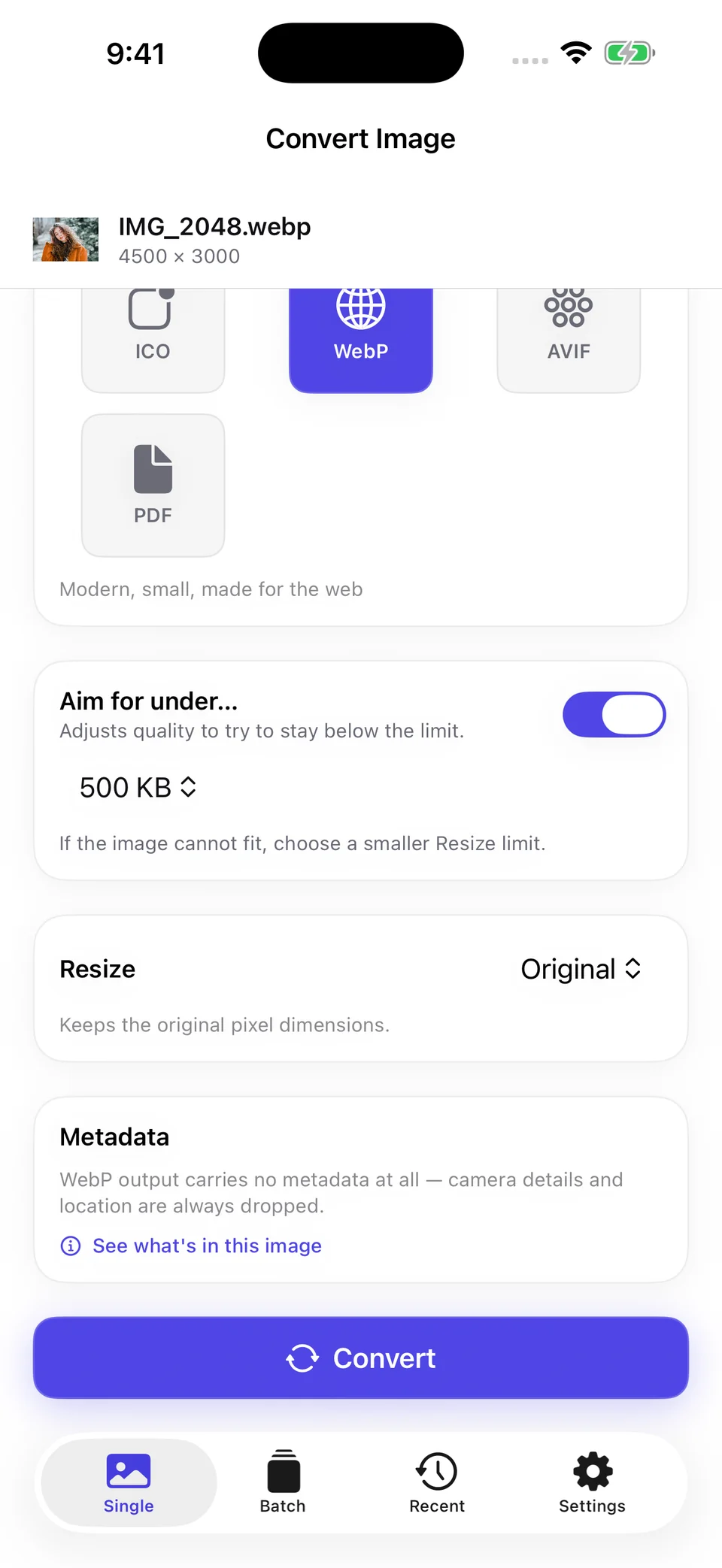
In Single, select the output and review Resize separately. White Padding is a visible canvas treatment, not transparent padding. If you need the untouched transparent margins, do not introduce white space and assume it will remain invisible.
Inspect edges on two backgrounds
- Save a converted copy to Files with a clear name.
- Place that copy over a light background in the destination design.
- Repeat over a dark background.
- Inspect the outer rectangle and anti-aliased edges at normal size and enlarged.
A pale fringe can come from an earlier matte or export, even when the file still contains some transparent pixels. If the source already has that fringe, changing only its container format may preserve the problem. Return to the original artwork rather than repeatedly recompressing the same flattened copy.
Treat the receiving app as part of the check
A receiving service may re-encode your upload or place it on its own background. Keep the exported file and inspect the published result separately. A white preview in a viewer does not, by itself, prove that transparency was lost.
The comparison guide helps with zoom and dimensions. For a required square canvas, check the resize modes before choosing padding. I would send a small tested sample to the person using the logo before producing several sizes.
Know the access limits
Image Converter processes conversions on your device without a photo upload or account. The free app includes ads and five images per day, with optional rewarded ads for extra conversions. Lifetime Pro removes ads and adds unlimited images, compressed PDF export, and ZIP export. Advertising uses network access; a cloud-only source may need downloading first.
Questions before you start
Can converting a JPG to PNG remove its white background?
No. PNG can store transparency, but changing the format does not create a transparent cutout.
Is a white preview proof of an opaque file?
No. Some viewers display transparent pixels over white; test the file against a different background.
See the app details and current access information before choosing your next step.