In this article
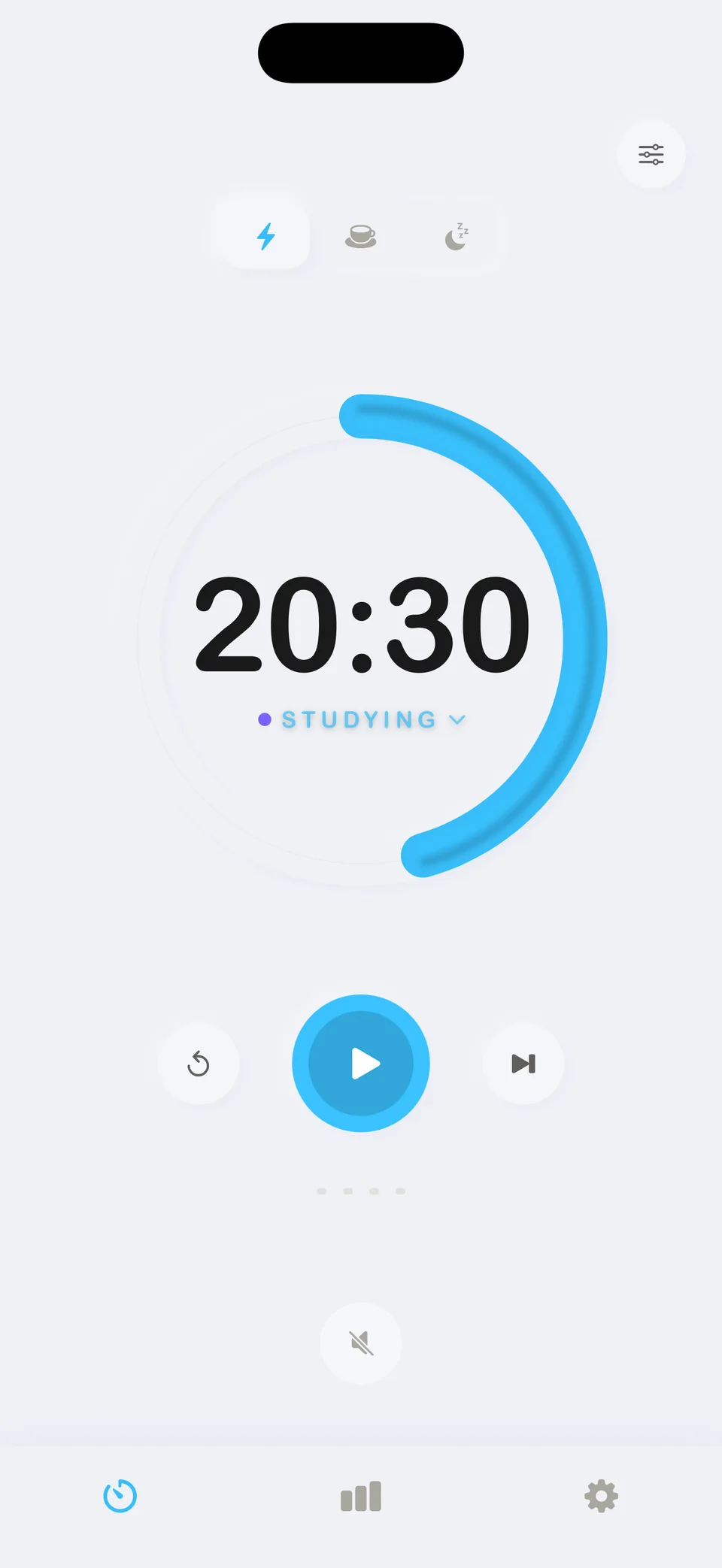
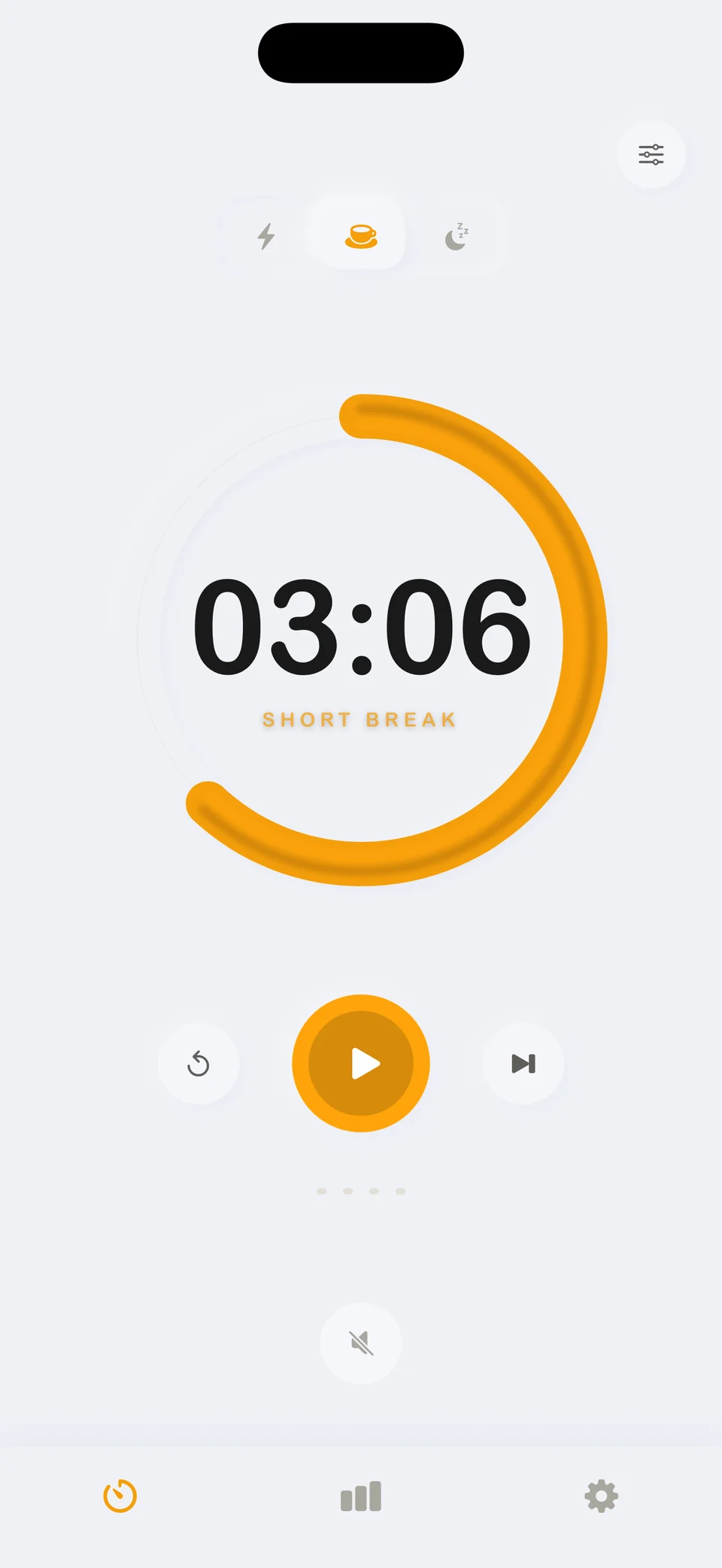
The ring around Focuso’s timer gives you another way to read the remaining session. You can glance at the arc instead of relying only on the digits. Whether that feels useful is something to test in your own workspace.
I would start with one task and one interval, then judge the timer by how easy it is to use while doing the work.
Make the interval concrete
Before pressing start, write a small action: outline the introduction, review a page of notes, or sort one folder. A timer marks a boundary around the action; it does not tell you which action to choose.
Choose a duration that feels realistic for that task. Focuso supports custom intervals through Pro, alongside its work and break rhythm. You do not need to select the longest possible interval to make a session worthwhile.
Put the display where a glance is enough
If you are working on paper or a computer, place the phone where you can see it without picking it up. If you are working in another app, Focuso’s background timer lets the session continue while you switch.
I would avoid checking every few seconds. If the visible countdown becomes distracting, move it out of direct view and use the session notification instead, after checking the notification settings.
Use appearance as a practical setting
Focuso includes five timer animations and custom ring colours. Pick a combination with a clear distinction between the ring and background. The useful question is whether you can read it comfortably, rather than whether the theme looks best in a screenshot.
Light and dark displays can feel different in different rooms. Try the one that suits your lighting and adjust device brightness separately.
Give the break a purpose
When the work interval ends, note the next action before stepping away. That gives you somewhere to return. Use the short or long break timer if a visible boundary helps you resume.
If a session length is not working, change one variable for the next attempt. Shorten the task, change the interval, or remove a distraction. Changing everything at once makes it harder to notice what helped.
A display preference is not a medical claim
People, including people with ADHD, can have different reactions to a countdown. I do not claim that a ring resolves time blindness or that numeric clocks are inherently harmful. I want Focuso to offer a clear timer you can choose to use.
For a simpler starting workflow, read my first-session guide. For pricing and trial details, see what Focuso Pro includes.