In this article
When your calendar leaves a forty-minute gap between two video calls, a standard fifty-minute focus block will not fit and twenty minutes can disappear into checking messages before you even begin. On meeting-heavy days working from home, the bottleneck is rarely motivation; it is sizing a single piece of work so it starts quickly and finishes with enough headroom to join the next call on time.
I build Focuso, and on days when my own schedule is chopped into thirty- and forty-minute slices, I treat each gap as a self-contained scenario rather than trying to force a full morning routine into it. Below is how I structure a forty-minute window on a busy call day using Focuso 23.0, without pretending a timer can clear your calendar for you.
10:20 to 11:00: sizing the gap before the next call
Suppose a morning stand-up runs slightly long and finishes at 10:20, and your next call starts at 11:00. On paper you have forty minutes. In practice, you need two or three minutes at the end to close your notes, grab water, and open the next meeting link, plus a couple of minutes at the start to pick up where you left off.
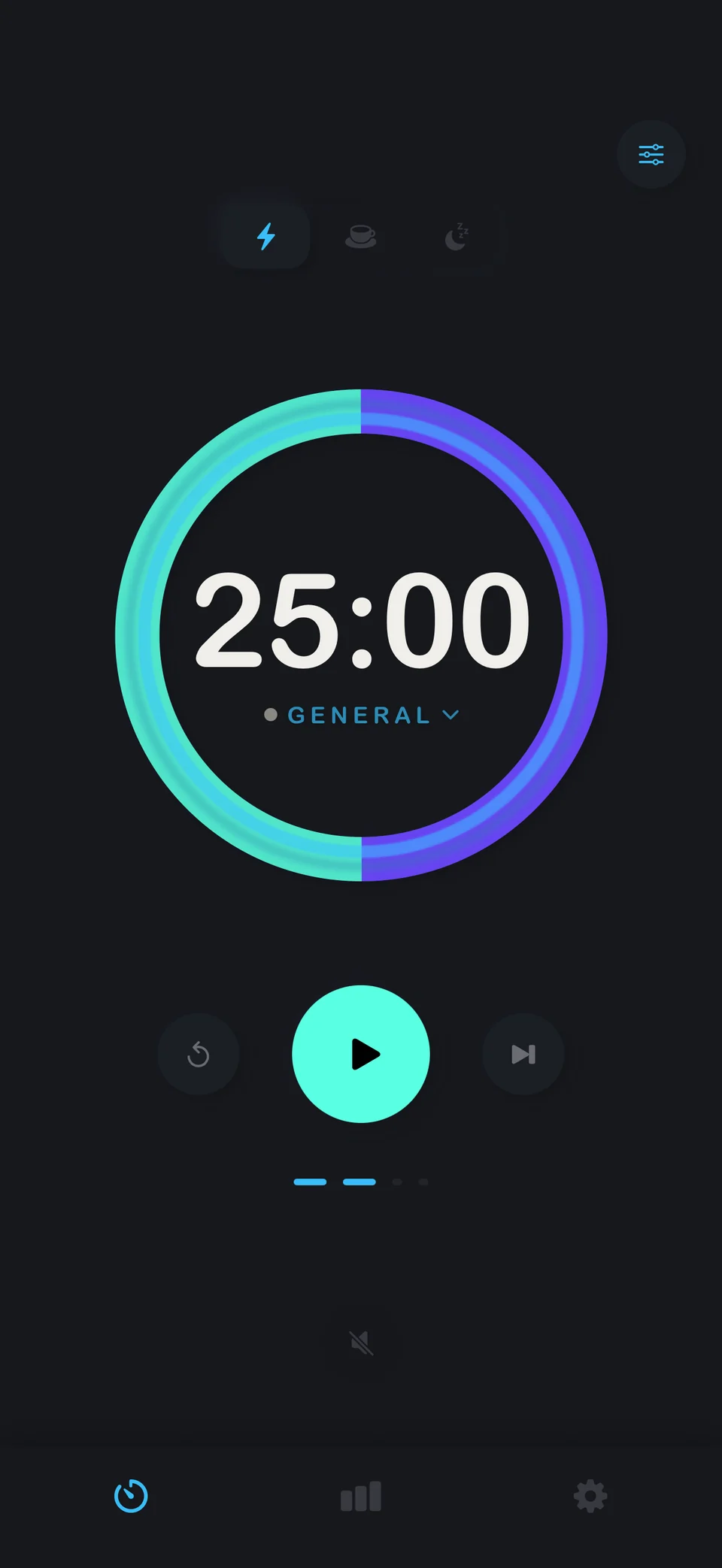
If I set a thirty-five-minute focus countdown here, I almost always end up rushing at 10:55. Instead, I set a twenty-five- or thirty-minute focus interval and a five-minute short break. That leaves a deliberate buffer before 11:00 so the session ends before the meeting notification arrives, rather than colliding with it.
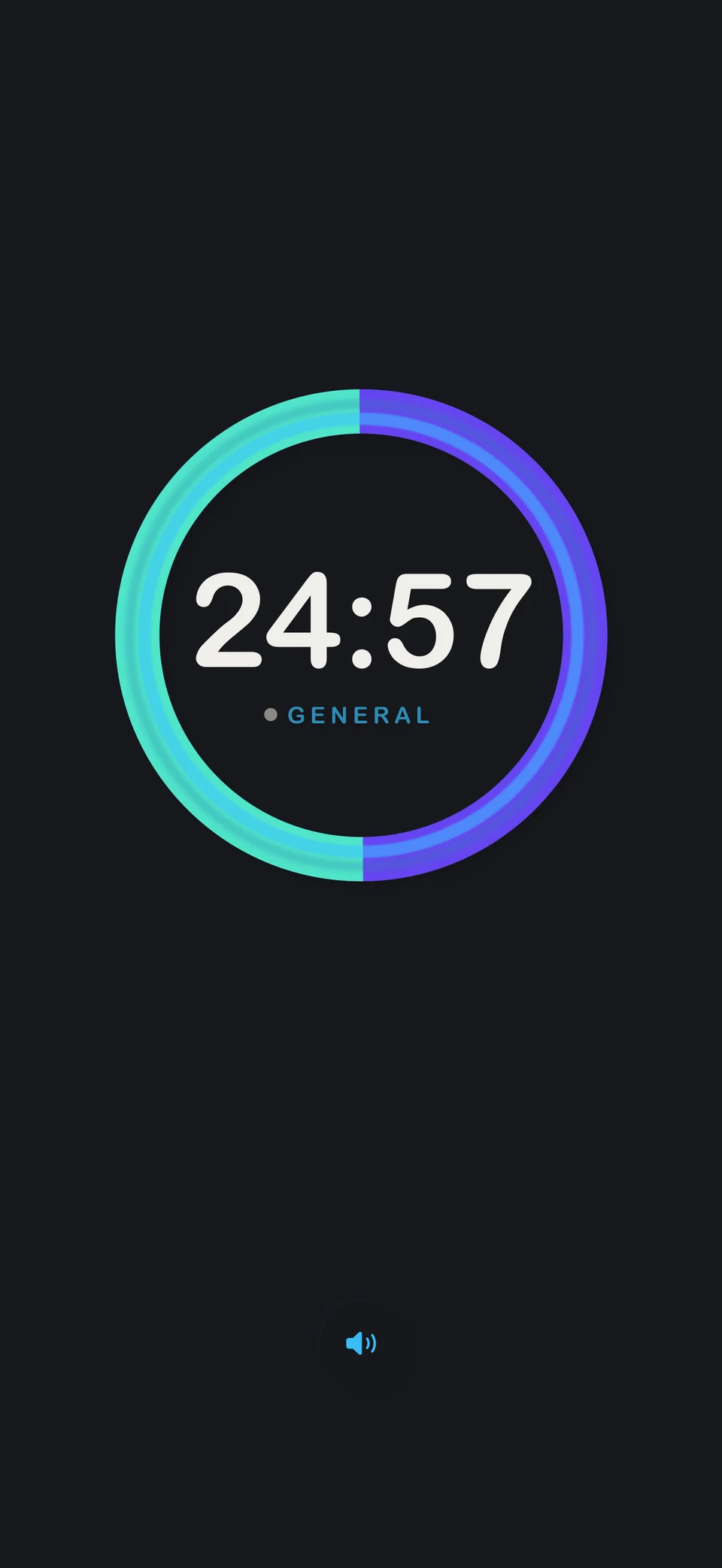
In Focuso 23.0, sessions are countdowns—Focus, Short Break, and Long Break—rather than an open-ended count-up stopwatch. I prefer a countdown for tight gaps between calls because the boundary is visible from the first second. If you specifically want an uncapped elapsed-time counter that runs until you stop it, Focuso does not offer that mode.
Choosing one task that fits inside thirty minutes
Once the interval is set in Settings, the second mistake I used to make was picking an oversized goal like “draft the quarterly update” for a thirty-minute slot. When a task cannot plausibly finish in one block, it is tempting to skip starting altogether and spend the gap answering emails.
Before tapping start, I choose a task in Focuso that has a concrete stopping point inside the countdown:
- Review one pull request and leave written comments.
- Outline the three headings for a document, without polishing the prose.
- Reply to four waiting support threads and stop there.
If I am working at my desk on a Mac or iPad, I leave Focuso visible or keep the timer in view via a widget or Live Activity on iPhone. Because active sessions use a date-based countdown, switching to another app or locking the phone does not stop the clock. If a teammate pings you with an urgent question halfway through, use the pause control deliberately—our guide on pausing and resuming an interrupted session walks through how to handle that cleanly without muddying your session history.
13:30 to 14:10: using audio and alerts without missing a meeting
Afternoon gaps feel different from morning ones, especially after back-to-back calls. When the room is quiet or household noise picks up, I turn on one of the ambient soundscapes—rain, café, forest, ocean waves, fireplace, or white noise—or Studio Music. Keeping the audio inside the same screen as the timer saves me from opening a separate music app and drifting into a playlist rabbit hole when I only have forty minutes.
The risk in a short gap is getting absorbed in the work and noticing your next calendar invite two minutes late. Turn on optional completion alerts in Focuso so the end of your twenty-five- or thirty-minute block nudges you to wrap up. If you have ever missed the end chime while your phone was locked or in a Focus mode, checking your session notification settings takes two minutes and prevents silent overruns.
When the focus countdown ends, take the five-minute short break away from your keyboard. Even standing up to stretch or making tea resets your attention before the 14:10 call starts, and the completed block is logged in your session history and streaks without needing a two-hour afternoon stretch to count.
16:00 wrap-up: checking what actually got done
At the end of a fragmented day, it is easy to feel as though you attended five meetings and finished nothing. Opening Focuso’s session history and statistics gives a plain record of those two or three thirty-minute blocks you rescued between calls. Nothing syncs to a third-party account—no Focuso account is required, and iCloud sync and Apple Health Mindful Minutes logging are optional.
If a forty-minute gap still feels too tight for deep writing, that is useful information rather than a failure of discipline. On those days, I use custom shorter intervals strictly for bounded reviews or admin, and save longer work for unscheduled mornings.
In Focuso 23.0, eligible new users can start seven days of full access by completing a free Apple in-app transaction, with no automatic charge or renewal. After the seven-day trial, a one-time lifetime purchase is required to start or resume further sessions, while your history and Settings remain accessible (existing installations keep their earlier freemium access, and valid prior purchases remain honoured). You can read more and find the App Store link on the app page.