In this article
Colorist and Colourify share an interest in keeping artwork worth returning to, but I do not treat them as interchangeable. I build both apps, and the useful comparison is which experience fits the person holding the device.
Begin with the person and the setting
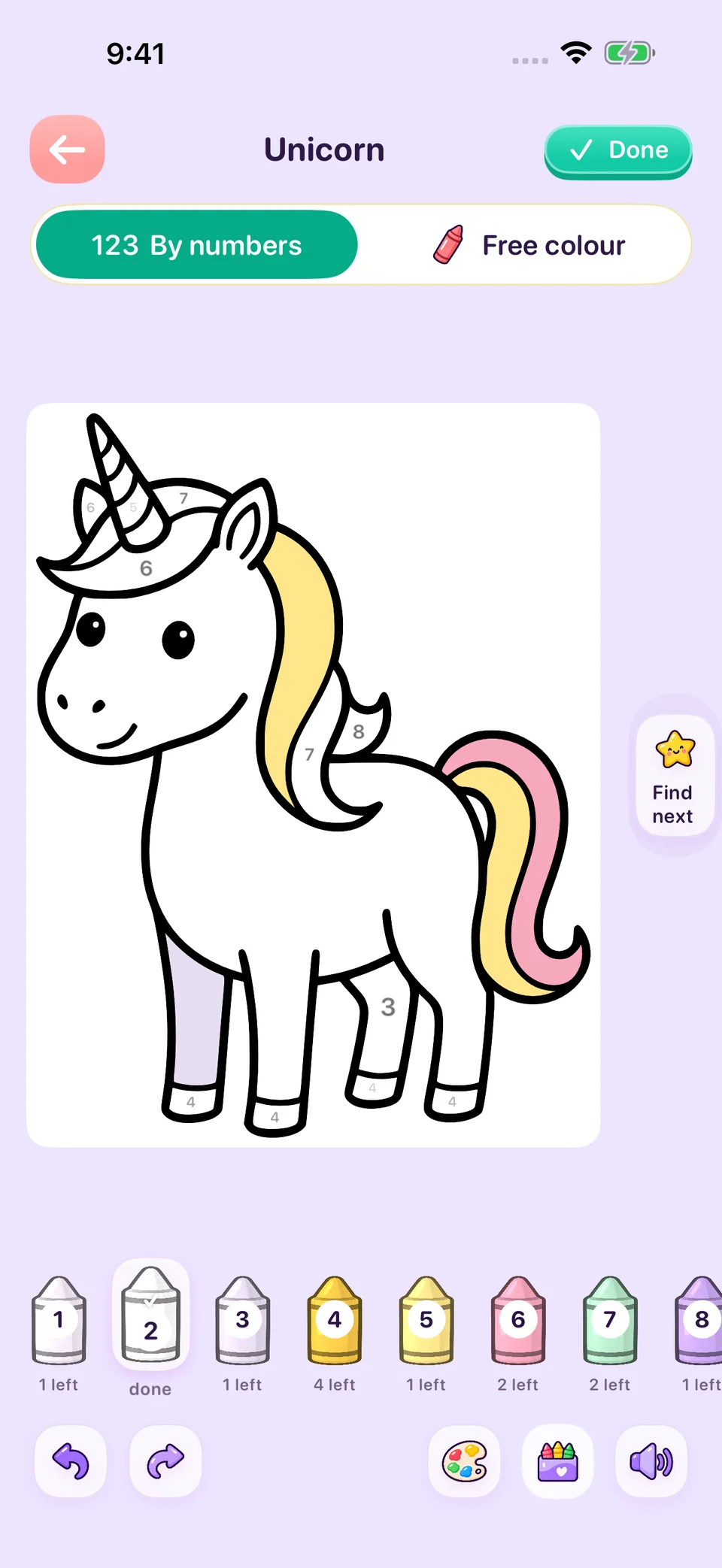
For a child using a shared family iPad, I would start with Colourify’s roomy controls, numbered pictures, separate brushing collection, and grown-up question. It has no ads in the free experience or after a completed picture.
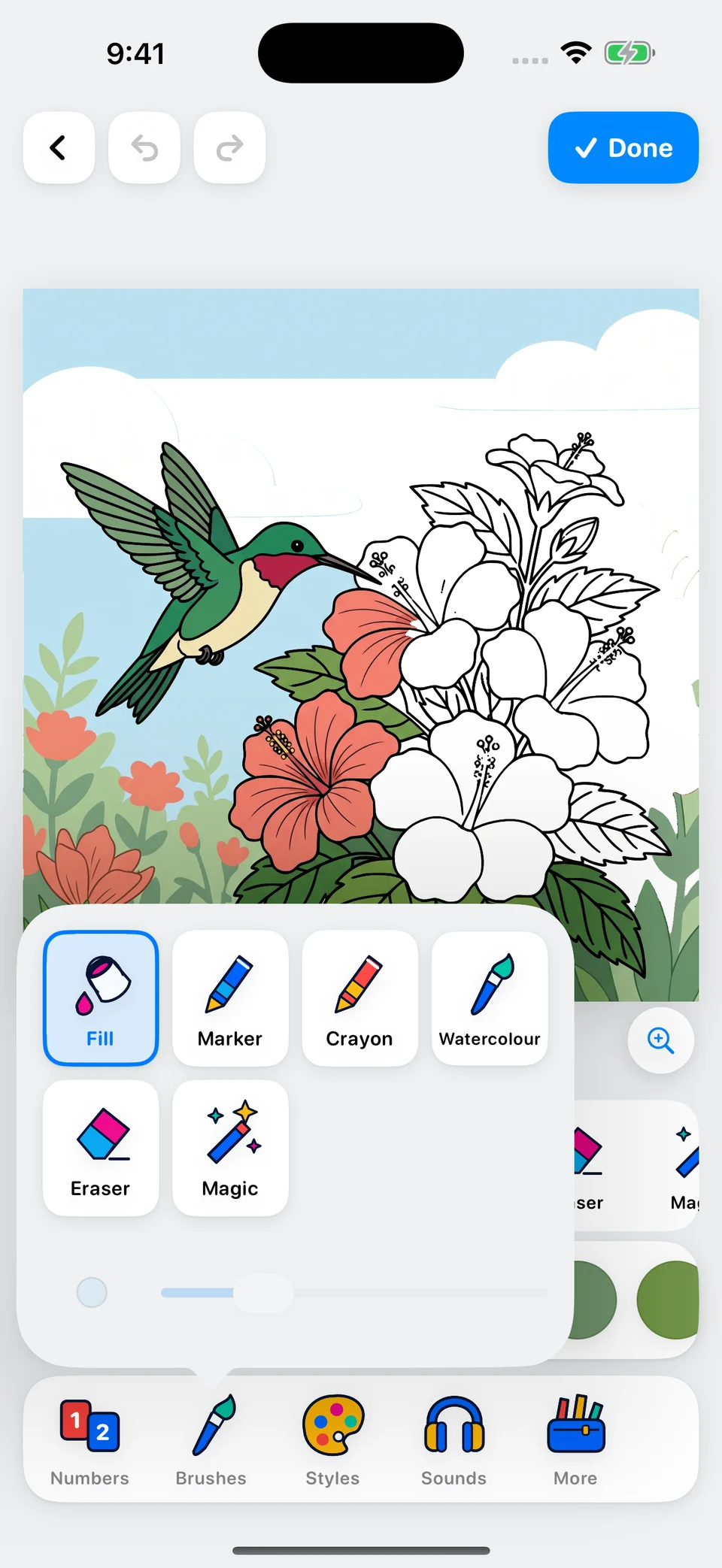
For someone who wants a personal creative collection, Colorist adds a different emphasis: numbered colouring, Magic, free colours, multiple editions, named palettes, and decorative designs. It includes advertising when used free. “Adult colouring” describes that intended style and audience, not a requirement that every person enjoys the same picture complexity.
Compare what happens on the canvas
| Question | Colourify | Colorist |
|---|---|---|
| How do I start? | Numbered pictures or a separate brushing collection. | Numbered colouring, Magic, or free colours. |
| What supports exploration? | Find next, zoom, undo, and approachable tools. | Editions, named palettes, brushes, and fill styles. |
| What surrounds the activity? | No ads and a grown-up gate for protected actions. | Free experience with ads and optional lifetime Pro. |
Try comparable free pictures rather than judge from two very different promotional artworks. A detailed illustration can change the experience as much as the toolset.
Choose the output you actually want to keep
Colourify’s personalised book workflow presents children’s artwork with covers, page colours, frames, and picture-card choices. PDF export requires Unlock Everything. Colorist also supports printable books and posters, plus decorative compositions and time-lapse output, with its own access rules.
Neither purchase should be assumed to unlock the other app. Check the actual store and account terms before making a multi-device or family purchase. I do not infer purchase sharing merely because I develop both products.
Try first, then decide
Use Colourify’s mode guide for a first family session. For Colorist, compare the three colouring interactions and try keeping separate editions. Those tasks tell you more than an unqualified “best colouring app” ranking.
I would choose Colourify when the ad-free child-focused boundary is central. I would choose Colorist when the person specifically wants its studio tools and can evaluate its free advertising experience. It is also reasonable to prefer paper or a different tool after trying both.
Know the access limits
Colorist is free to start with ads and a selection of pictures and tools. Optional lifetime Pro removes ads and adds Pro content, tools, sounds, and unlimited drawing imports. Some actions offer rewarded access. Pro can remove the Colorist credit and QR code from designs, books, and posters; check the actual export screen for the action you choose.
Questions before you start
Does Colorist Pro include Colourify?
Do not assume that. They are separate apps with separate purchase boundaries.
Which app has no ads?
Colourify has no ads. Colorist’s free experience includes advertising; its optional Pro purchase removes ads.
See the app details and current access information before choosing your next step.