In this article
Exam week falls apart when you treat every day as an identical marathon. By Wednesday afternoon, long unpaced study blocks turn into staring at the same paragraph, and a rigid timetable breaks the moment one paper takes longer than expected.
When I map out a seven-day revision stretch in Focuso, I do not try to maximise hours on a clock. Instead, I shift the focus and break intervals across the week so heavier recall sits early, lighter review fits around actual exam days, and the session history shows what I genuinely covered rather than what I hoped to cover.
Why one fixed timer fails across seven days
Most people pick a single rhythm on Monday—usually 25 minutes on, 5 minutes off, or 50 on, 10 off—and force every subject into it until Sunday. That works for a calm week of coursework, not for seven days of uneven energy and shifting deadlines.
On Monday, when your head is relatively clear, a 50-minute block gives you room to wrestle with a difficult derivation or a long past-paper section without an alarm cutting you off mid-thought. By Thursday evening, after two papers and short sleep, 50 minutes feels too steep to even press Start. A 25-minute or 15-minute interval lowers the barrier to beginning.
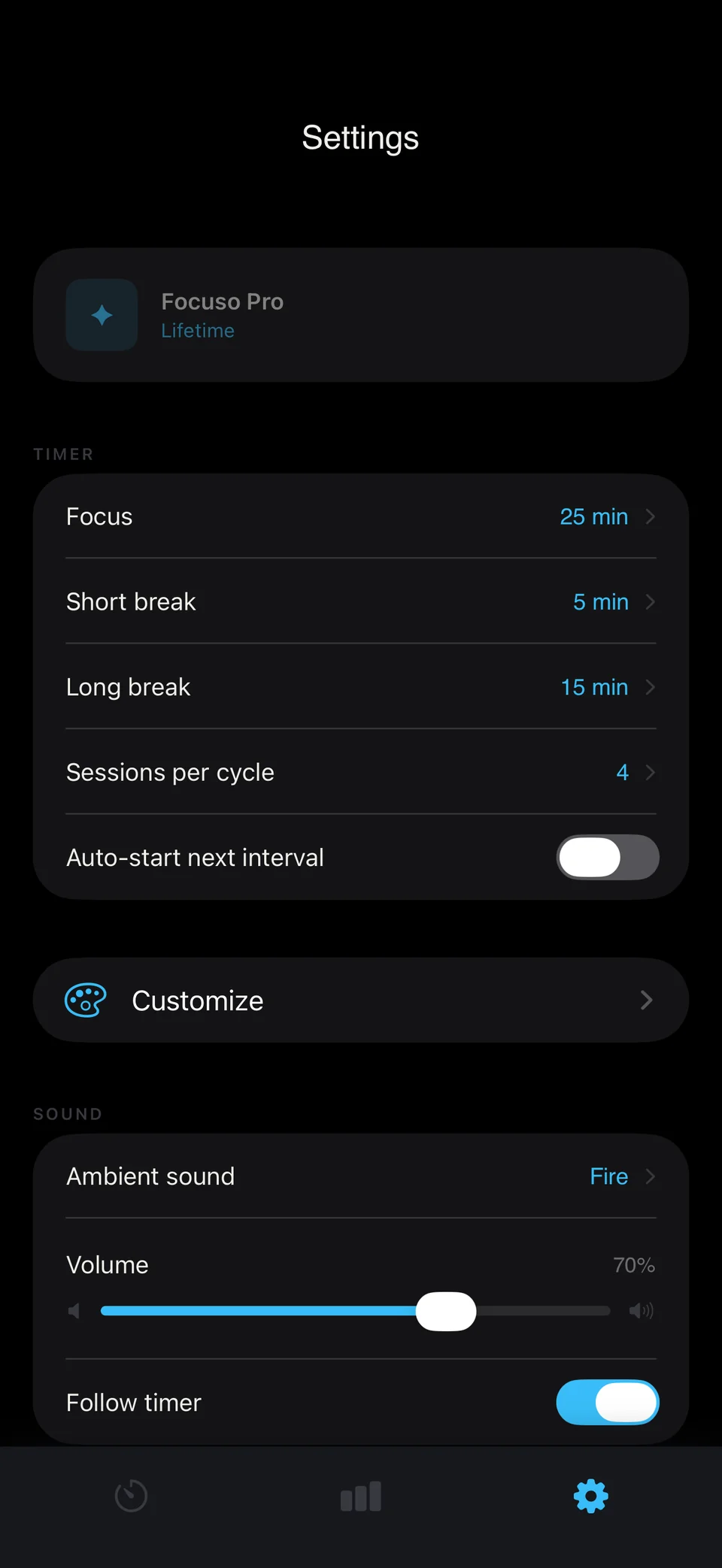
In Focuso, you can adjust focus, short-break, and long-break durations in Settings before a block, or assign task labels so each subject keeps its own record. When you are working through a timed mock paper and do not want a countdown chime interrupting your pacing, you can switch to the open count-up flow instead. I wrote separately about when the count-up flow suits work better than a strict countdown.
A seven-day exam-week schedule with interval choices
Treat the table below as a practical starting template rather than a strict prescription. Adjust the number of cycles to match your exam timetable, and leave at least one buffer slot each afternoon for topics that overrun.
| Day | Focus / break interval | What to put in the block | Practical boundary |
|---|---|---|---|
| Day 1 | 50 min focus / 10 min break (2–3 cycles, then 20 min long break) | Weakest core topics, active recall, and worked derivations. | Stop the final cycle on time so Monday does not drain Tuesday. |
| Day 2 | 25 min focus / 5 min break (3–4 cycles) | Mixed problem sets, flashcards, and marking past-paper errors. | Use the 5-minute break to stand up away from the desk. |
| Day 3 | 50 / 10 min morning; 25 / 5 min afternoon | Essay plans or long-form answers early; quick error-log review later. | Check mid-week session history before adding extra evening blocks. |
| Day 4 | Open count-up flow or 50 / 10 min | Full timed section rehearsal under realistic exam conditions. | Run the count-up timer if you are matching an official paper length. |
| Day 5 | 25 min focus / 5 min break (2–3 cycles) | High-frequency formulas, definitions, and summary sheets. | Finish early enough to protect sleep before an exam morning. |
| Day 6 | 15 min focus / 5 min break (1–2 cycles) | Brief warm-up recall on key points before heading into the exam. | Close the books once the paper is over; do not cram post-mortem notes. |
| Day 7 | 25 / 5 min (optional) or full rest | Light review only if another exam sits early next week. | Review the week’s completed blocks and pack away finished modules. |
Real exam weeks rarely run uninterrupted. If a housemate knocks on the door or an exam room announcement pulls you away mid-block, pause the timer and pick it back up rather than scrapping the whole session. For how Focuso handles mid-session stops, see pausing and resuming an interrupted session.
Reading your session history without fooling yourself
By Day 3, it is easy to feel busy while quietly avoiding the one module you dislike. Opening Focuso’s session history and task breakdown gives you a blunt check on where your time actually went.
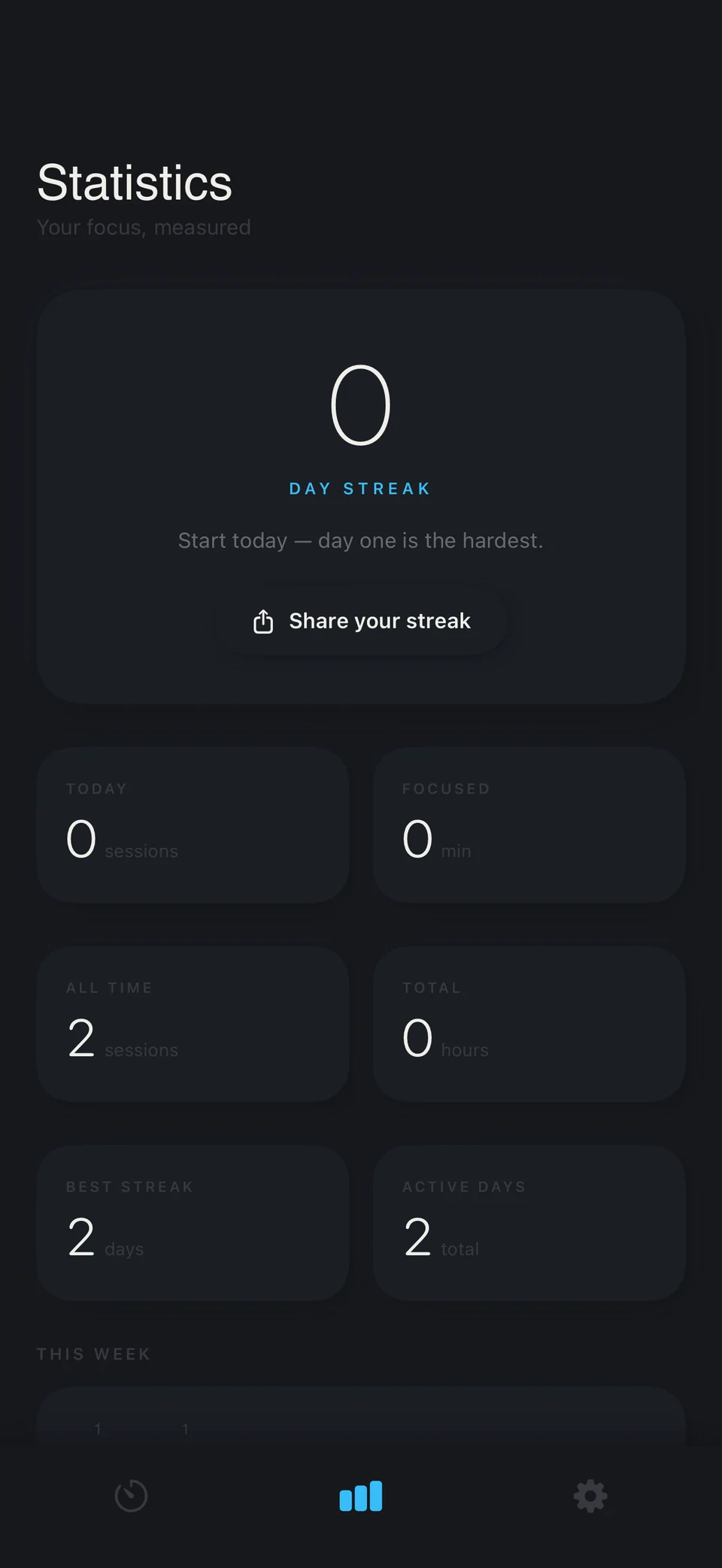
I built the history screen to be a plain record, not a judge of how well you studied. Focuso logs elapsed intervals and the task label you selected; it cannot tell whether you were actively testing yourself or passively rereading highlighted notes. Pair the chart with a short written note on paper—such as “finished 2024 Paper 2, missed Q4”—so you know what each block produced.
If you are revising in a noisy library or late at night, two small settings help keep the week steady. You can layer ambient sounds such as rain, café noise, or white noise underneath your work, and switch to high-contrast dark appearance for late-evening review. Focuso runs offline with no account required, so you can turn on aeroplane mode during a revision block and keep notifications out of sight while the date-based countdown, Live Activities, or widgets track the remaining time.
Know the access limits
In Focuso 23.0, eligible new users can start a seven-day free trial through a free Apple in-app transaction, with no automatic charge or renewal. That covers a full seven-day exam week if you want to test the full routine first. Once the trial finishes, a one-time lifetime purchase is required to start or resume new sessions, though your recorded session history and Settings stay accessible. Existing installations keep their earlier freemium access, and valid earlier purchases remain honoured.
No timer can guarantee a grade, but a realistic interval plan makes it much easier to show up each morning without burning out halfway through the week. You can check device compatibility, screenshots, and the App Store link on the app page.